

Hello! I’m Tomona from Ohata Resource Canada’s Richmond yard.
It’s Tuesday, November 10, 2026, and Richmond is around 11°C with rain today. If you’re bringing electronic scrap to our yard, please keep it covered and dry during transport.
Tomorrow is Remembrance Day. Our Richmond yard will be closed on Wednesday, November 11, and will reopen on Thursday, November 12, at 8:00 a.m.
Today, we’re looking at something commonly removed from desktop computers, workstations and servers: computer power supplies.
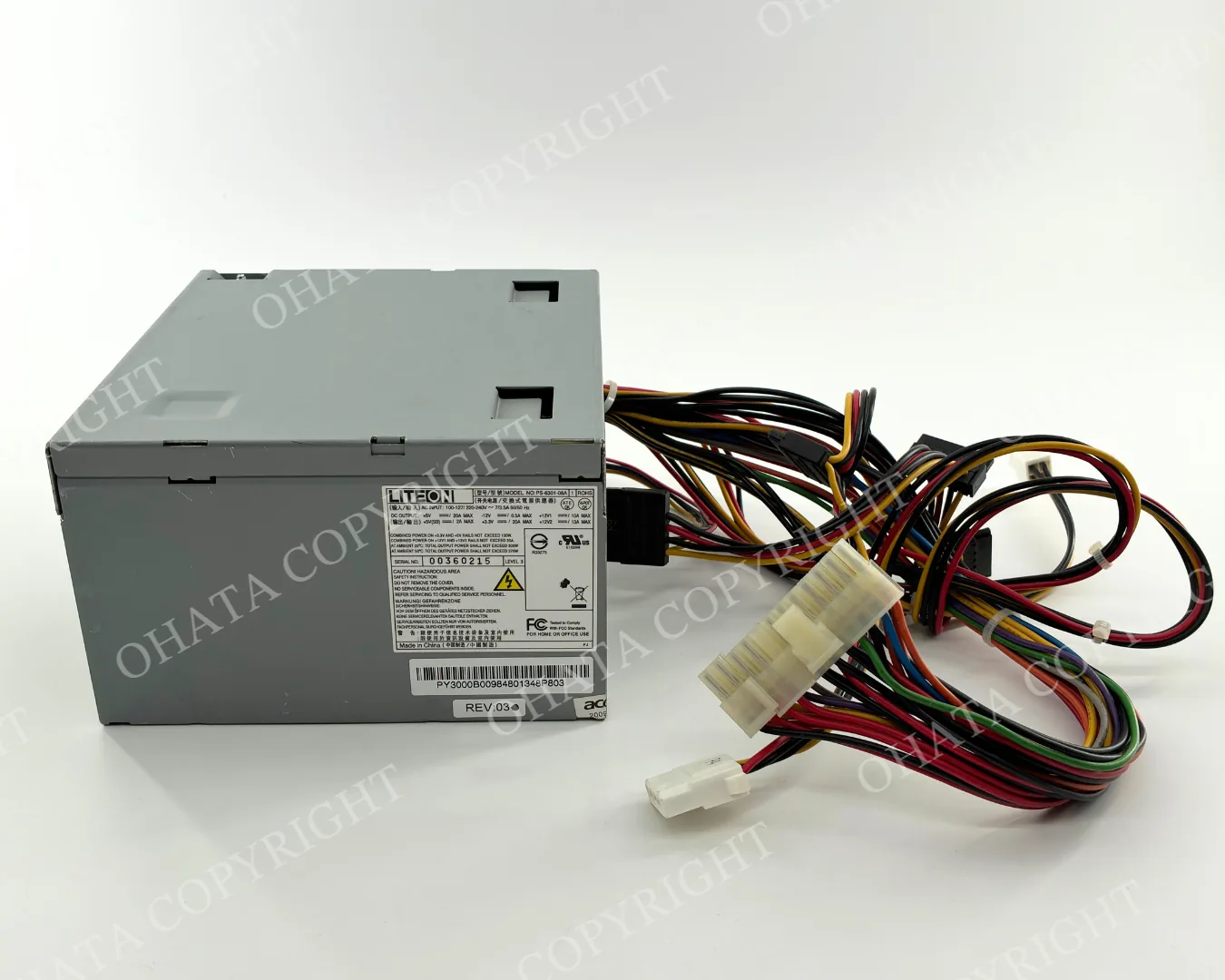
Perhaps you have a box of old power supplies left after repairing computers or clearing out an office. Some may have bundles of wires attached, while others may look like compact metal modules without external wiring. Ohata Resource Canada purchases qualifying examples of both types.
What Is a Computer Power Supply?
A computer power supply—often called a power supply unit or PSU—is the component that converts electricity from a wall outlet into the different power levels required by a computer’s internal parts.
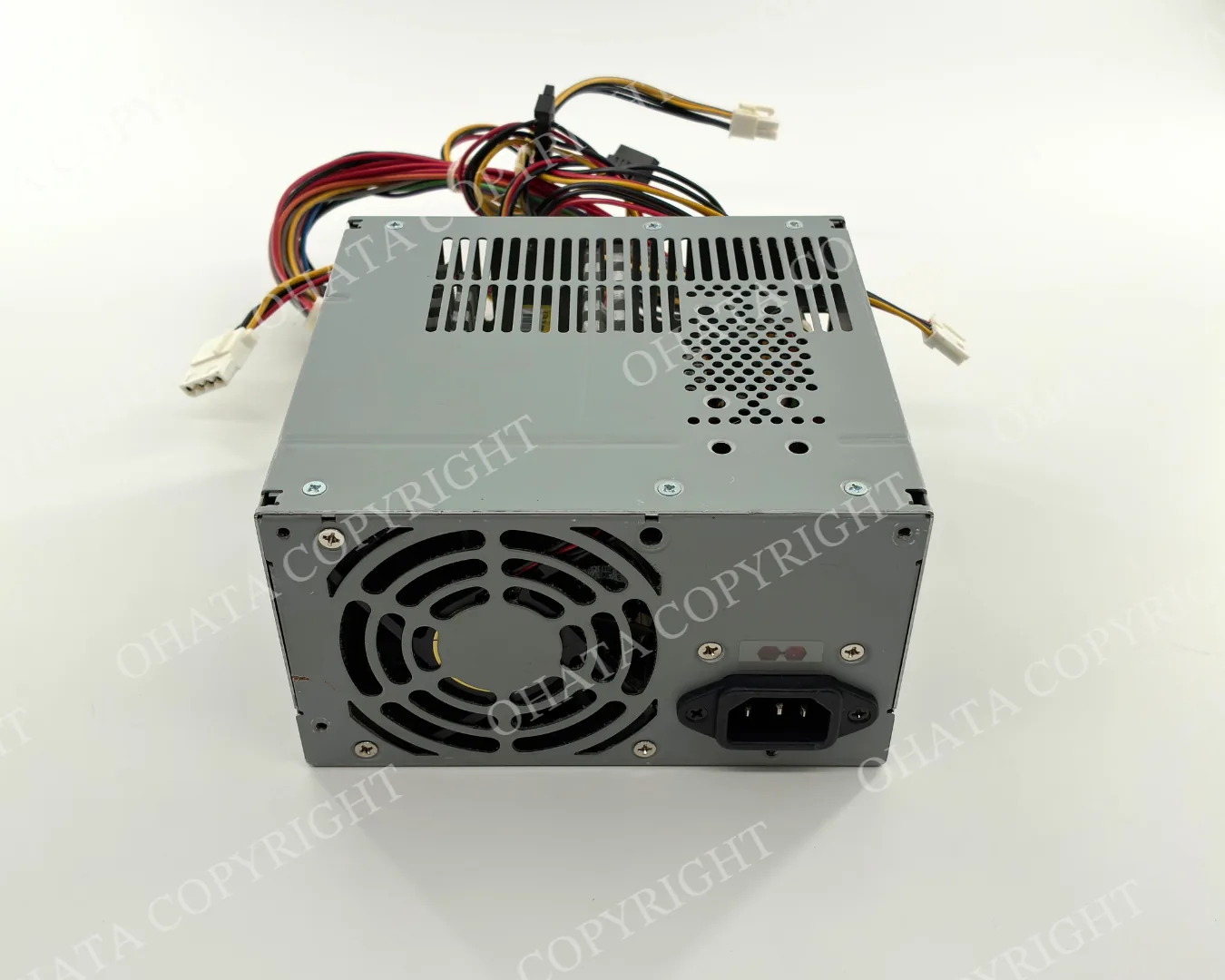
It commonly supplies power to the motherboard, CPU, storage drives, cooling fans and other components. Desktop power supplies are usually enclosed in rectangular metal housings and may have attached wire bundles, a removable power cord connection and a cooling fan.
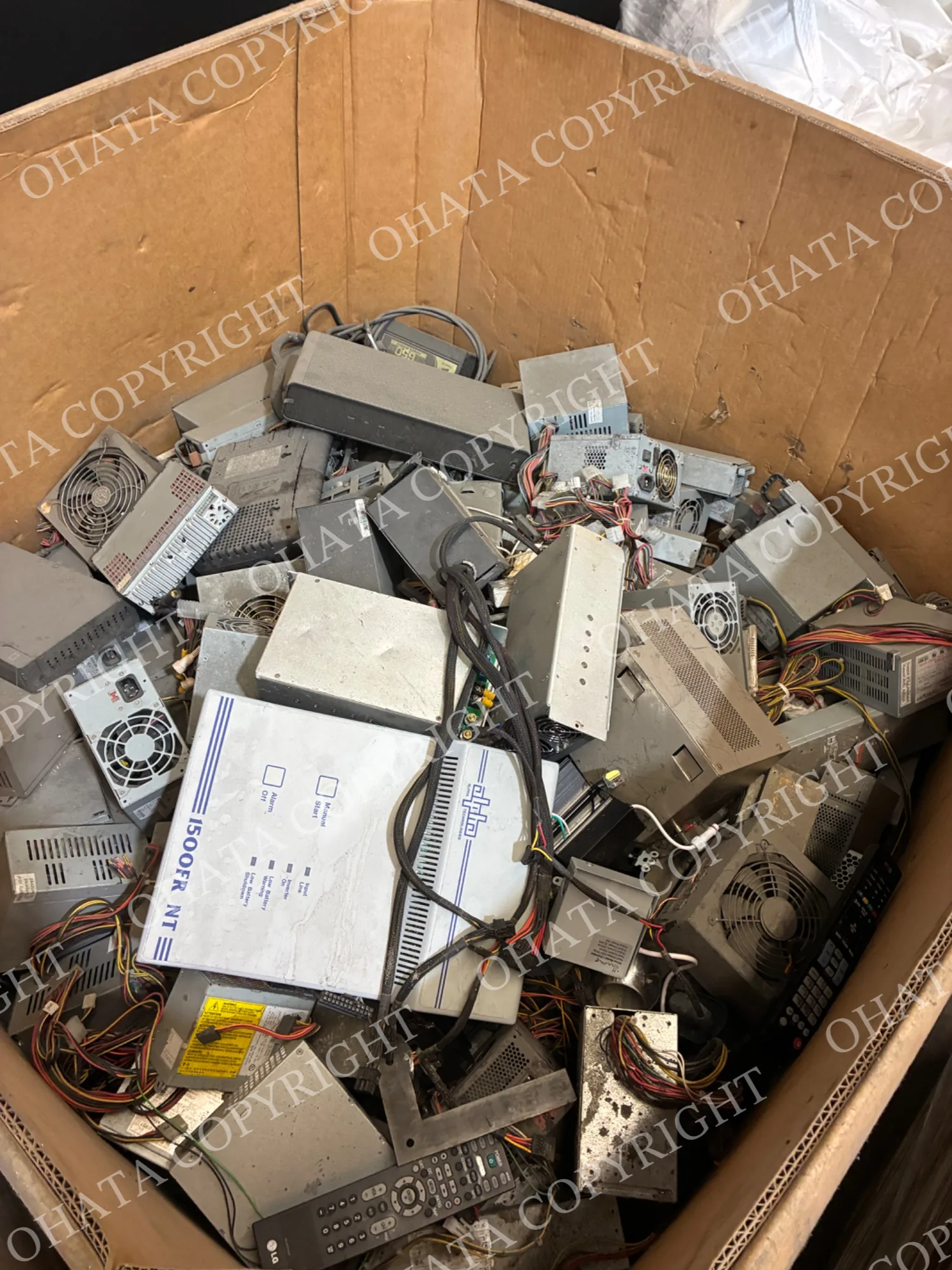
Servers and specialized computer systems may use longer, narrower power-supply modules that slide directly into the equipment. These units often connect to an internal backplane and may not have permanently attached output wires.
A power supply is different from an external AC adapter, battery backup or UPS unit. If you are unsure what you have, send us a clear photo of the complete unit, its label and its connectors before visiting.
For a detailed visual comparison, read our Power Supply With Wire vs. No Wire Guide.
Power Supplies With Attached Wires
A typical desktop-computer power supply has a metal enclosure with several insulated cable bundles extending from it.
These wires may end in motherboard, CPU, SATA, peripheral or other internal power connectors. The exact connector style can vary depending on the manufacturer and the age of the computer.
If the original wires remain attached, keep them that way. Cutting the cables does not automatically improve the value and may affect how the material is classified.
You can review the current conditions and reference price on our Power Supply With Wire page.
Power Supplies Without Wires
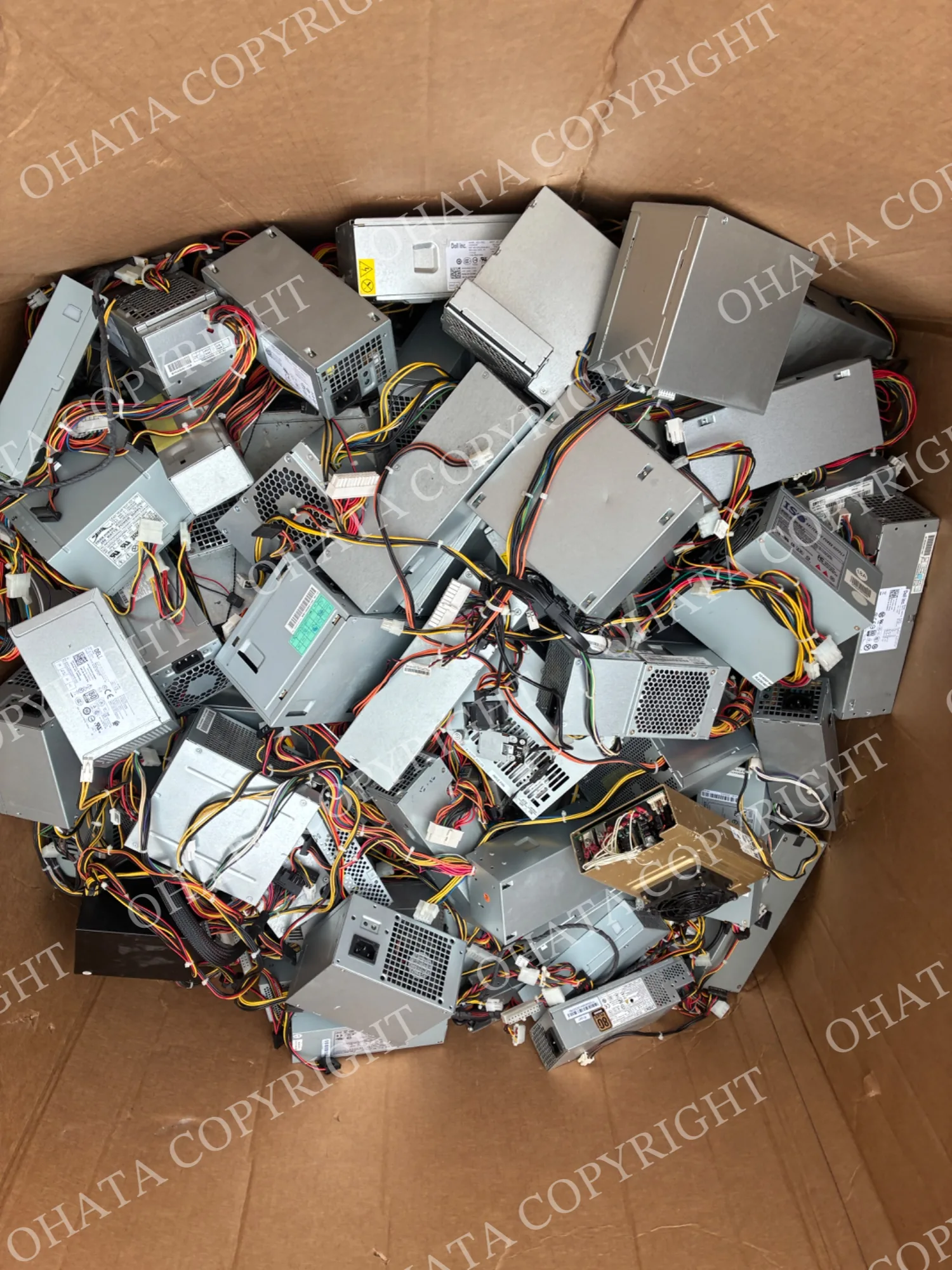
Some power supplies do not have permanently attached output cables. These may include modular computer units or removable server power-supply modules designed to slide into equipment.
Server modules often have handles, cooling fans and fixed connection points that plug directly into a server or backplane. Their shape may differ considerably from an ordinary desktop power supply.
The absence of external wires does not mean that the unit is incomplete. Our team checks its original construction, housing, connectors and condition before confirming the category.
See our Power Supply No Wire page for current buying information.
Should You Remove or Cut the Wires?
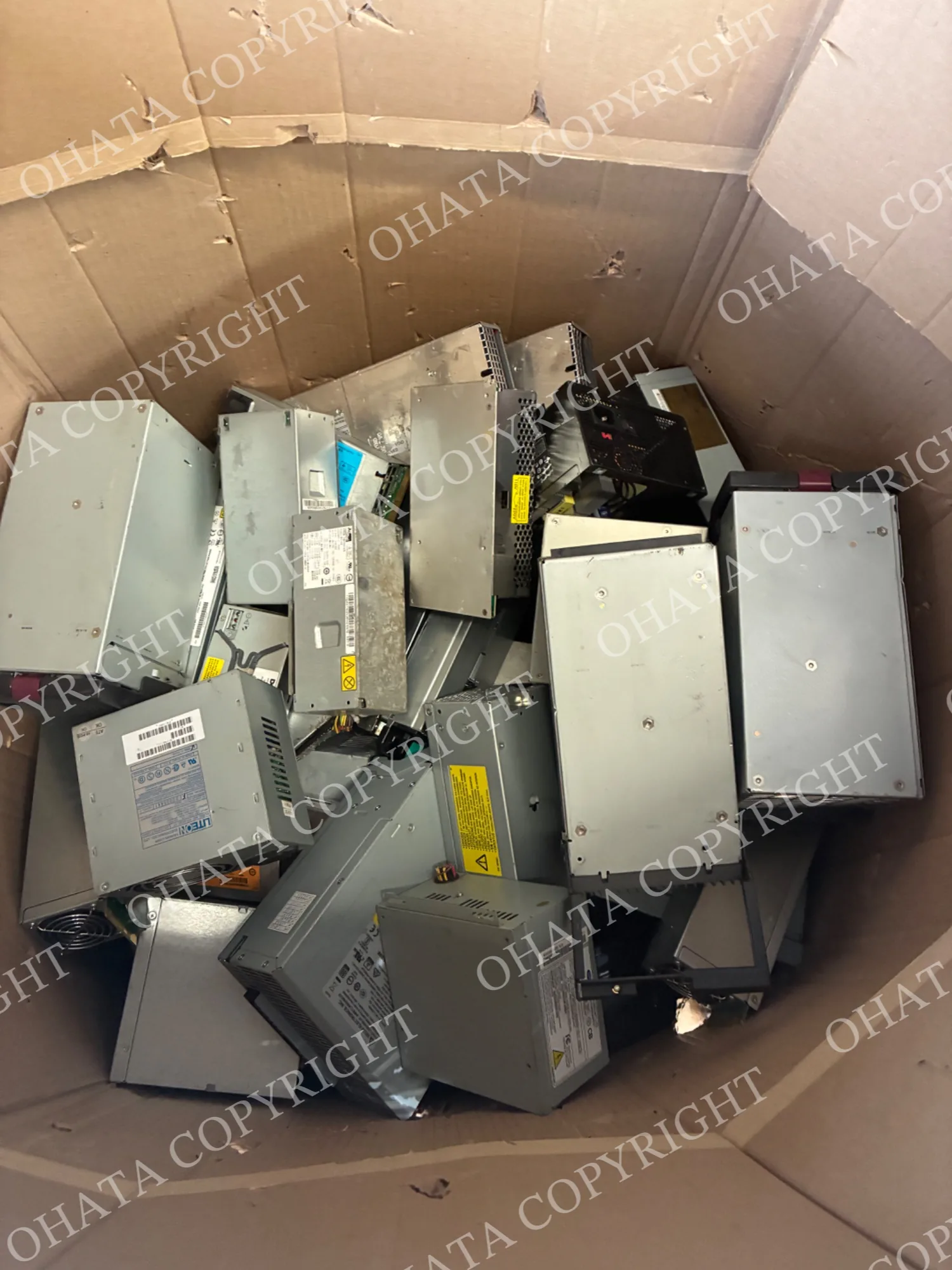
No. Please bring the power supply in its existing condition.
If the wires were originally attached, leave them attached. If you already have power supplies whose wires were previously removed, keep those units separate and tell our team about their condition.
Cut wire ends should not be placed back inside the housing. Loose cables and connectors may have separate classifications and should be presented separately.
Keep the Housing Closed
Computer power supplies are usually enclosed in a rectangular metal case, called the housing, which protects the internal circuit board and other components.
There is no need to open the housing, remove the internal circuit board or take out the fan before requesting an evaluation. Keeping the unit assembled also makes it easier to identify and handle safely.
If the housing is damaged, burned, wet or heavily corroded, send us a photo before transporting it.
How to Prepare Power Supplies for Sale
Before visiting our Richmond yard:
Separate units with attached wires from units without wires.
Keep manufacturer and model labels attached.
Leave the metal housing closed.
Place smaller units in a sturdy container.
Keep the material covered and dry.
Tell us about cut wires, missing parts or visible damage.
Contact us before bringing a large or palletized quantity.
You do not need to identify every model. A group photo, approximate quantity and estimated weight provide a useful starting point.
Frequently Asked Questions
1. Do you buy computer power supplies in Richmond, BC?
Yes. Ohata Resource Canada purchases qualifying computer and server power supplies at our Richmond yard. Final classification is confirmed after inspection.
2. Do the wires need to remain attached?
If the wires are originally attached to the power supply, leave them in place. Do not cut them off solely to prepare the unit for sale.
3. Do you buy server power-supply modules without wires?
Qualifying server power-supply modules may be considered under the no-wire category. Send photos of the complete unit, label and connectors if you are unsure.
4. Do the power supplies need to work?
Working condition is not the only factor considered. Construction, completeness, physical condition and contamination are also reviewed.
5. Can Metro Vancouver businesses bring multiple power supplies?
Yes. We work with individuals and businesses from Richmond and throughout Metro Vancouver. Please contact us in advance about large or palletized loads.
Visit Our Richmond Yard
Walk-ins are welcome during regular business hours.
Ohata Resource Canada Inc.
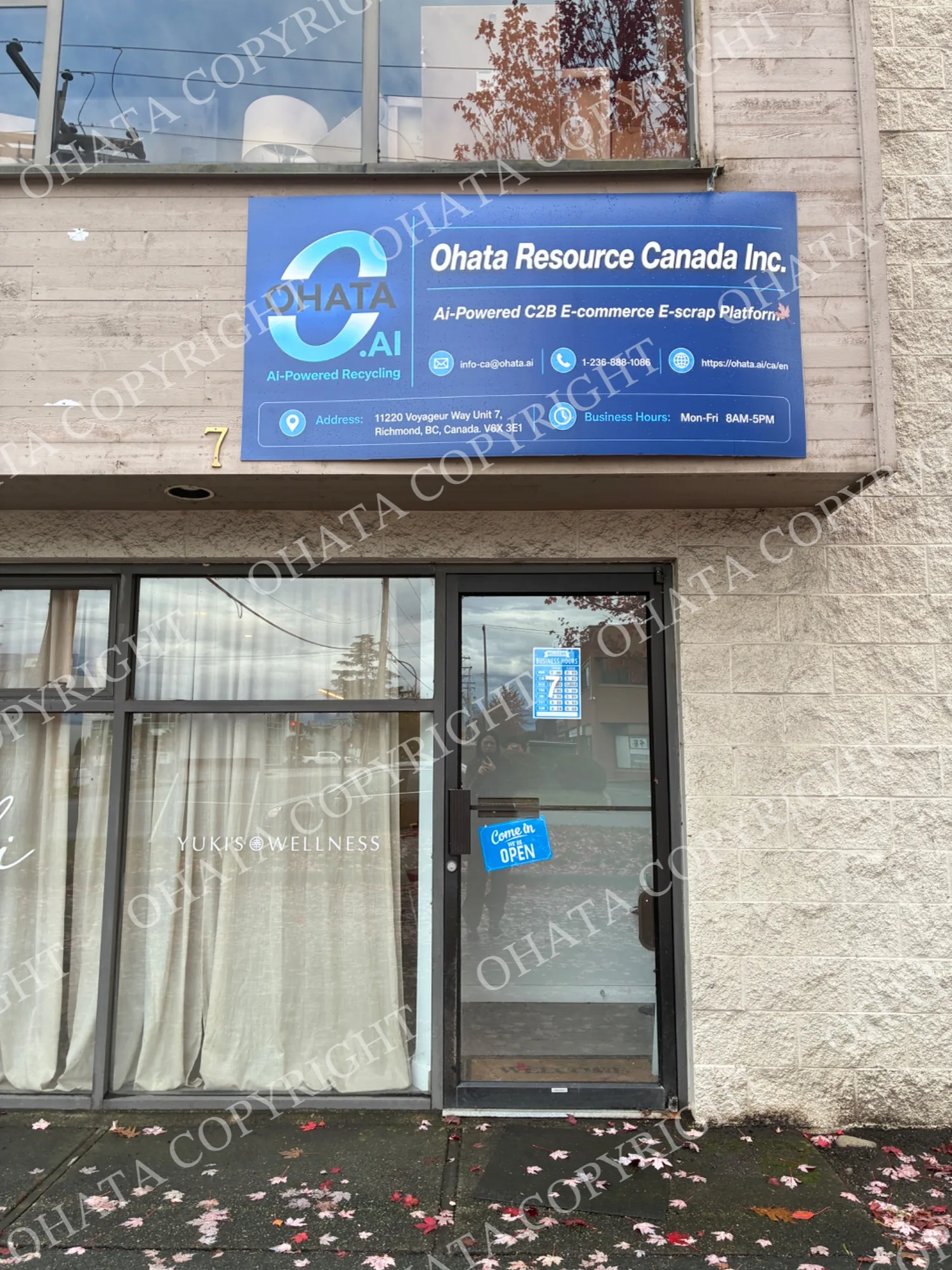
11220 Voyageur Way, Unit 7
Richmond, BC V6X 3E1
Drivers should use the parking and warehouse receiving area at the back of the building. If you do not see a team member, please press the doorbell beside the rear entrance.
Browse our current Canadian e-scrap buying categories or contact our Richmond team with photos and approximate quantities.
Published prices and buying conditions may change. Final acceptance, classification, measured weight and buying price are confirmed after physical inspection.

Comments
0 comments