ohata.ai
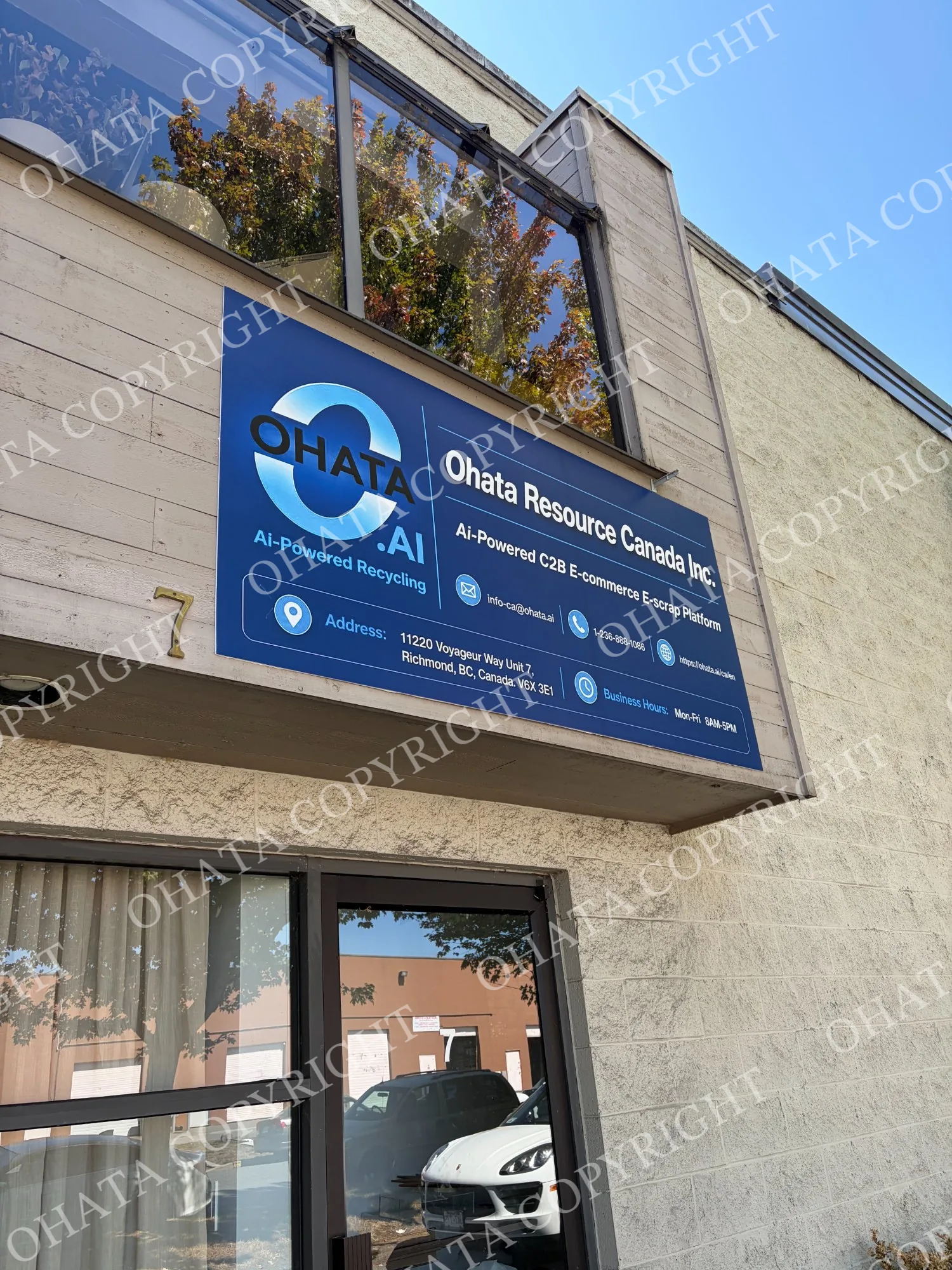
Ohata Resource Canada Inc.

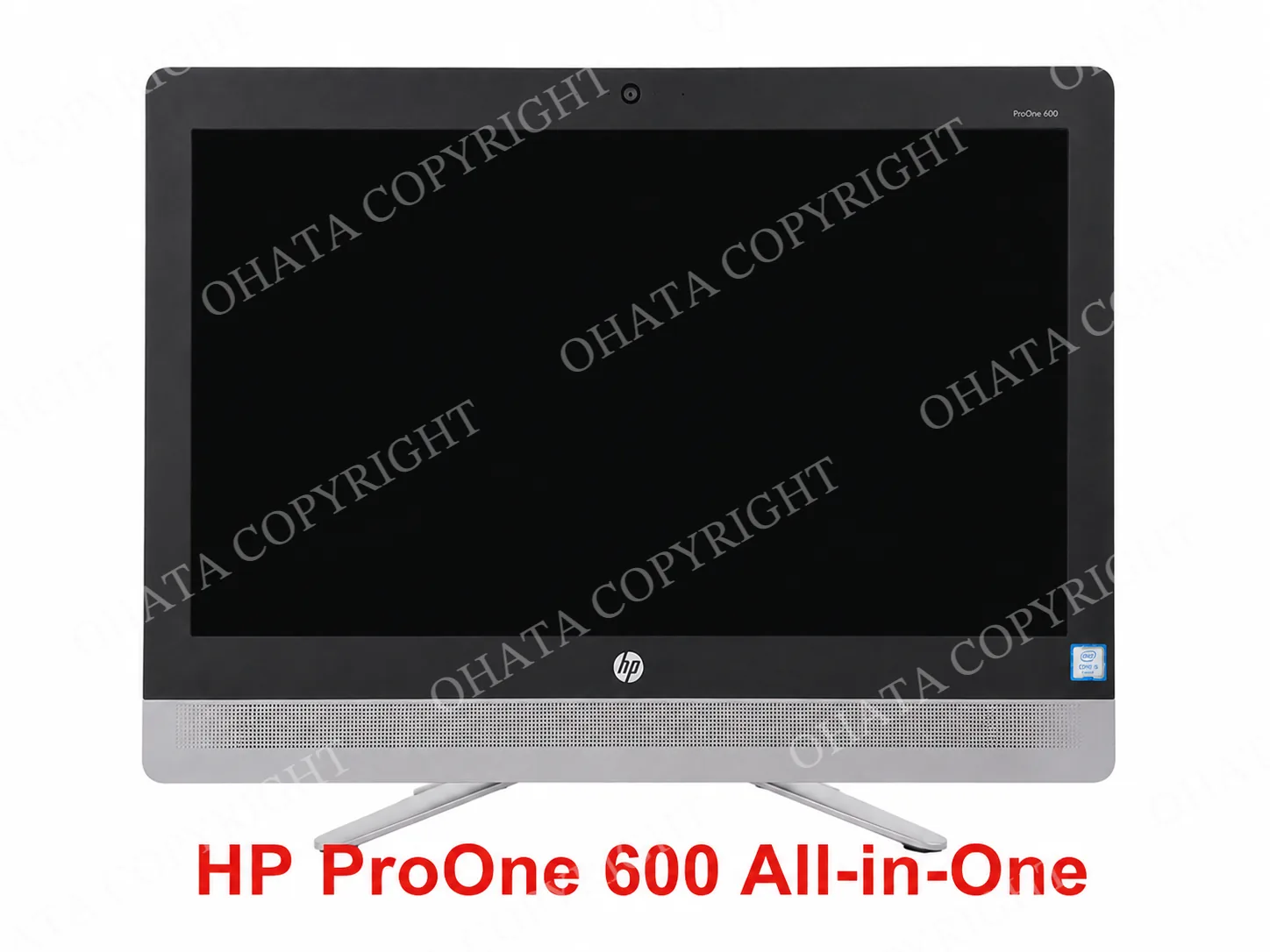
All In One Systems with motherboard buying scrap price

Back to PC Parts price list
All In One Systems with motherboard back
Updated: Aug 04,2026

0.05 CAD / lb

The Price is buying by Yard of Richmond, BC, Canada.

Key Buying Introduction

1. All-in-One desktop computers combine the display and computer into a single unit. Unlike a traditional desktop computer, the motherboard is installed inside the display housing, allowing the system to operate as one integrated device.

2. This category applies to All-in-One desktop computers with the original motherboard still installed. These systems are commonly generated through office upgrades, school equipment replacement, business IT refresh projects, household computer disposal, and electronic recycling.

3. Customers generally do not need to dismantle the computer before bringing it to Ohata. Simply present the equipment in its current assembled condition for purchasing evaluation.

4. Whenever practical, All-in-One desktop computers should be sorted separately from desktop towers, standalone monitors, loose motherboards, laptops, and other electronic scrap. Proper sorting helps simplify inspection and supports accurate purchasing category identification.

5. The final purchasing evaluation is generally based on the presence of the original motherboard, overall completeness, physical condition, quantity presented, and current electronic scrap market conditions. Purchasing prices and buying conditions may change without prior notice.
Buying Details of Conditions

Integrated Computer Structure Defines This Category

This purchasing category is intended for All-in-One desktop computers that remain assembled as a single integrated unit.

The display housing and computer hardware should remain connected as one system.

Units that have already been dismantled into separate components may belong to a different purchasing category.


The Motherboard Should Remain Installed

The motherboard should remain installed inside the original computer housing.

Customers generally do not need to remove internal components before bringing the equipment to Ohata.

Computers where the motherboard has already been removed may require evaluation under another purchasing category.


Distinguish an All-in-One Computer from a Monitor

An All-in-One computer is different from a standard monitor.

Typical features include:

  • Built-in motherboard

  • Internal processor

  • Memory

  • Storage device

  • Cooling system

  • External computer tower not required

A monitor that does not contain computer hardware normally does not belong to this purchasing category.


External Accessories Are Not Required

This purchasing category normally focuses on the integrated computer itself.

Accessories such as:

  • Keyboard

  • Mouse

  • Power adapter

  • Power cable

  • Stand accessories

  • External speakers

are generally not required for category identification.

The absence of accessories does not automatically change the purchasing category.


Present Integrated Systems Separately

Whenever practical, sort All-in-One computers separately from:

  • Desktop computers

  • Standalone monitors

  • Laptops

  • Loose motherboards

  • Computer cases

  • Mixed electronic scrap

Keeping integrated computer systems together helps support faster inspection and accurate category identification.


How Ohata Identifies This Category

During inspection, Ohata may review:

  • Integrated computer construction

  • Motherboard installation

  • Overall housing condition

  • Product type

  • Signs of dismantling

  • Mixed components

The purchasing category is confirmed according to the equipment’s actual condition during inspection.

FAQ
1. What is today’s price for All In One Systems with motherboard buying?
As of Aug 04,2026, Ohata Resource Canada Inc., (Richmond, BC, Canada) is purchasing All In One Systems with motherboard buying at 0.05 (CAD/lb). We provide competitive scrap prices in Delta, Surrey, Richmond, and across the Greater Vancouver area.
2. What qualifies as an All-in-One computer?
An All-in-One computer combines the display and computer hardware into one integrated unit. The motherboard is installed inside the display housing rather than inside a separate desktop tower.
3. Does the motherboard need to remain inside the computer?
Yes. This purchasing category is intended for All-in-One computers where the original motherboard remains installed inside the housing.
4. Is an All-in-One computer the same as a monitor?
No. A monitor functions only as a display, while an All-in-One computer contains its own motherboard, processor, memory, and other computer hardware.
5. Should I remove the hard drive or memory before bringing the computer?
Customers generally do not need to remove internal components before bringing the unit to Ohata. The equipment should be presented according to its actual assembled condition.
6. Do I need to include the keyboard or mouse?
No. External accessories are generally not required to identify this purchasing category.
7. Can damaged All-in-One computers still qualify?
Possibly. Units with cracked screens, cosmetic damage, or normal wear may still qualify if the integrated computer structure and motherboard remain installed. The final evaluation depends on the actual condition at inspection.
8. How does Ohata identify this purchasing category?
Ohata generally confirms this category by reviewing whether the equipment remains an integrated All-in-One computer with the motherboard installed, along with the overall housing condition, signs of dismantling, and product configuration before completing the purchasing evaluation.

Related Items

Browse all PC Parts items
AI Scrap Grading Ohata.AI Vision 1.0 Beta 1.0 Upload board photos for grade and reference price