

- We buy CD/DVD Drive from a minimum of 1 lb.
- This category includes computer optical drives such as CD-ROM, CD-RW, DVD-ROM, DVD-RW, and combination CD/DVD drives.
- Both desktop and slim optical drives may qualify, including SATA drives and certain older interface types.
- Working and non-working drives may be accepted, but severely burned, heavily corroded, contaminated, or extensively dismantled drives may not qualify for this category.
- Final acceptance, classification, weight, and buying price are determined after physical inspection at our Richmond Yard.
CD/DVD Drive scrap price
Key Buying Introduction
Key Buying Introduction
- We buy CD/DVD Drive from a minimum of 1 lb.
- This category includes computer optical drives such as CD-ROM, CD-RW, DVD-ROM, DVD-RW, and combination CD/DVD drives.
- Both desktop and slim optical drives may qualify, including SATA drives and certain older interface types.
- Working and non-working drives may be accepted, but severely burned, heavily corroded, contaminated, or extensively dismantled drives may not qualify for this category.
- Final acceptance, classification, weight, and buying price are determined after physical inspection at our Richmond Yard.
Buying Details of Conditions
What Is a CD/DVD Drive?
A CD/DVD drive, also called an optical disc drive, is a device designed to read or write data using optical discs such as CDs and DVDs.
These drives were commonly installed in desktop computers and older computer systems. Depending on the model, a drive may support only CDs, only reading functions, or multiple formats including writable CDs and DVDs.
Common markings include:
CD-ROM
CD-RW
DVD-ROM
DVD-RW
DVD/CD Rewritable Drive
Compact Disc
DVD Multi
Optical Drive
The exact wording varies by manufacturer and model.
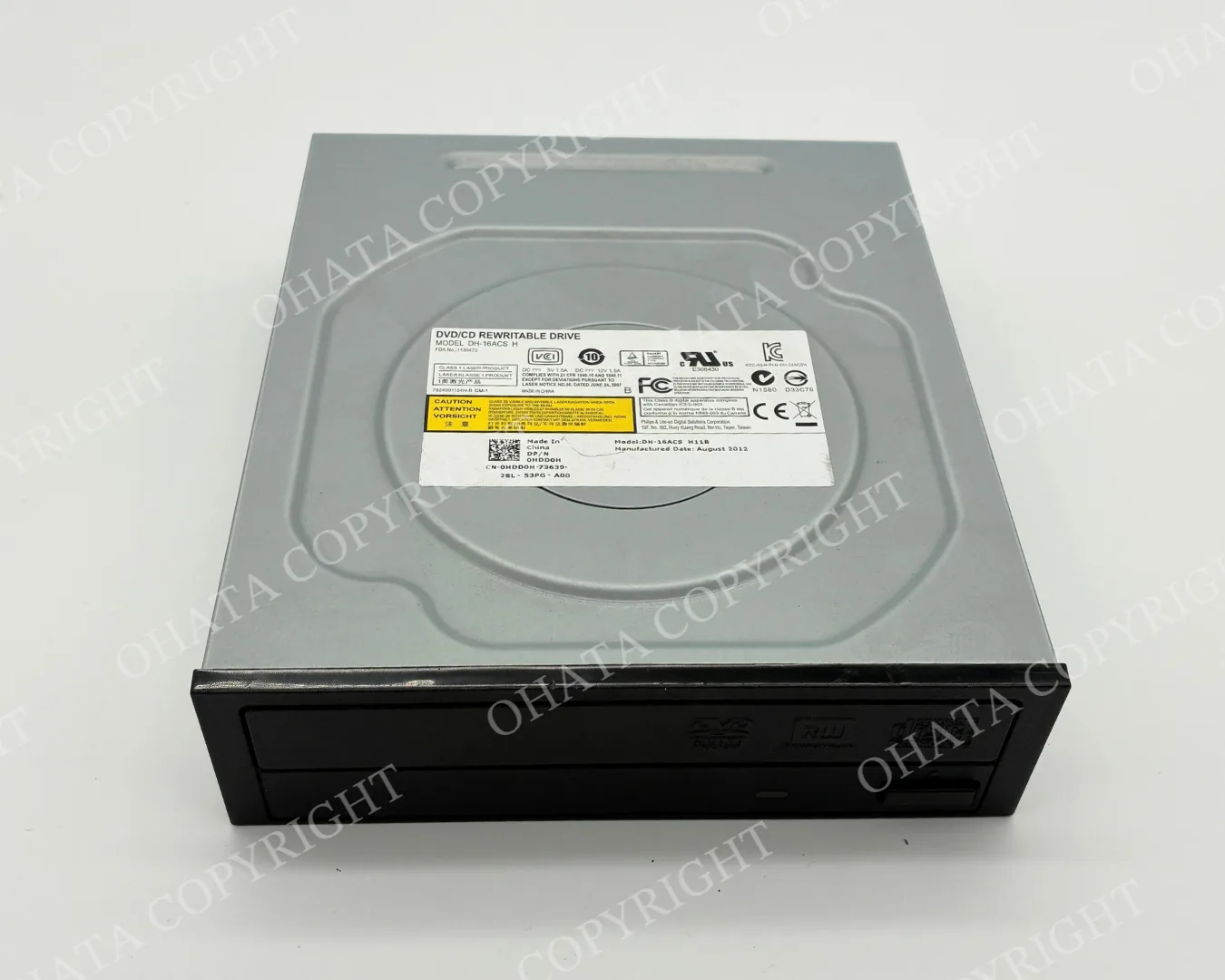
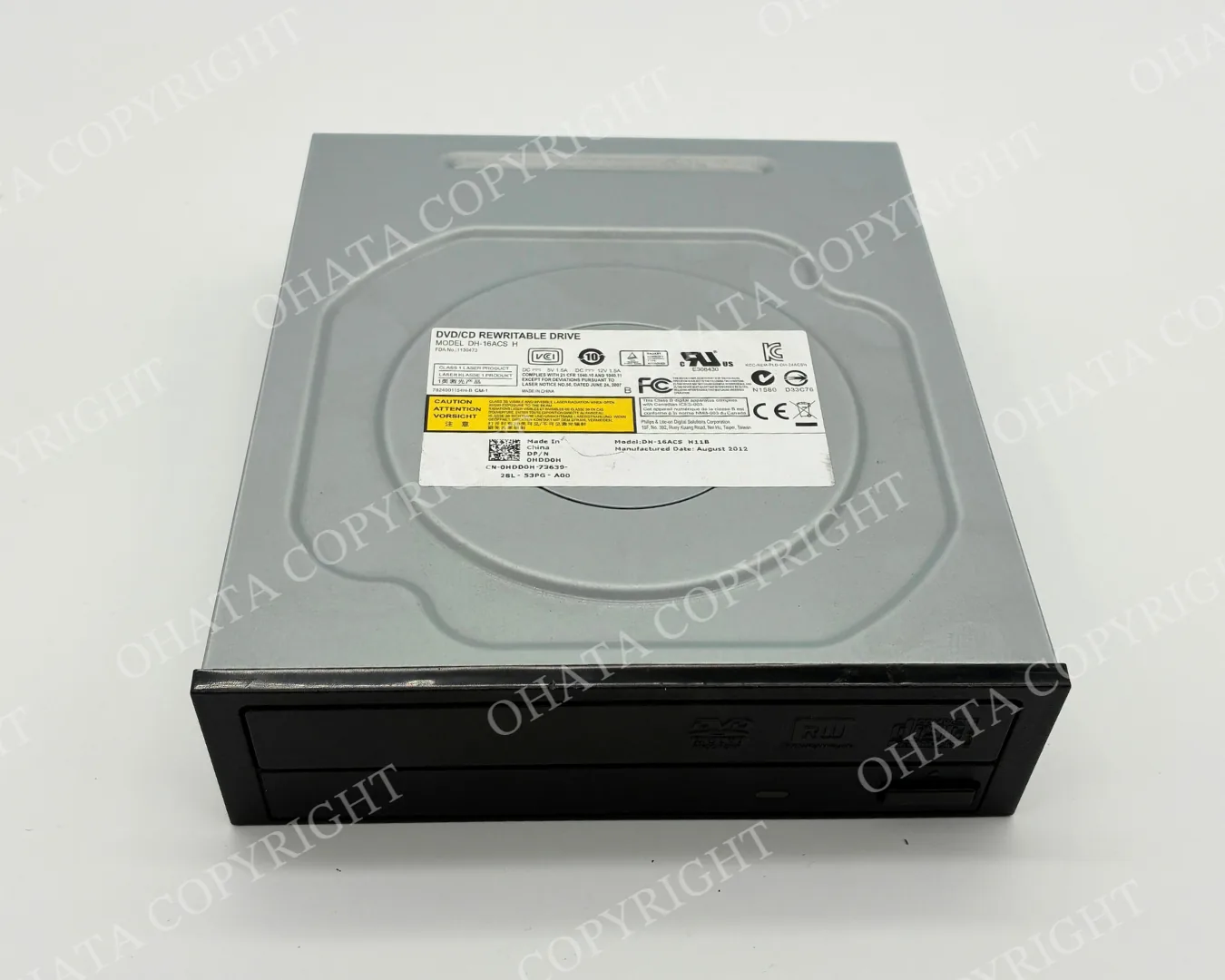
Example of a desktop DVD/CD rewritable drive. Optical drives commonly have a metal enclosure and a disc tray on the front.How to Identify a CD/DVD Drive
The easiest way to identify a CD/DVD drive is to check both its front panel and manufacturer label.
A typical computer optical drive may have:
A disc tray or disc-loading mechanism
An eject button
CD or DVD markings on the front
A metal outer enclosure
A manufacturer or product label
A model number
SATA or another computer interface on the rear
Wording such as “CD-ROM,” “DVD,” or “DVD/CD Rewritable Drive”
The product label is especially useful when the type of drive is not obvious from its shape.
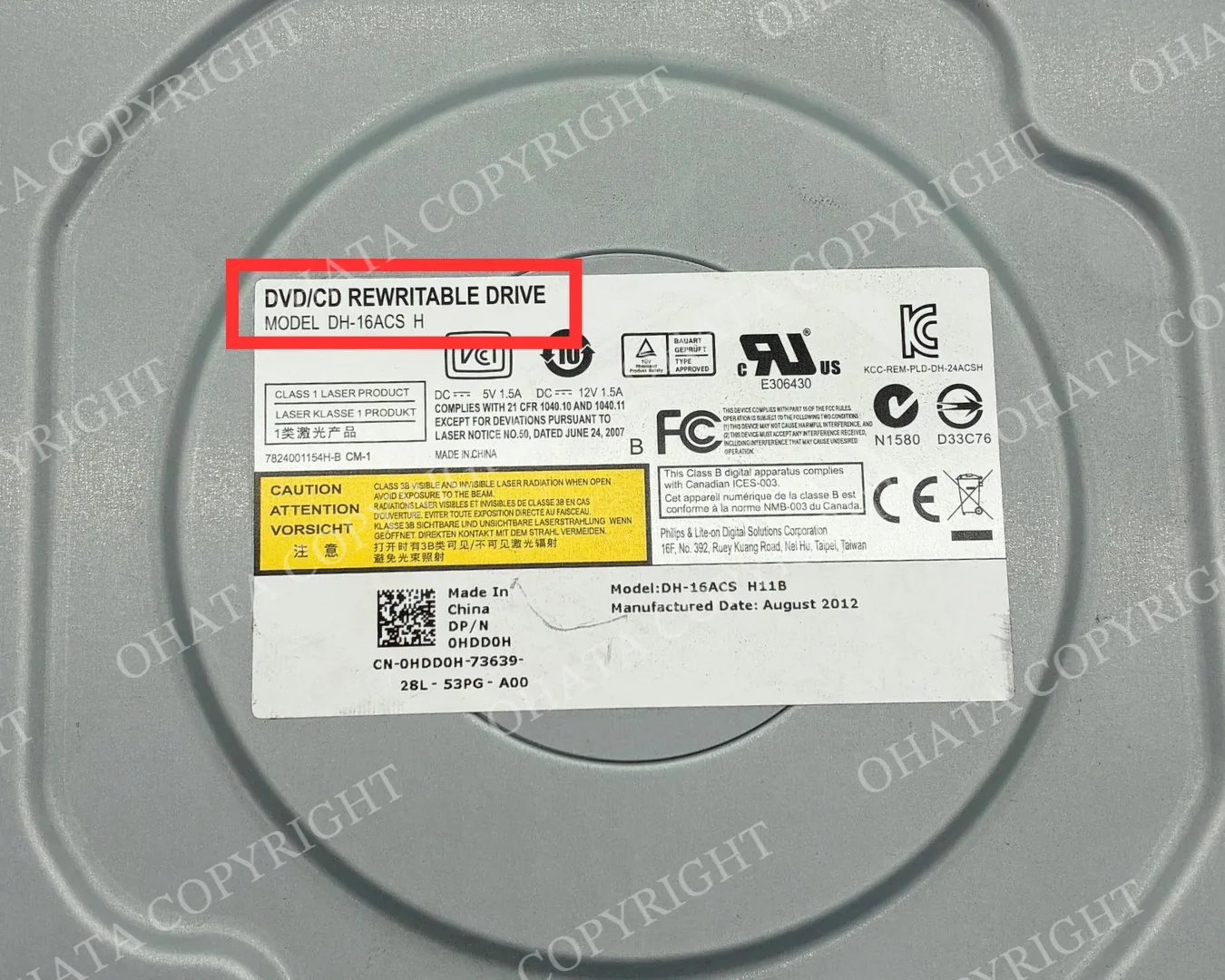
Check the product label for wording such as DVD/CD Rewritable Drive, CD-ROM, DVD-ROM, or similar optical-drive identification.SATA CD/DVD Drives
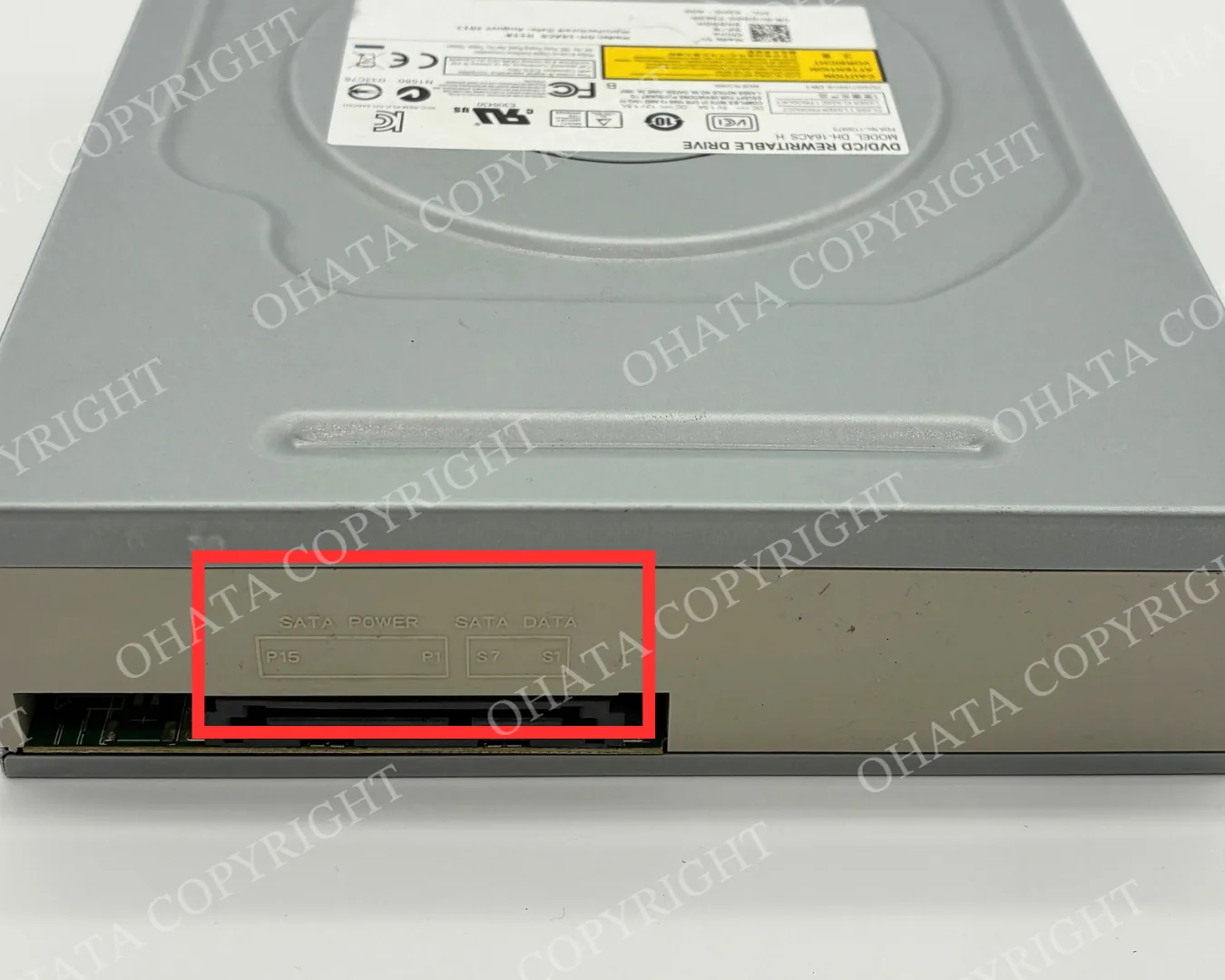
Many desktop optical drives use a SATA interface to connect to the computer.
A SATA optical drive normally has two separate rear connections:
SATA Power — supplies power to the drive
SATA Data — connects the drive to the computer motherboard
The presence of SATA connectors can help identify newer generations of desktop CD/DVD drives, but the connector type alone does not determine the final classification.
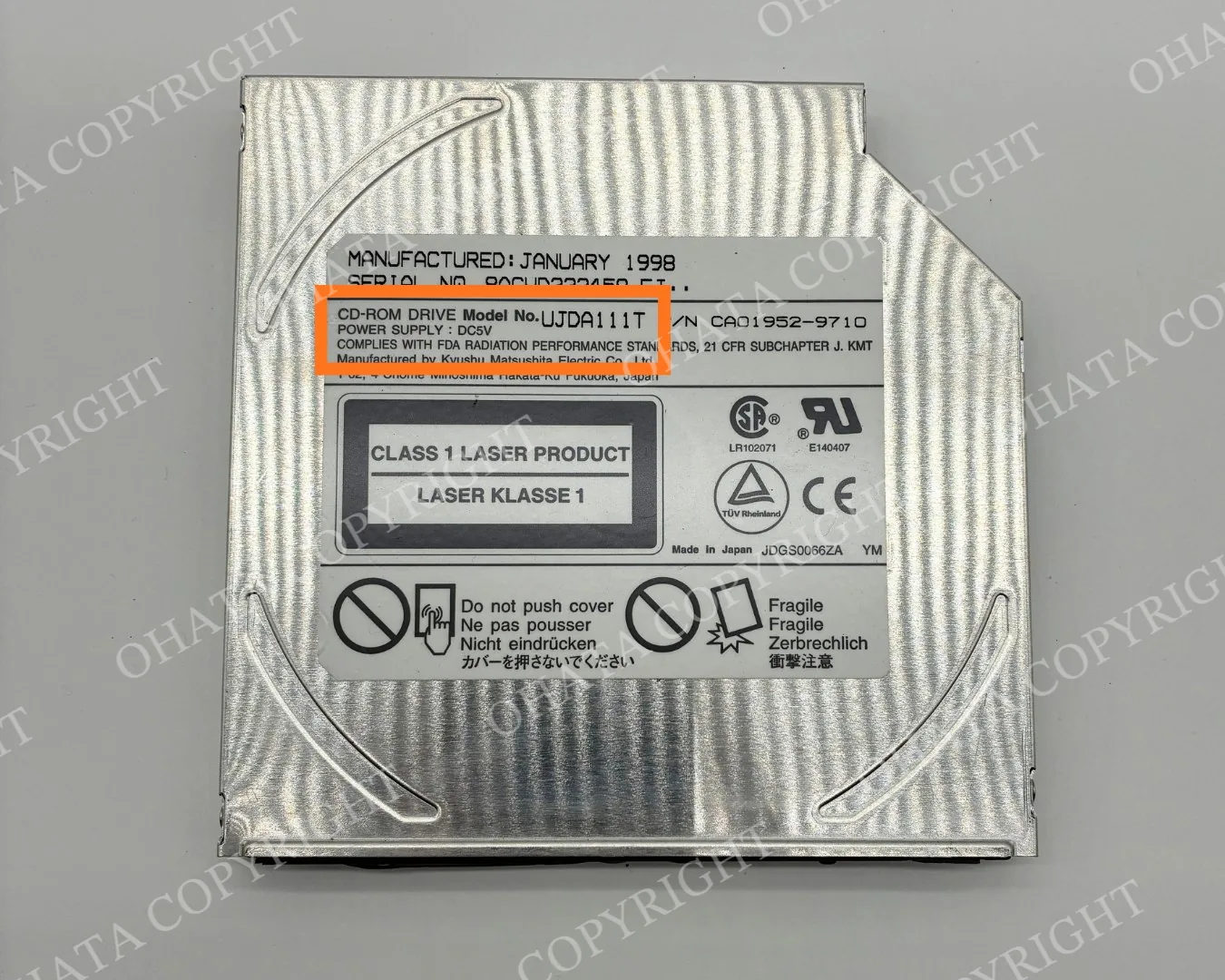
Older CD-ROM and Optical Drives
Not every optical drive looks like a modern desktop DVD drive.
Older computers and electronic equipment may contain CD-ROM drives or smaller optical drives with different shapes and connection methods. These drives may still qualify for the CD/DVD Drive category if they remain identifiable as complete optical drives.
For example, an older drive may have:
A smaller or thinner metal enclosure
CD-ROM rather than DVD markings
An older connector design
A manufacturer identification label
A different loading mechanism from a modern desktop drive
Age alone does not determine whether an optical drive belongs in this category.
Common CD/DVD Drive Types We Inspect
Optical Drive Type | Typical Identification |
|---|---|
CD-ROM Drive | Designed primarily to read CDs; usually marked “CD-ROM” |
CD-RW Drive | Supports writable or rewritable CDs |
DVD-ROM Drive | Reads DVDs and commonly CDs |
DVD-RW / DVD Rewritable Drive | Supports reading and writing compatible DVD media |
DVD/CD Combination Drive | Supports multiple CD and DVD formats |
SATA Optical Drive | Uses SATA power and SATA data connections |
Older Optical Drive | May use an older interface or enclosure design; identification label should remain attached |
Final classification is based on physical inspection.
What Qualifies as a CD/DVD Drive?
A drive may qualify when it remains substantially complete and can be identified as a computer optical drive. Desktop, slim, SATA, and certain older optical drives may qualify. Different brands and models are accepted subject to inspection.
CD/DVD Drive vs. Hard Disk Drive
A CD/DVD drive and a hard disk drive may both be installed inside a computer, but they perform different functions and are classified separately.
A CD/DVD drive uses removable optical discs such as CDs and DVDs. It normally has a disc tray, slot, or other loading mechanism.
A hard disk drive (HDD) stores digital data internally on magnetic platters and does not use removable CDs or DVDs.
Please keep CD/DVD drives separate from hard disk drives when possible.
CD/DVD Drive vs. CD/DVD Player
A computer CD/DVD drive should also be distinguished from a complete home entertainment device.
A CD/DVD Drive is generally an internal computer component designed to be installed inside a computer or compatible electronic system.
A CD/DVD Player is typically a complete external consumer device with its own enclosure, controls, and audio/video connections.
These items may be classified differently at our Richmond Yard.
Condition Requirements
CD/DVD drives do not need to be working for us to inspect them as electronic scrap.
For easier identification and classification:
Keep the metal enclosure intact when possible.
Leave the manufacturer and model labels attached.
Do not dismantle the drive solely to remove its internal circuit board.
Keep CD/DVD drives separate from HDDs and other computer components when possible.
Tell our staff if the drive has already been partially dismantled or has major components missing.
Broken, incomplete, or heavily dismantled units may be classified differently after inspection.
What We Check at the Richmond Yard
When you bring CD/DVD drives to our Richmond Yard, our team may check:
Whether the item is an optical drive
CD and/or DVD markings
Manufacturer and model information
Connector type
Overall completeness
Metal enclosure condition
Whether major components have been removed
Total weight of the accepted material
Whether other electronic components are mixed with the load
You do not need to determine every specification yourself before visiting.
Final acceptance, classification, accepted weight, and buying price are confirmed after physical inspection.
Sell CD/DVD Drives in Richmond, BC
If you have old CD-ROM drives, DVD drives, DVD/CD rewritable drives, or other computer optical drives, you can bring them to Ohata Resource Canada Inc. Richmond Yard for inspection. When you arrive at the property, first look for the Ohata Resource Canada Inc. sign on the building. Once you find it, continue around to the rear of the building, where our warehouse entrance is located.
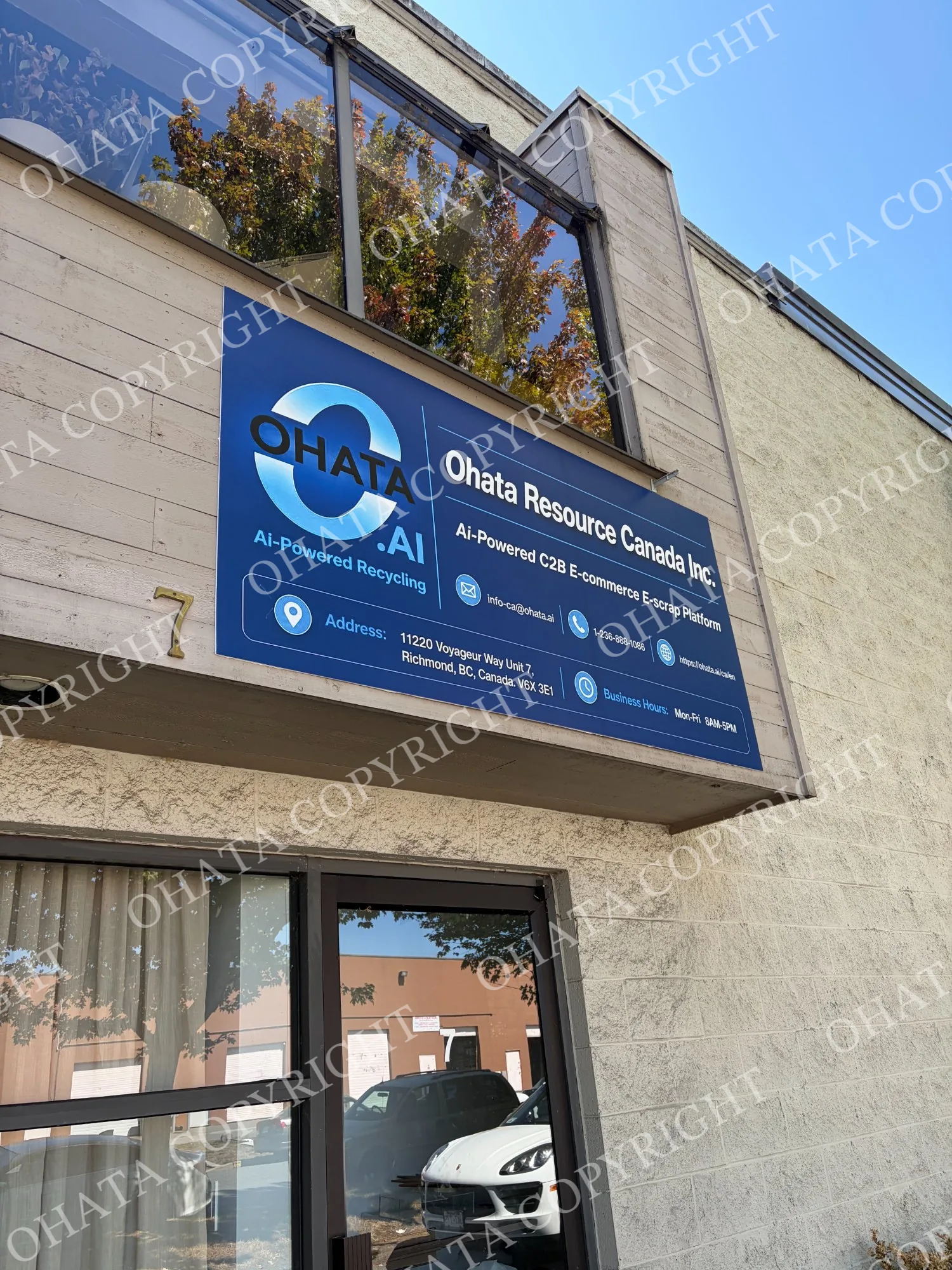
When you see this sign, continue around to the rear of the building.
2. Continue to the Rear Warehouse Entrance
Drive carefully around the building and look for the vertical Ohata sign beside the rear entrance. This vertical sign is the easiest landmark for finding our receiving warehouse.
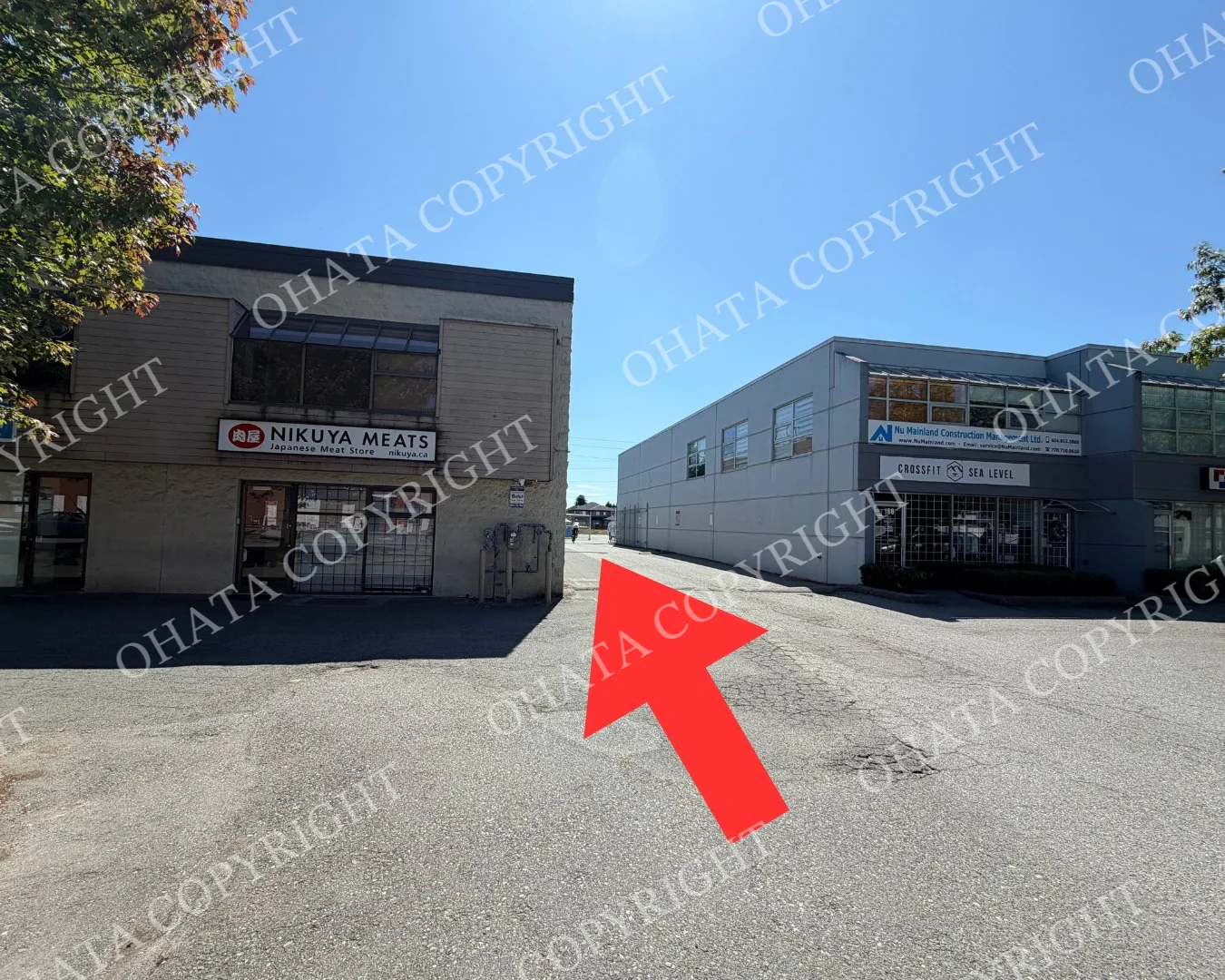
Follow the route around the building to reach the warehouse.
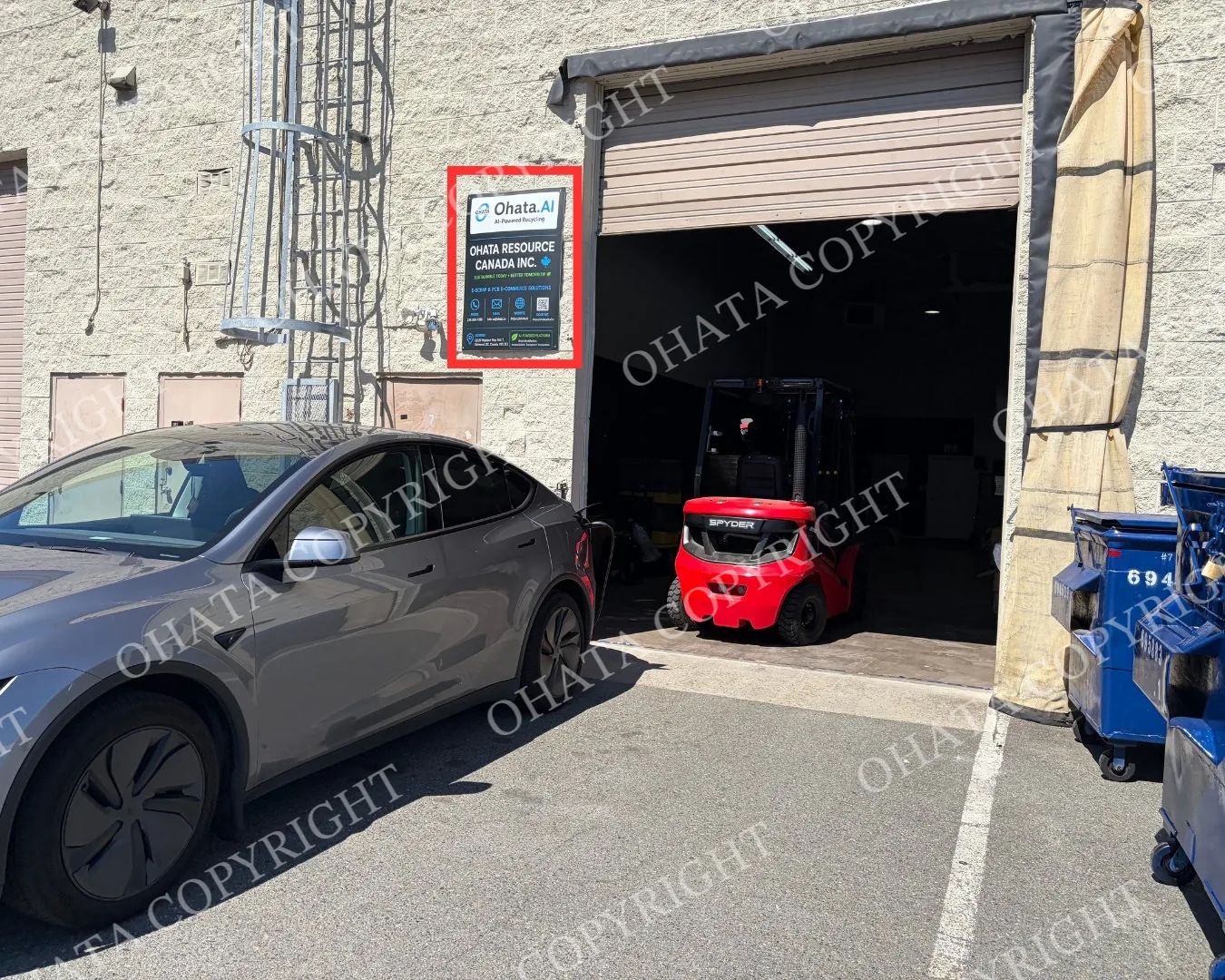
The vertical Ohata sign identifies the correct warehouse entrance.
3. Park Directly in Front of the Warehouse
If you arrive by car, you may park directly in front of the Ohata warehouse entrance while your e-scrap is being received.
Once you reach the warehouse, please park and wait there. A member of our team will come to assist you with your material.
If you have difficulty finding the rear entrance, please call or message us:
Telephone and WhatsApp: +1 (236) 888-1086
For large commercial loads or palletized shipments, please contact the Richmond team before visiting so we can prepare for unloading.
When you arrive:
Bring smaller quantities to the receiving area.
Ask a staff member for assistance with heavy or larger loads.
Our team will inspect, sort and weigh the material.
The applicable buying category and condition will be confirmed.
The final buying price will be determined after physical inspection.
Payment will be processed according to the current purchasing policy.
Walk-in customers are welcome during regular business hours. Most visits don’t require an appointment, but advance contact is recommended for commercial, palletized or unusually large loads.
You can review directions, parking and visitor information on the Richmond yard access page.
Helpful Tips Before Your Richmond Visit
Check the current Canadian buying prices before travelling.
Take clear front-and-back photographs before requesting an initial review.
Separate different board and equipment categories whenever practical.
Keep damaged, wet, burned, corroded or contaminated items separate.
Remove unrelated garbage and unnecessary packaging.
Don’t cut boards or remove major components unless you understand how the separated materials will be evaluated.
Back up and erase data-bearing devices according to your requirements.
Bring valid government-issued photo identification.
Contact Ohata Resource Canada Inc. before bringing a large commercial or palletized load.
Published online prices are references and may change. Final acceptance, classification, measured weight and buying price are determined after physical inspection.
FAQ
- 1. What is today’s price for CD/DVD Drive?
- As of Oct 06,2026, Ohata Resource Canada Inc., (Richmond, BC, Canada) is purchasing CD/DVD Drive at 0.15 (CAD/lb). We provide competitive scrap prices in Delta, Surrey, Richmond, and across the Greater Vancouver area.
- 2. What is considered a CD/DVD drive?
- A CD/DVD drive is an optical disc drive designed to read or write CDs, DVDs, or both. Common examples include CD-ROM, CD-RW, DVD-ROM, and DVD-RW drives.
- 3. Do you buy CD-ROM drives?
- Yes. CD-ROM drives may qualify for the CD/DVD Drive category after inspection.
- 4. Does the drive have to work?
- Not necessarily. Non-working drives may still be inspected and purchased as electronic scrap.
- 5. Should I remove the circuit board from the drive?
- No. If you plan to sell the item as a complete CD/DVD Drive, we recommend keeping it intact. We currently do not purchase neither CD/DVD Drive boards nor CD/DVD case.
- 6. What is the minimum quantity for selling CD/DVD Drives?
- The minimum buying quantity is generally 1 lb. If you have multiple optical drives, you can group them together and bring them to our Richmond Yard for inspection and weighing.
- 7. Can I mix CD/DVD drives with other computer parts?
- No. If you plan to sell the item as a complete CD/DVD Drive, we recommend keeping it intact. We currently do not purchase loose CD/DVD Drive circuit boards or empty CD/DVD Drive cases under this category.
- 8. I am not sure whether my item is a CD-ROM, DVD Drive, or another computer component. Can I still bring it?
- Yes. You do not need to determine the exact optical drive type yourself. Keep the original manufacturer and model label attached whenever possible. Our team can inspect the item at the Richmond Yard and confirm its classification.
- 9. Where can I sell CD/DVD Drives in Richmond, BC?
- You can bring eligible CD/DVD Drives to Ohata Resource Canada Inc. Richmond Yard, located at: 11220 Voyageur Way, Unit 7 Richmond, BC V6X 3E1 Canada Our customer entrance and parking are located at the back of the building.
- 10. Can I sell from Burnaby, Delta, Surrey, or Vancouver?
- Yes. Our Richmond Yard serves customers from Richmond, Vancouver, Burnaby, Delta, Surrey, and other Metro Vancouver communities. You can bring eligible CD/DVD Drives and other electronic scrap directly to our Richmond location for inspection.
Related Items
UP↑
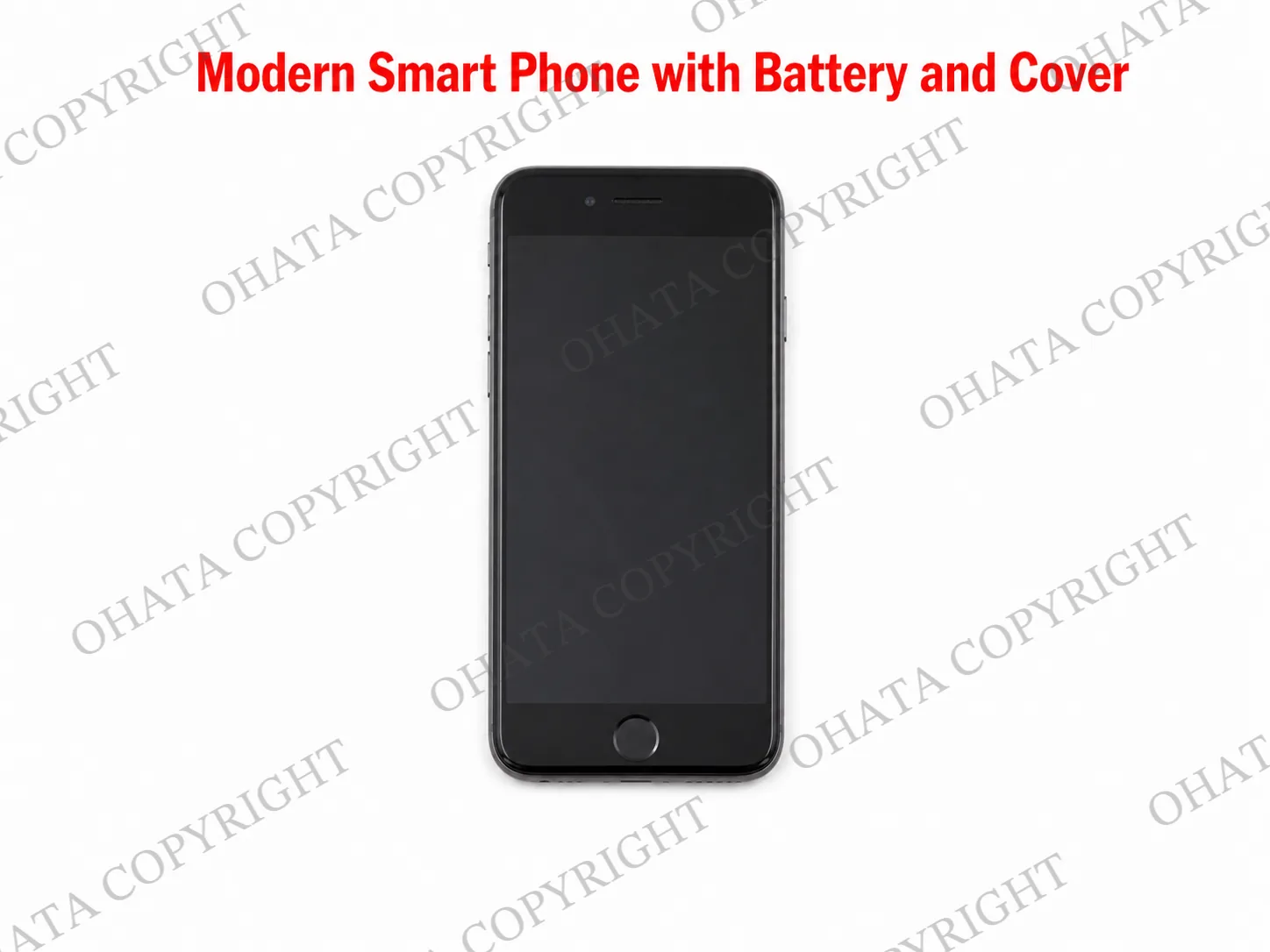
Modern Smart Phone with Battery and Cover buying
2.94
CAD / lb
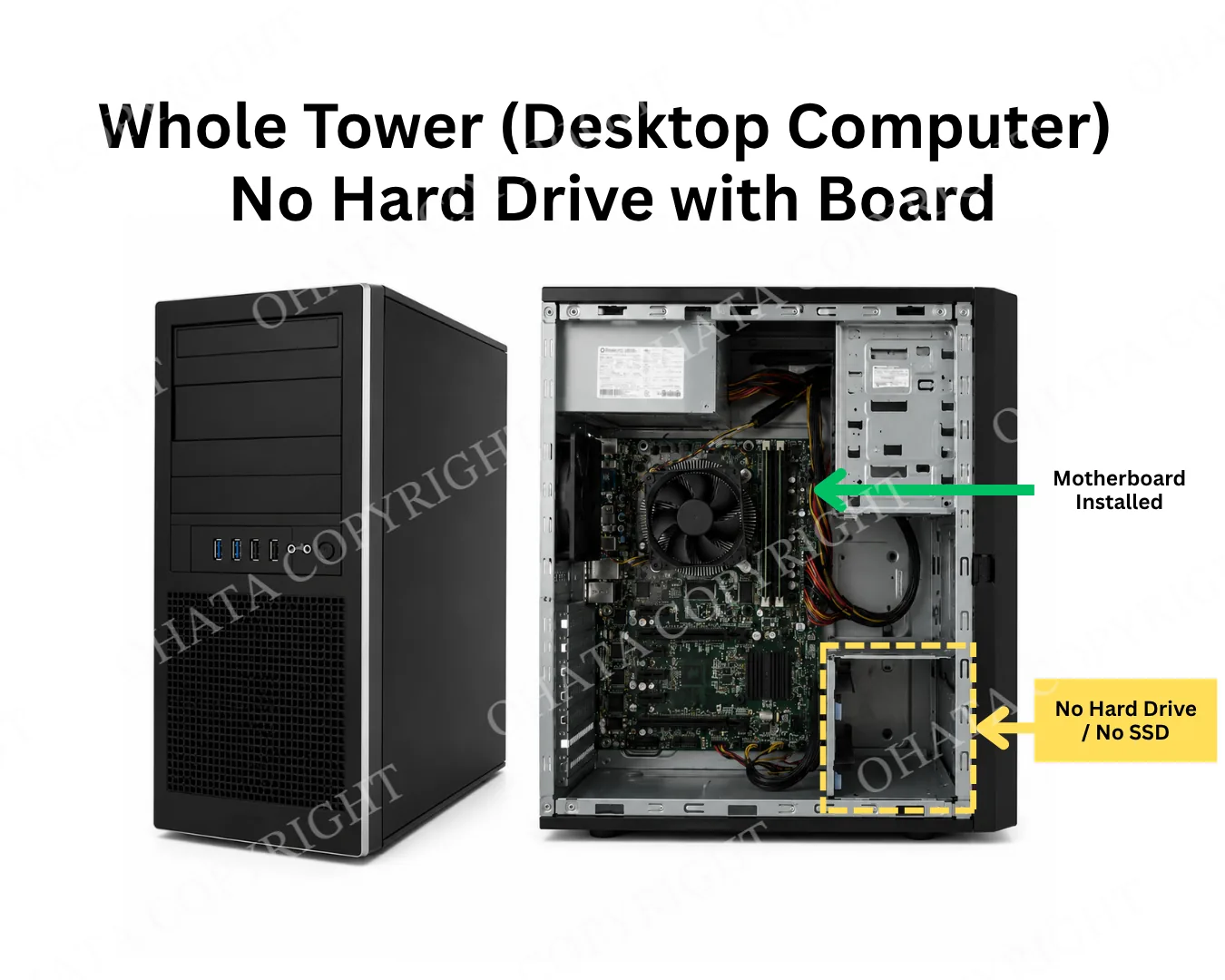
Whole Tower (Desktop Computer) No Hard Drive with Board Buying
0.50
CAD / lb
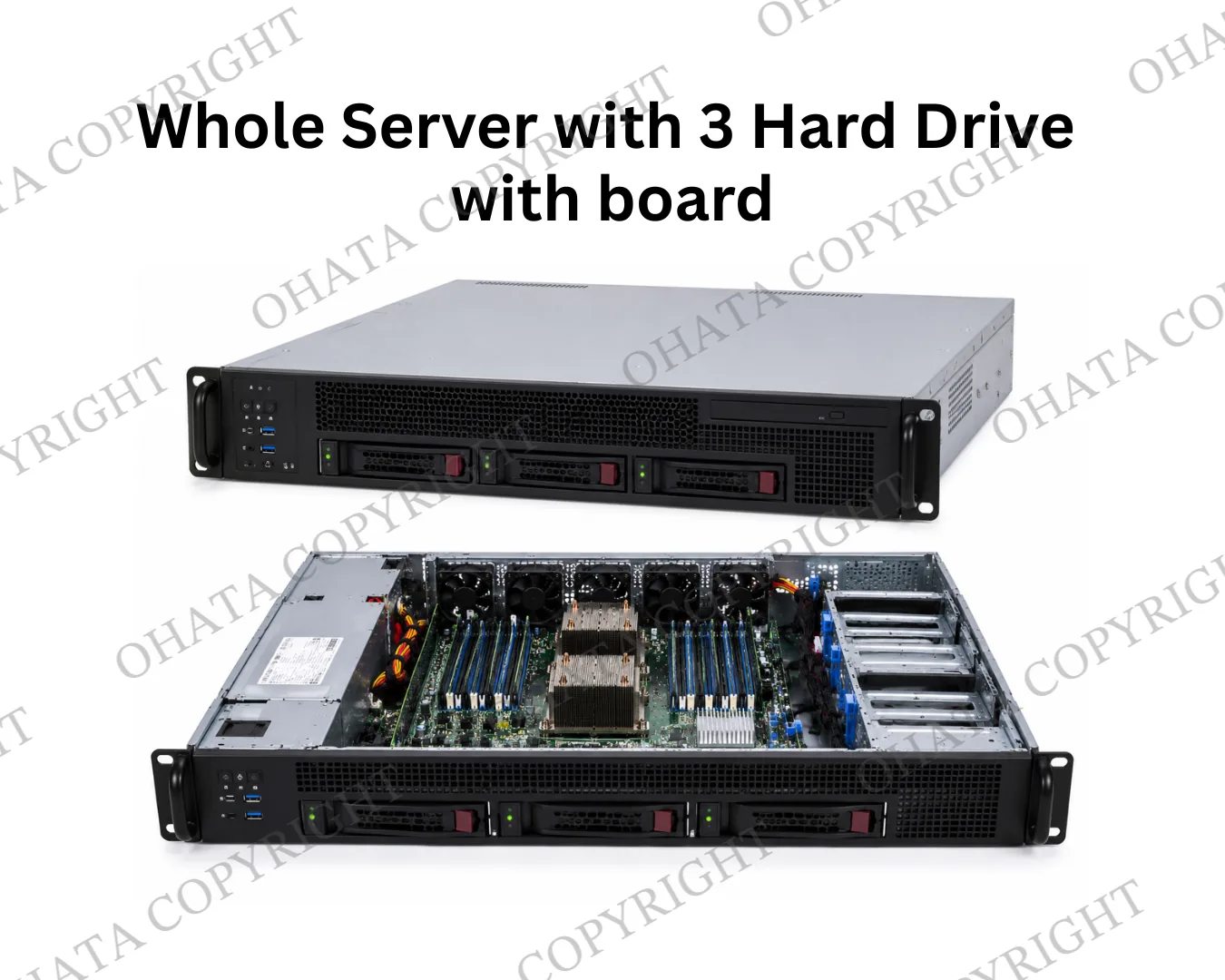
Whole Server With 3 Hard Drive with board buying
0.80
CAD / lb
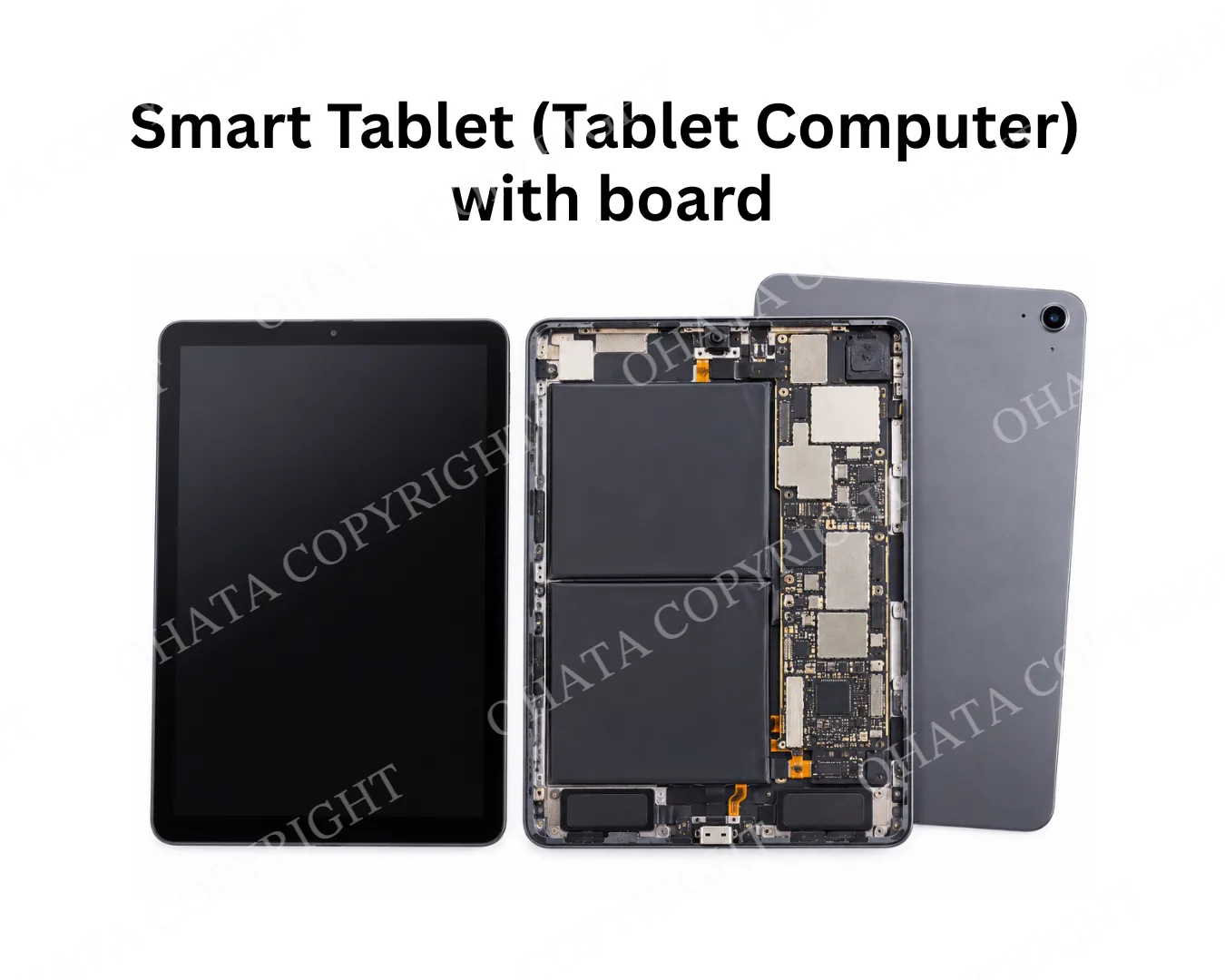
Smart Tablet (Tablet Computer) with board buying
0.70
CAD / lb
UP↑

Smart Phone (Non-cell phone) Board No Battery buying
5.25
CAD / lb
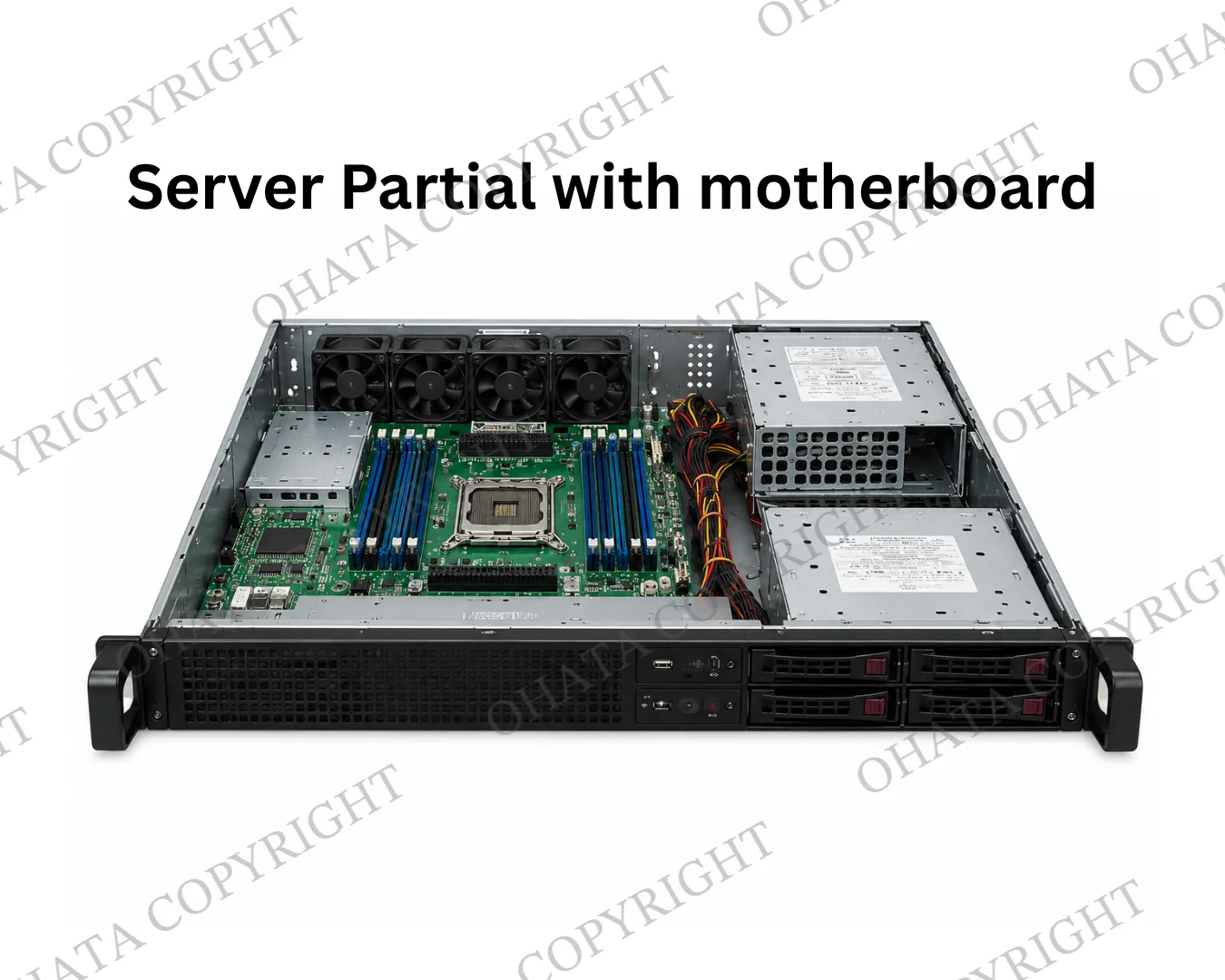
Server Partial with motherboard buying
0.26
CAD / lb
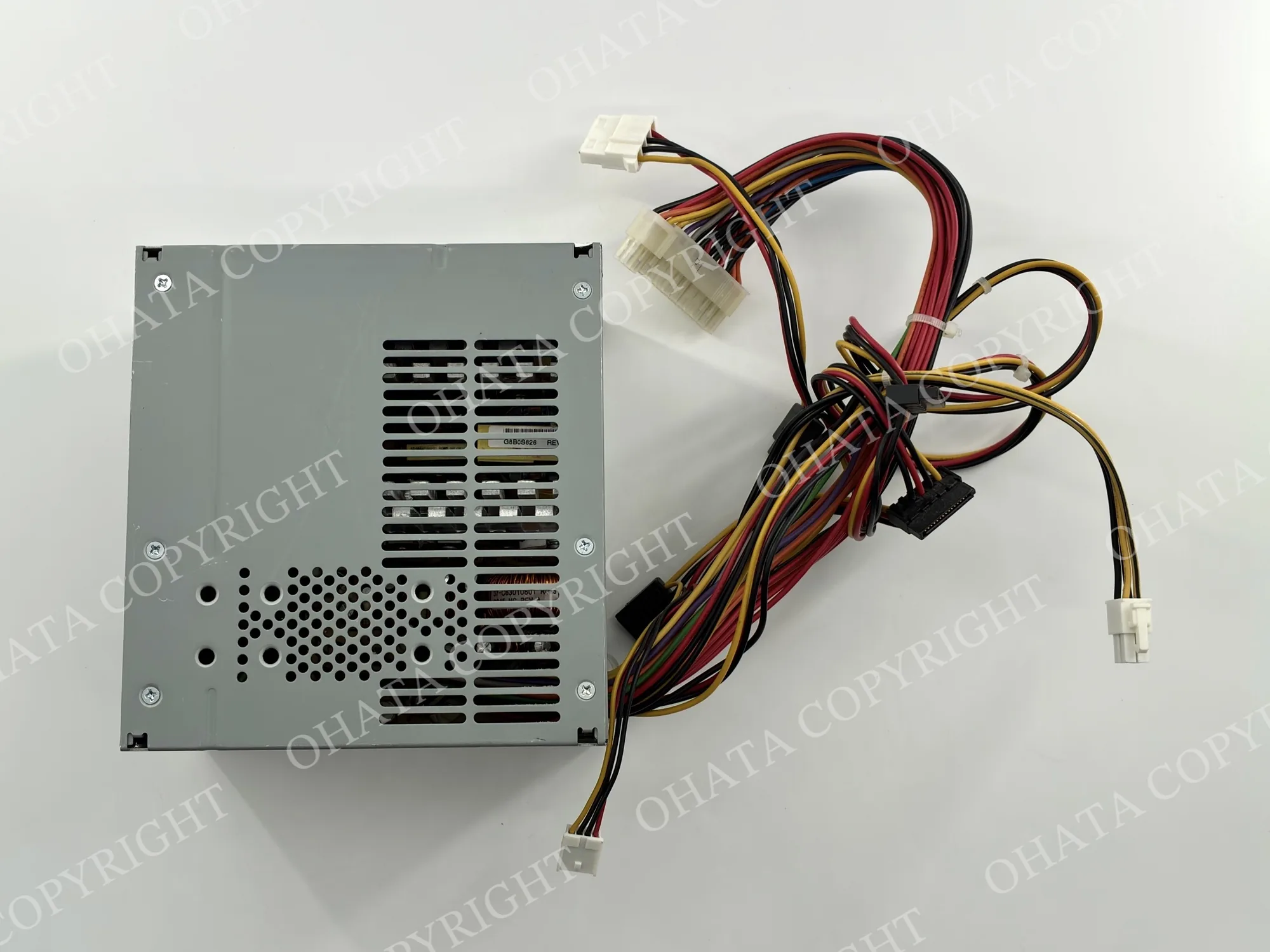
Power Supply with wire buying
0.47
CAD / lb
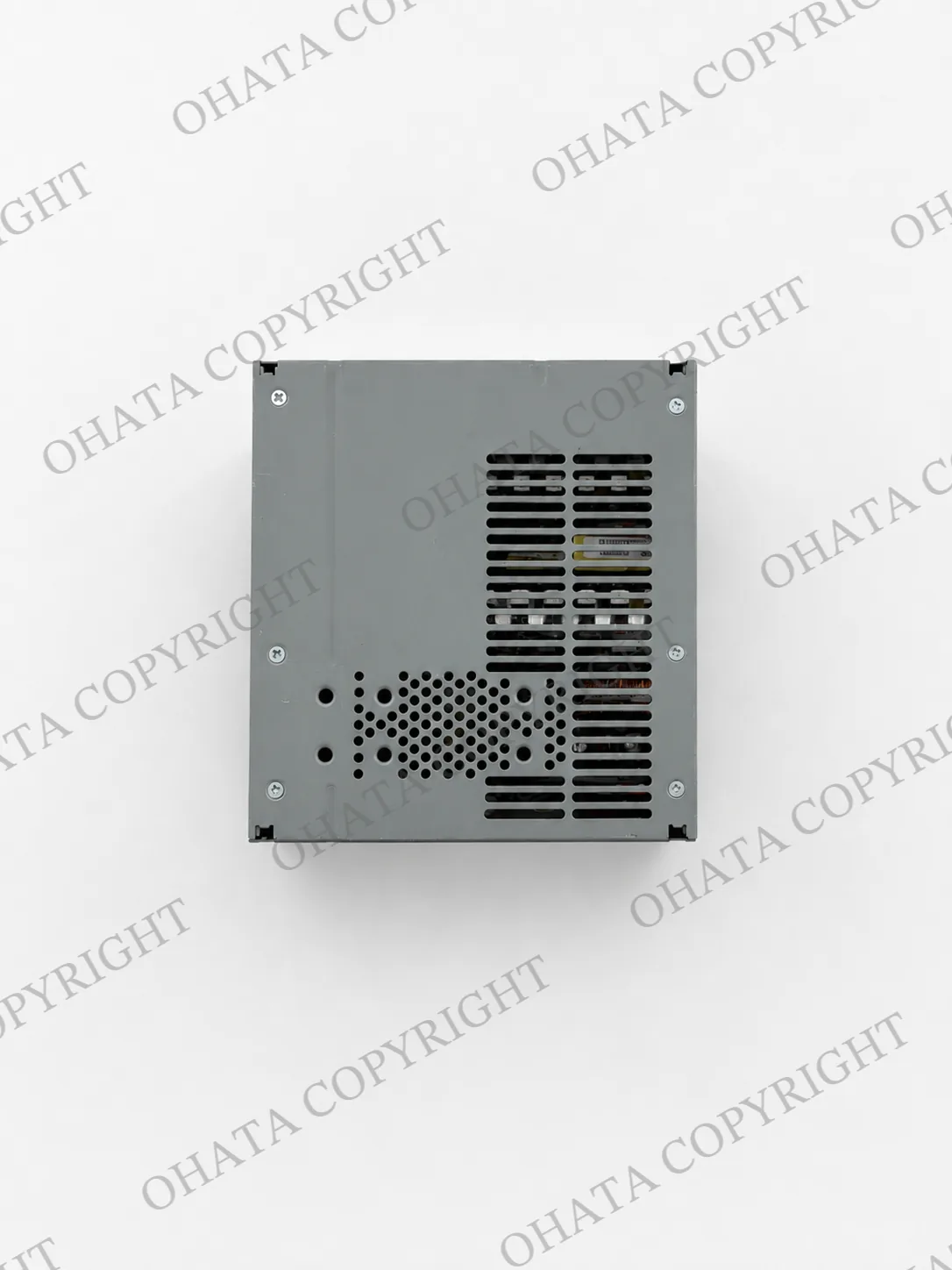
Power Supply no wire buying
0.30
CAD / lb
UP↑
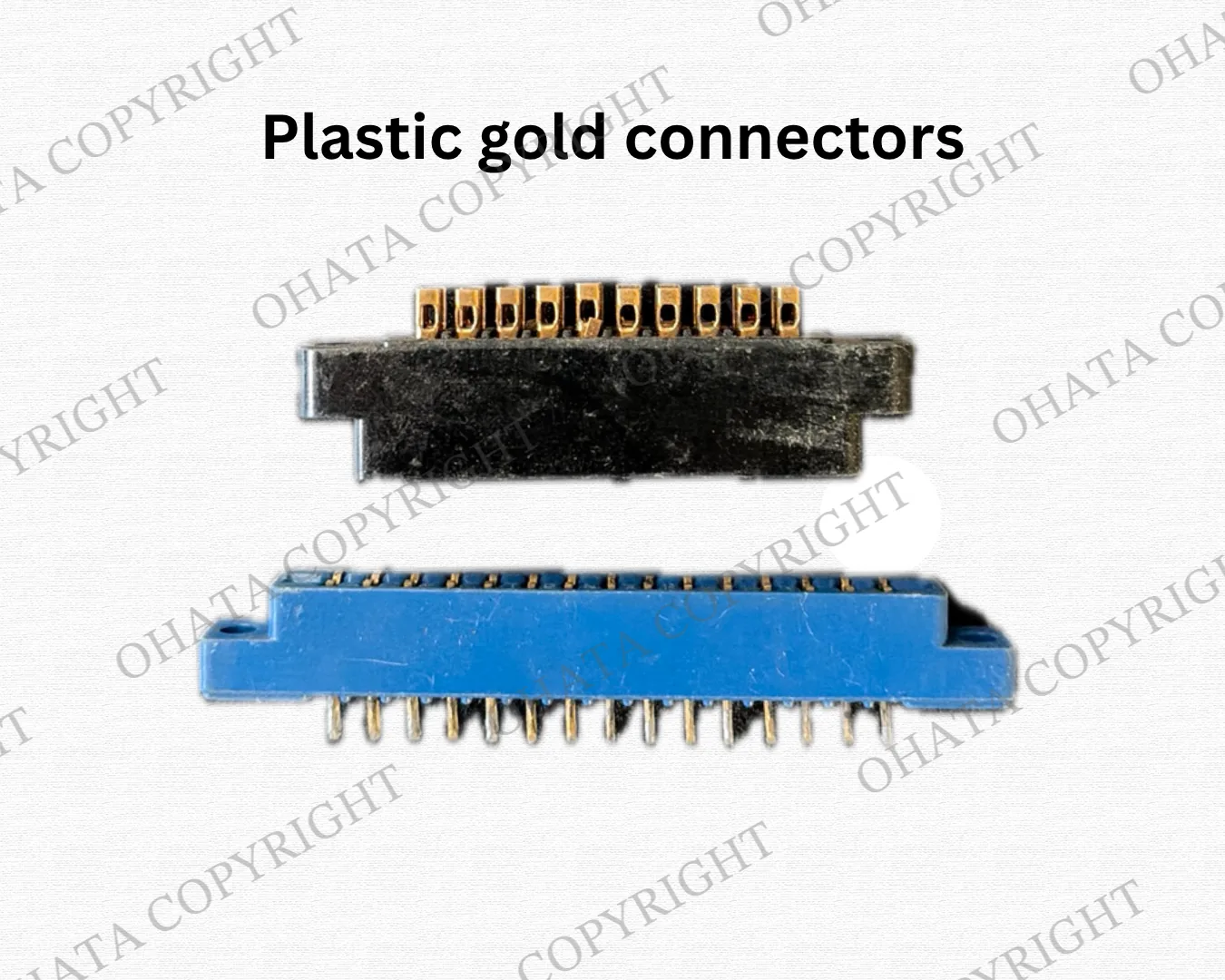
Plastic gold connectors (non-metal connectors) buying
5.25
CAD / lb
Contact us by phone or email