

- Ohata Resource Canada accepts eligible computer monitors for free recycling at Ohata Resource Canada's Richmond, BC yard.
- There is no recycling fee for qualifying computer monitors.
- This category includes standalone CRT monitors, LCD monitors, and LED-backlit LCD monitors.
- Please contact us before visiting with damaged monitors, unusually heavy units, or commercial quantities.
Computer Monitor Recycling Drop-Off
Key Drop-off Introduction
Key Drop-off Introduction
- Ohata Resource Canada accepts eligible computer monitors for free recycling at Ohata Resource Canada's Richmond, BC yard.
- There is no recycling fee for qualifying computer monitors.
- This category includes standalone CRT monitors, LCD monitors, and LED-backlit LCD monitors.
- Please contact us before visiting with damaged monitors, unusually heavy units, or commercial quantities.
Drop-off Details and Conditions
Free Computer Monitor Recycling in Richmond, BC
Ohata Resource Canada accepts eligible computer monitors for free recycling drop-off at our Richmond, BC yard.
This category covers standalone computer monitors, including older CRT monitors and flat-panel LCD/LED monitors. Contact our team to confirm acceptance requirements before bringing damaged equipment, unusually large units, or commercial quantities.
Have a television instead? Please see our TV Recycling Drop-Off page. All-in-one computers, which combine the screen and computer in one unit, should be identified separately when you contact us.
What Types of Computer Monitors Does This Category Cover?
Monitor Type | Description |
|---|---|
CRT monitors | Older standalone computer monitors with deep, bulky cabinets and glass screens |
LCD monitors | Flat-panel computer monitors that use liquid crystal displays |
LED-backlit LCD monitors | Flat-panel LCD monitors commonly marketed as LED monitors |
Acceptance depends on the equipment and its condition. If you are unsure whether your item is a standalone monitor, send us a photo and, if available, its model number before visiting.
CRT Monitor Recycling
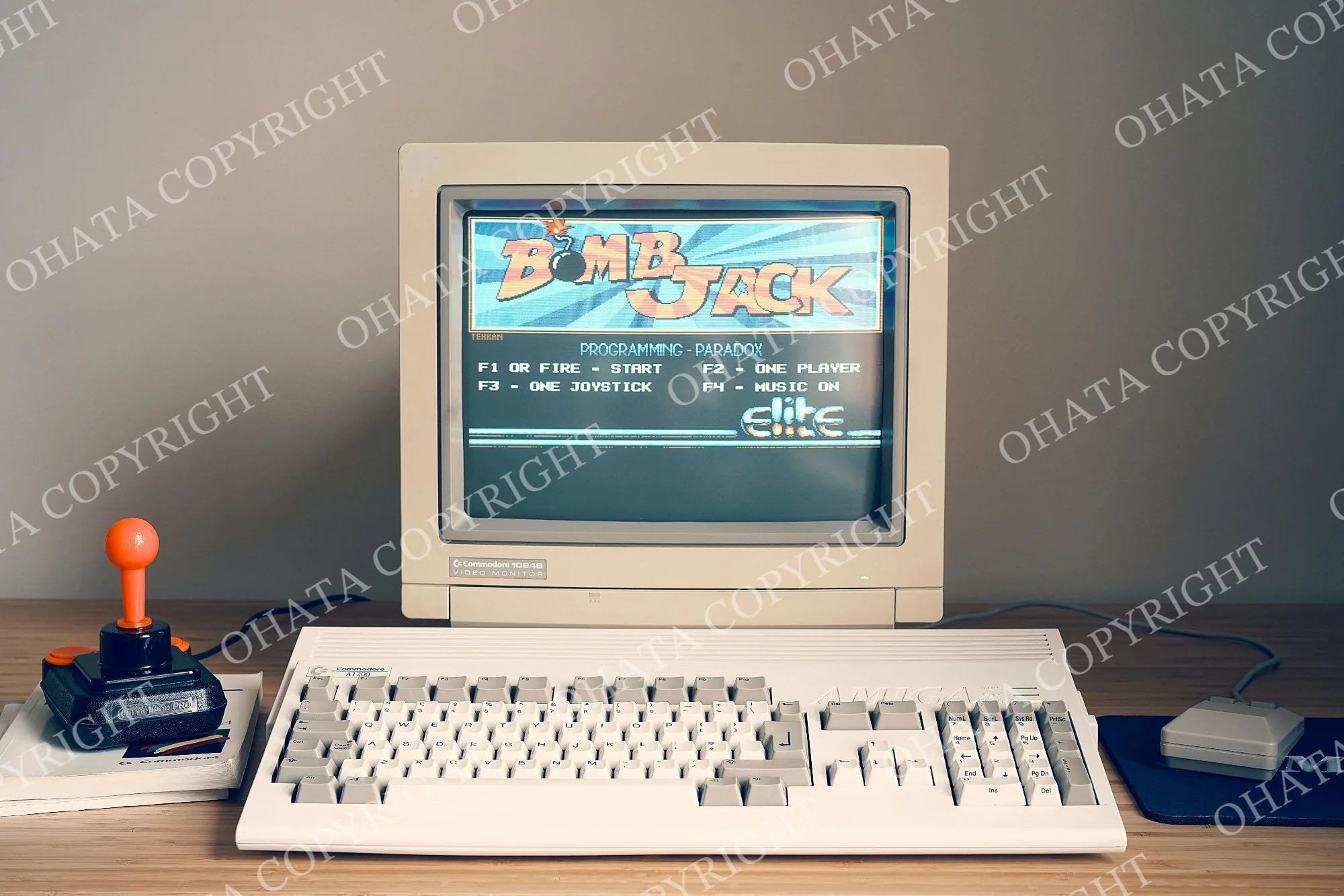
CRT computer monitors are older displays commonly used with desktop computers. They usually have a deep cabinet and are heavier than similarly sized flat-panel monitors.
A standalone CRT monitor is separate from the computer itself. It does not contain the complete computer system.
Please keep your CRT monitor intact. Do not intentionally break the glass, open the cabinet, or remove internal components to prepare it for recycling.
If the screen is cracked, the cabinet is damaged, or the monitor has already been dismantled, contact our team before transporting it.
LCD and LED Monitor Recycling
LCD and LED-backlit LCD monitors are the thinner displays commonly used with desktop computers, laptops, and docking stations.
These monitors display an image from a connected device. They are different from all-in-one computers, even when they look similar from the front.
If you have a flat-panel monitor you no longer need, contact our Richmond team to confirm whether it qualifies for free recycling drop-off.
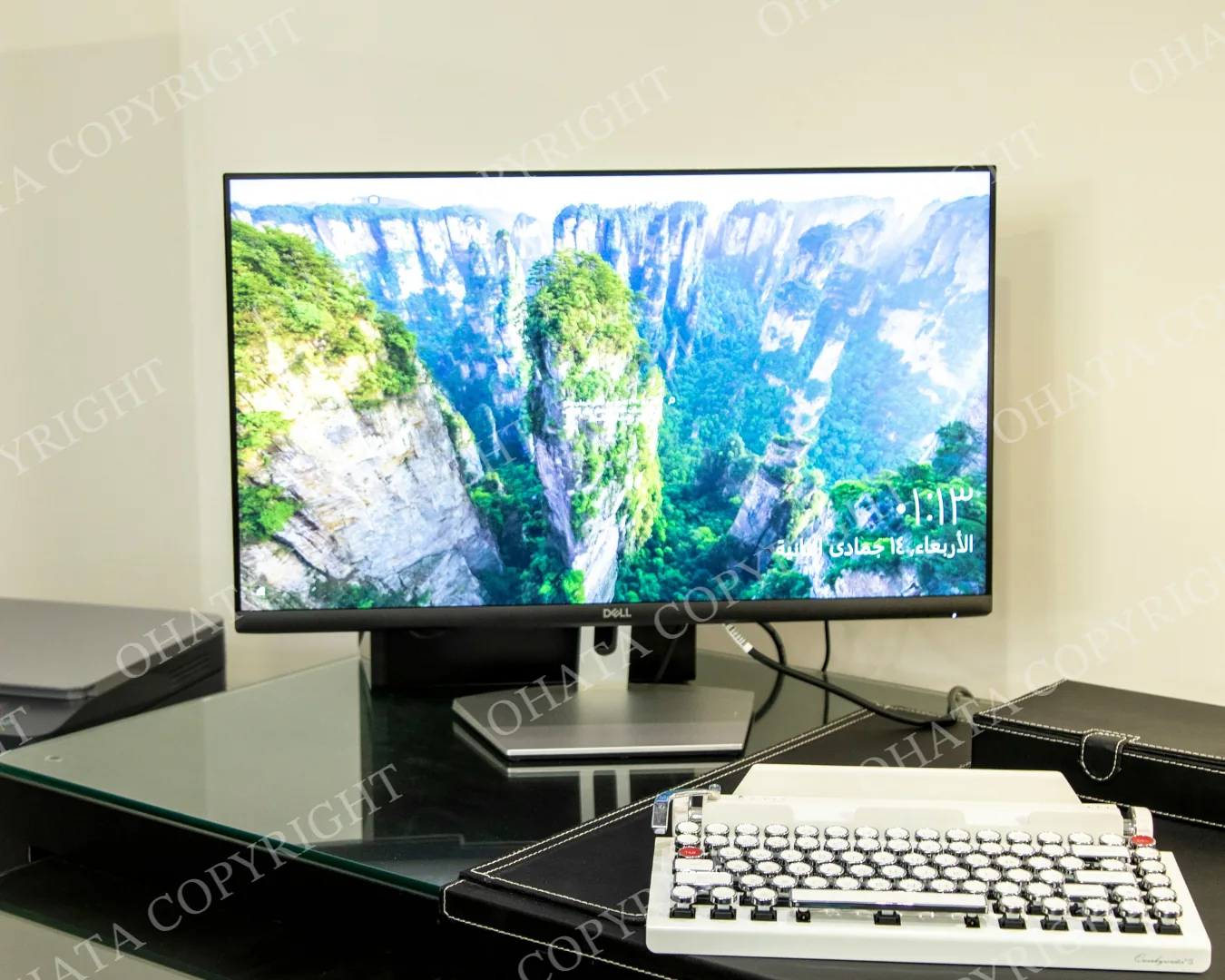
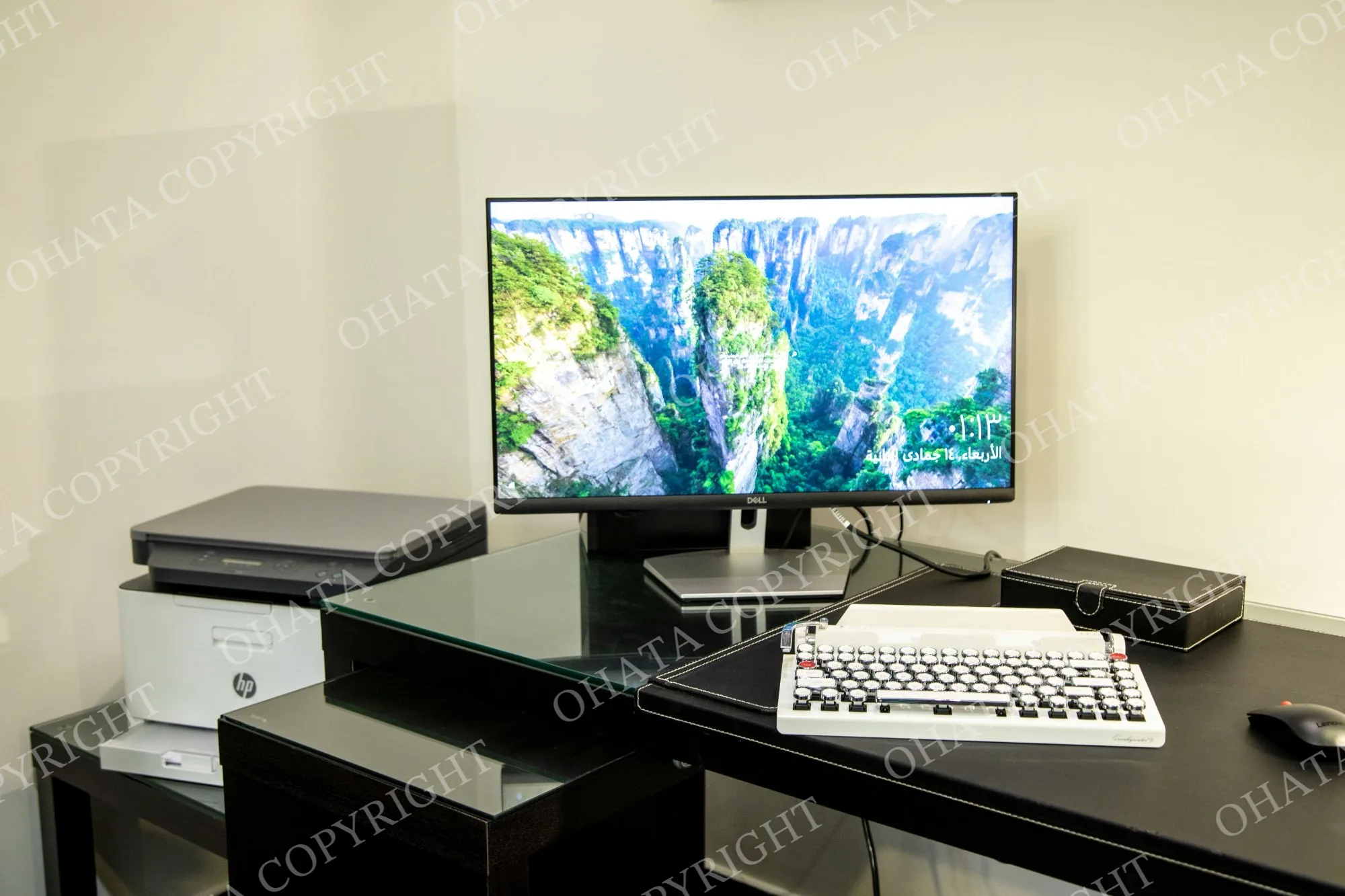
Example of a flat-panel computer monitor. Reference image only.
Is It a Monitor, a TV, or an All-in-One Computer?
The appearance of a screen does not always tell you which category it belongs to.
Standalone computer monitor
A display that connects to a separate computer, laptop, or other device. This is the category covered here.
Television
A screen designed and sold as a TV. CRT televisions and flat-screen televisions belong under our TV Recycling Drop-Off category.
All-in-one computer
A complete computer built into the same housing as its screen. Examples include iMacs and older compact Macintosh computers. These should be identified as computers rather than standalone monitors.
If you are unsure, send us a photo of the front and the model label. Our team can help identify the appropriate category.
What If My Monitor Does Not Work?
Tell our team if your monitor will not turn on, has no picture, or has another fault.
Also let us know about cracked glass, a damaged housing, missing components, or contamination. Describing the condition in advance helps us confirm whether the item can be received and whether special handling is needed.
Please contact us before visiting with damaged or dismantled equipment.
Preparing Your Monitor for Drop-Off
Keep the monitor intact. Do not break the screen or dismantle the housing.
Disconnect it from your computer and unplug it before transport.
Secure the monitor so it cannot slide or tip over during the journey.
Keep monitors separate from electronic scrap you would like to sell.
Contact us in advance about heavy CRT monitors, damaged units, or large quantities.
Please confirm the applicable drop-off requirements with our team, including whether a signature is required.
Bringing Monitors With Other Electronic Scrap
You may have monitors alongside computers, cables, circuit boards, or other electronic equipment.
Please identify the different items when contacting us and keep free recycling items separate from materials you would like to sell.
Our team will inspect the materials and confirm their acceptance and applicable categories. Free recycling eligibility does not mean that an item has a scrap purchase value.
For business clear-outs, multiple monitors, or palletized shipments, contact us before visiting to discuss quantities and unloading arrangements.
Visit Our Richmond Yard
Ohata Resource Canada Inc.
11220 Voyageur Way, Unit 7
Richmond, BC, V6X 3E1, Canada
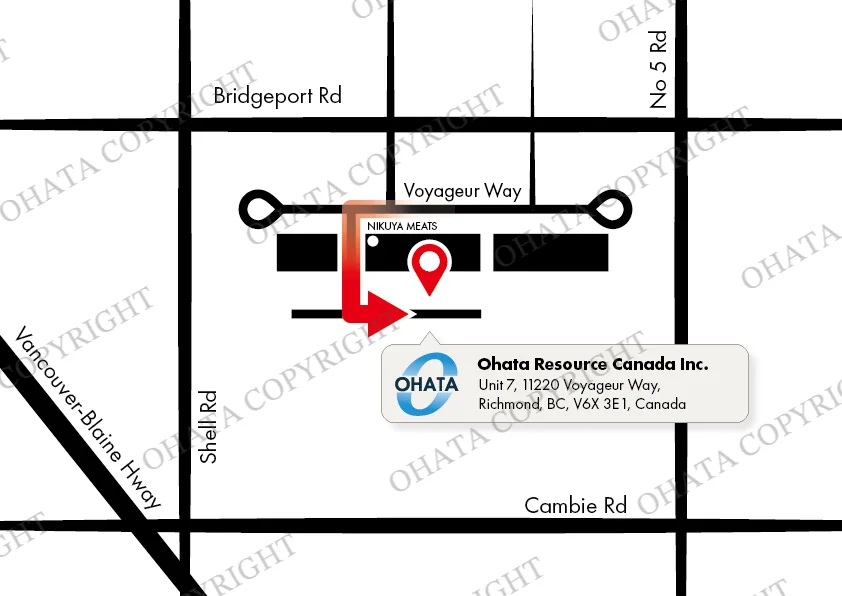
Look for the Ohata sign on the building, then continue around to the rear warehouse entrance.
Ask a staff member for assistance before unloading heavy or bulky equipment.
Telephone / WhatsApp: +1 (236) 888-1086
Email: info-ca@ohata.ai
Contact us with a photo, model number, quantity, and a brief description of the equipment’s condition.
FAQ
- 1. Can I drop off a computer monitor for free?
- Eligible computer monitors can be dropped off for free recycling at our Richmond yard. Contact us to confirm that your equipment qualifies and to check the applicable drop-off requirements.
- 2. Does this category include CRT monitors?
- Yes. This category includes standalone CRT computer monitors. CRT televisions belong under our separate TV Recycling Drop-Off category.
- 3. What is the difference between LCD and LED monitors?
- Many monitors sold as LED monitors are LCD displays that use LED backlighting. Both are flat-panel monitor types covered by this category.
- 4. Is an iMac a computer monitor?
- An iMac is an all-in-one computer, with the computer and display built into one unit. Please identify it as an all-in-one computer when asking about recycling.
- 5. Should I remove the stand or internal components?
- Do not dismantle the monitor or remove internal components to prepare it for recycling. If the stand is already missing or the unit is already dismantled, tell our team before bringing it in.
- 6. Do you pay for computer monitors?
- This page describes free recycling drop-off for eligible monitors. If you are looking to sell equipment or other electronic scrap, contact us for the applicable buying category and any available purchase value.
- 7. Where can I recycle a television?
- Please see our TV Recycling Drop-Off page for CRT TVs, plasma TVs, LCD/LED TVs, and other flat-screen televisions.
Related Items
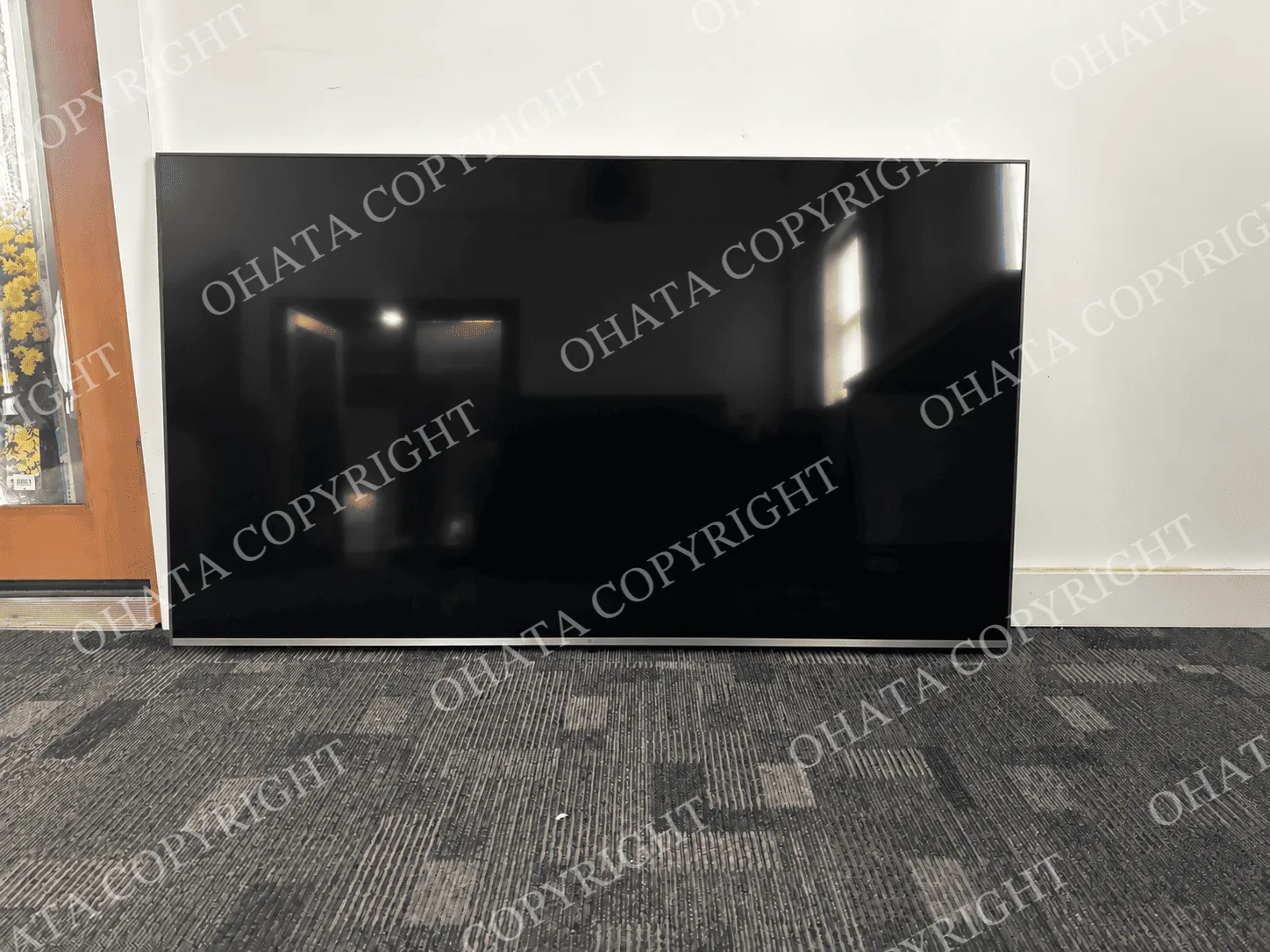
TV Recycling Drop-Off
Free drop-off
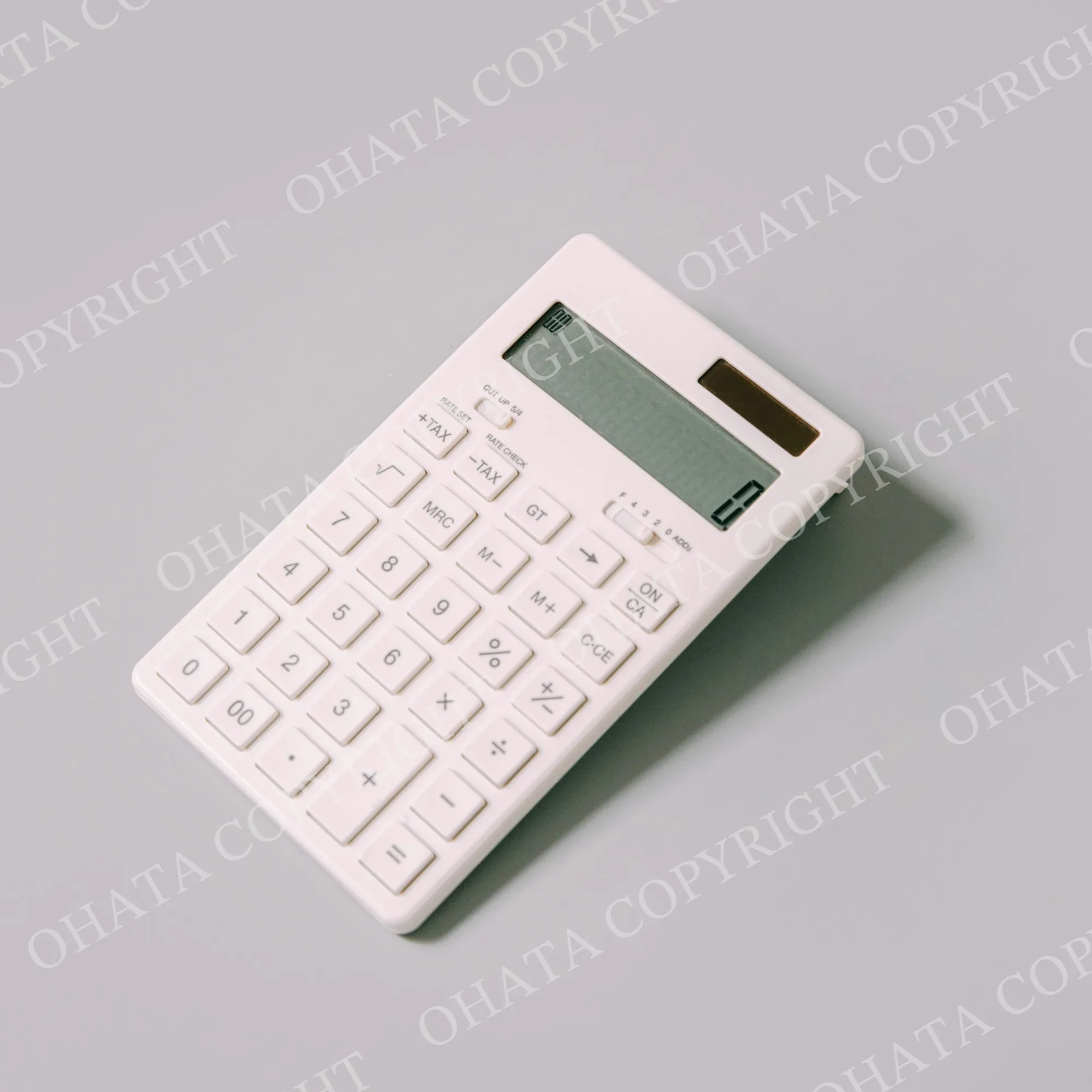
Calculator & Adding Machine Recycling Drop-Off
Free drop-off
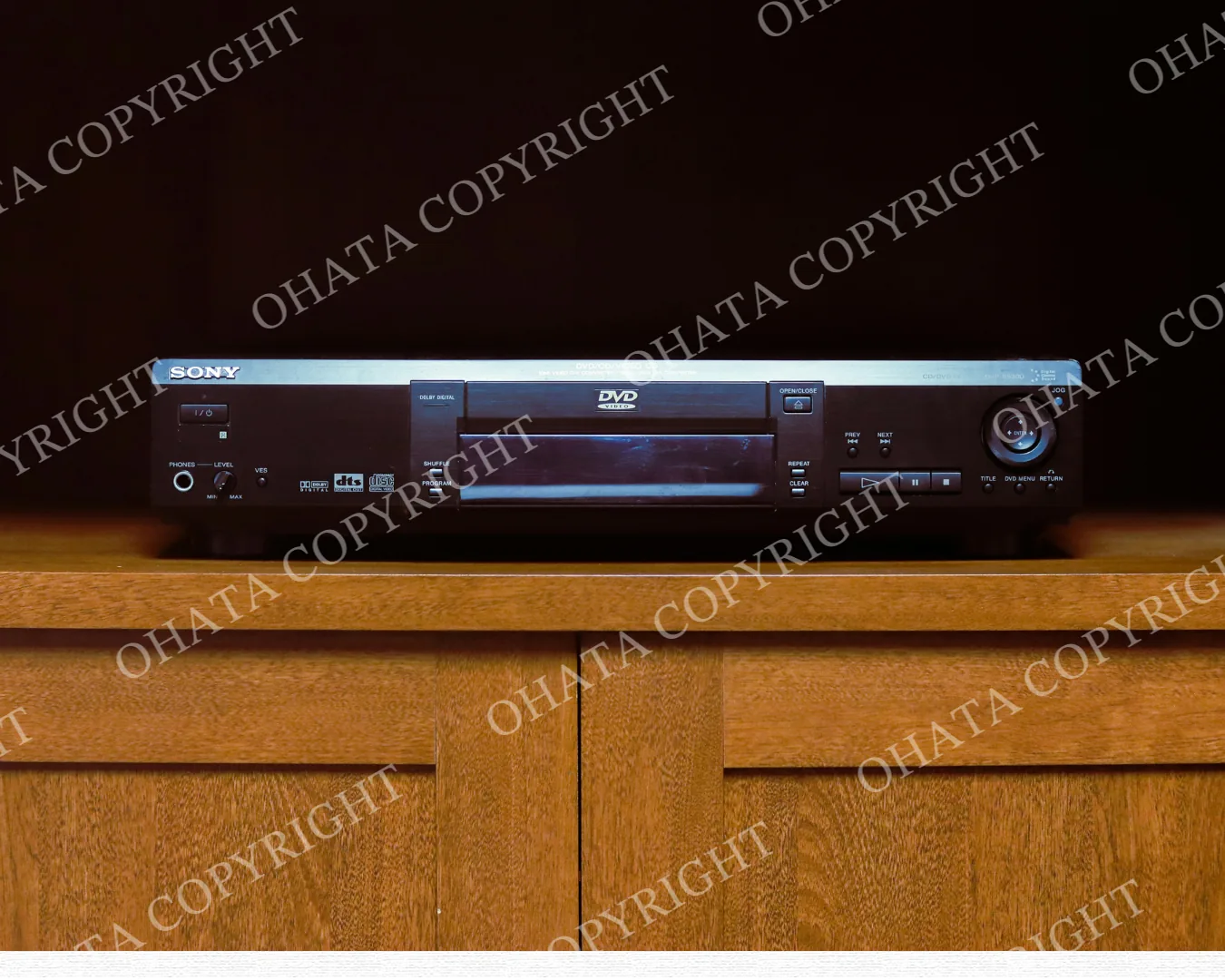
CD & DVD Player Recycling Drop-Off
Free drop-off

Generator Recycling Drop-Off
Free drop-off
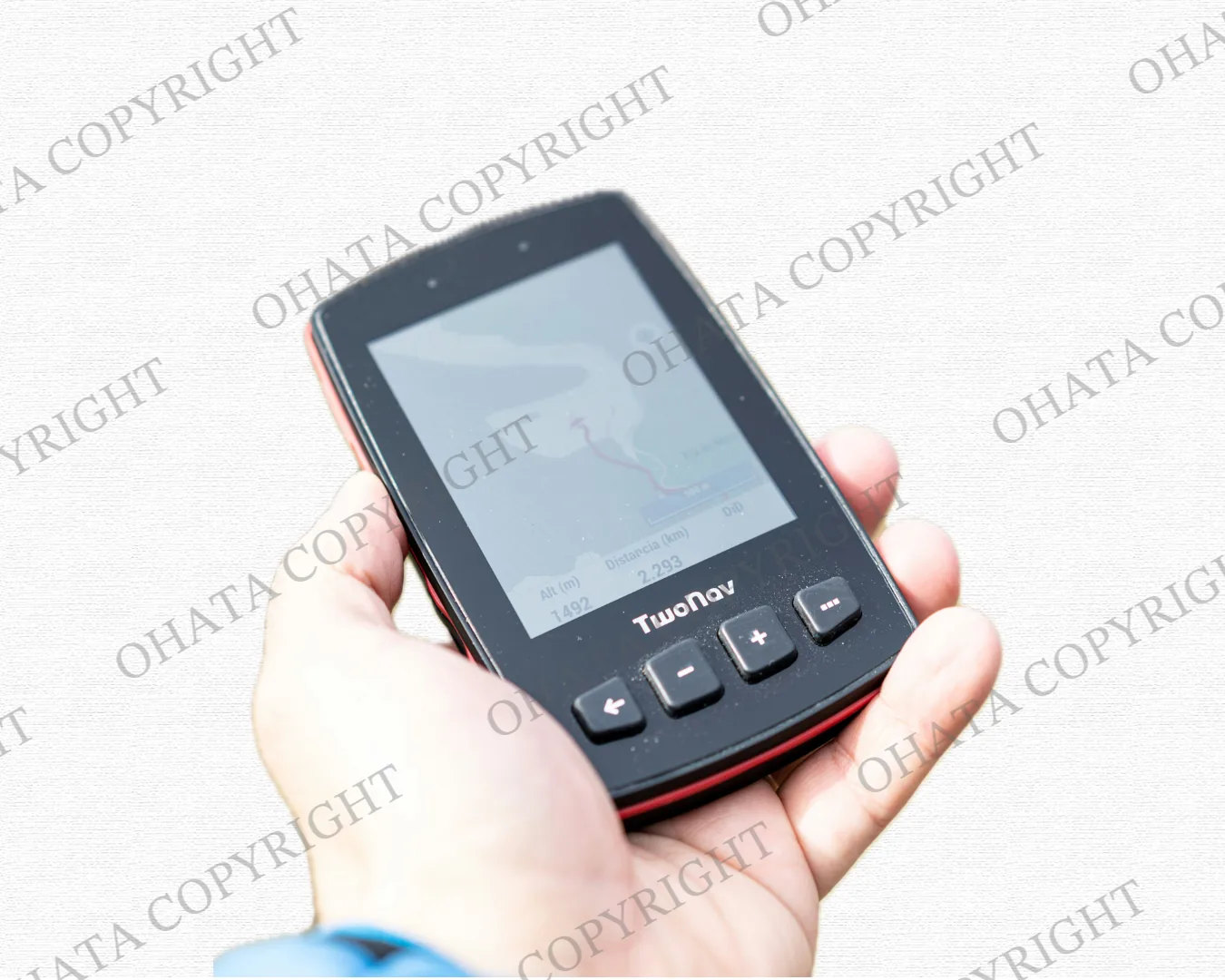
GPS Unit Recycling Drop-Off
Free drop-off
Microwave Recycling Drop-Off
Free drop-off
Remote Control Recycling Drop-Off
Free drop-off
Contact us by phone or email