

- Free recycling for working and non-working typewriters and standalone word processors.
- Manual typewriters, electric models, and dedicated electronic writing machines are welcome.
- Remove personal documents and storage media you want to keep.
- Leave the machine assembled—no repairs or internal parts removal needed.
Typewriter & Word Processor Recycling Drop-Off
Key Drop-off Introduction
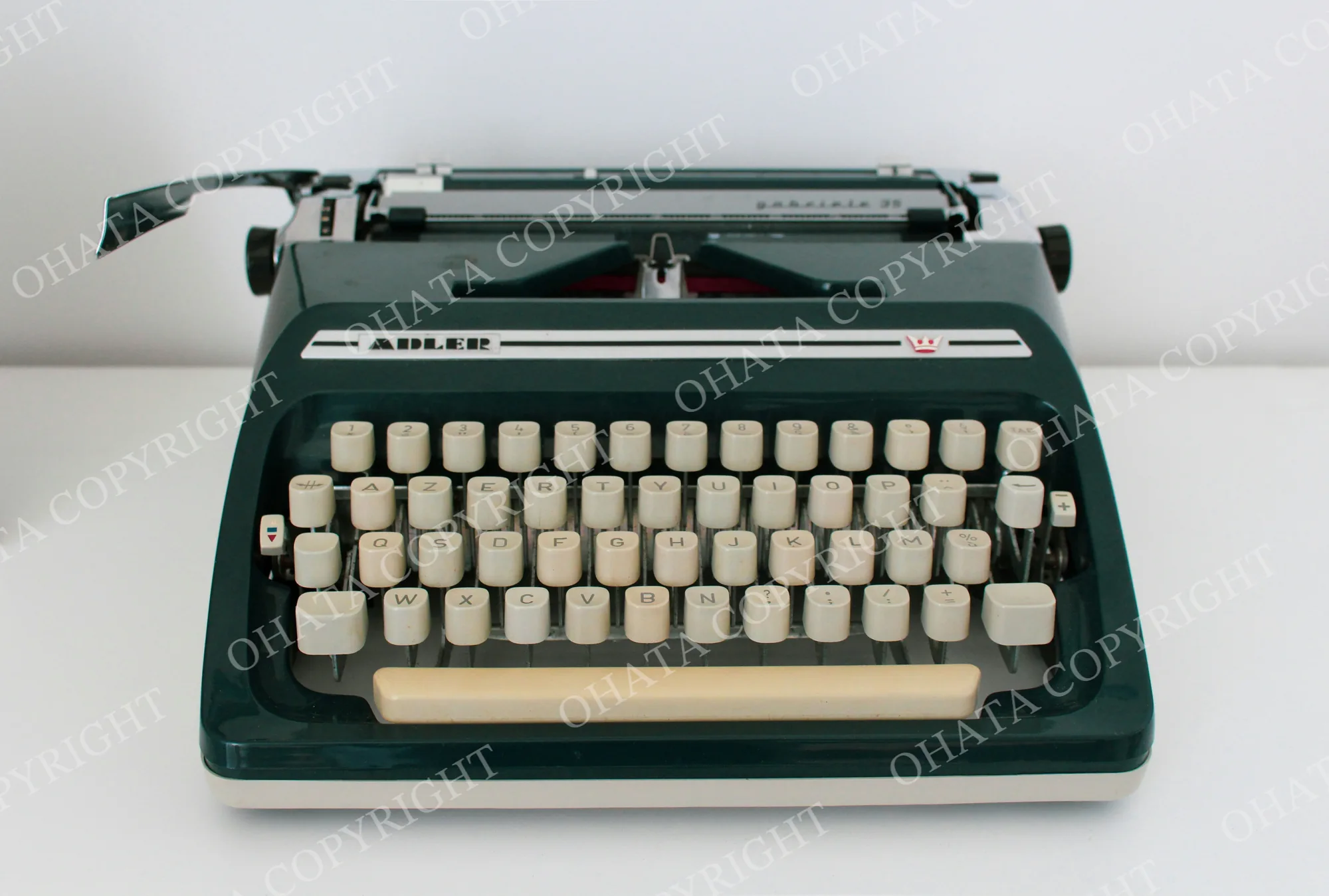
Key Drop-off Introduction
- Free recycling for working and non-working typewriters and standalone word processors.
- Manual typewriters, electric models, and dedicated electronic writing machines are welcome.
- Remove personal documents and storage media you want to keep.
- Leave the machine assembled—no repairs or internal parts removal needed.
Drop-off Details and Conditions
A New Destination for an Old Writing Machine
A typewriter may still hold a half-finished letter. An electronic word processor may have documents saved long after its owner switched to a computer.
Before retiring the machine, take a moment to check what you want to keep. Then bring the unwanted equipment to Ohata Resource Canada for free recycling drop-off in Richmond, BC.
The machine does not need to type, print, or turn on. There is no need to replace a ribbon, repair a key, or test the printing mechanism before recycling.
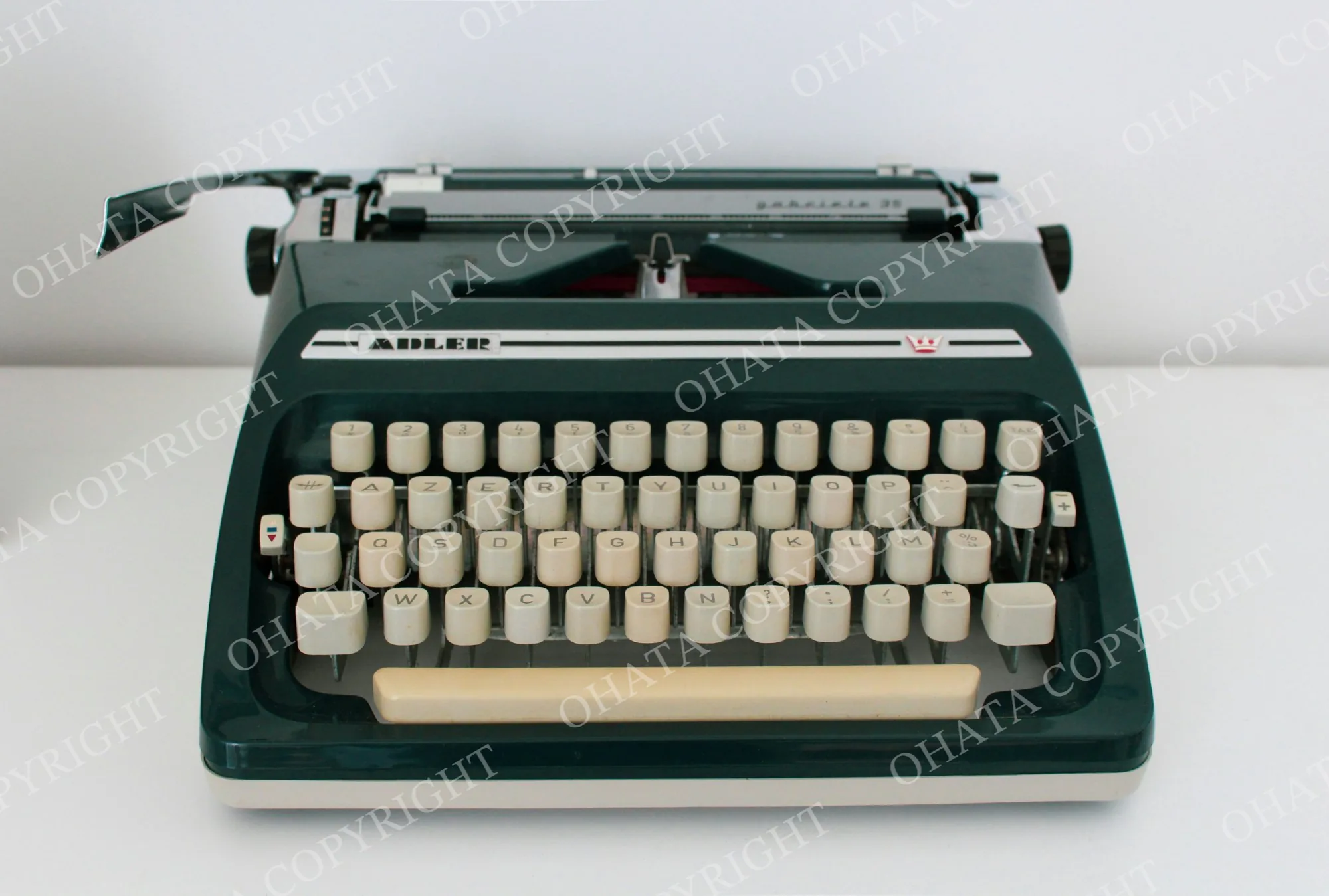
Typewriters and Dedicated Word Processors
This page covers writing machines designed for typing documents, including standalone electronic word processors.
Equipment | How to recognize it |
|---|---|
Manual typewriter | Mechanical keys and a paper carriage; normally operates without electrical power |
Electric or electronic typewriter | Powered typing equipment, sometimes with correction or text-memory functions |
Standalone word processor | A dedicated writing machine with a keyboard and display, often with built-in printing or removable storage |
Desktop or laptop computer | General-purpose computer equipment; check the separate buying categories |
Standalone printer | A separate output device; identify individually rather than assuming the same category applies |
Here, “word processor” means the physical writing machine, rather than software such as Microsoft Word.
Computers used for writing have their own computer equipment buying categories.
Check the Paper, Memory, and Storage
Documents Left in the Machine
Look for letters, address lists, labels, or other paperwork remaining in the paper feed or storage compartment.
Remove documents you want to keep or dispose of privately. Do not force a jammed mechanism to retrieve paper. If it cannot be removed normally, resolve any privacy concerns before handing over the machine.
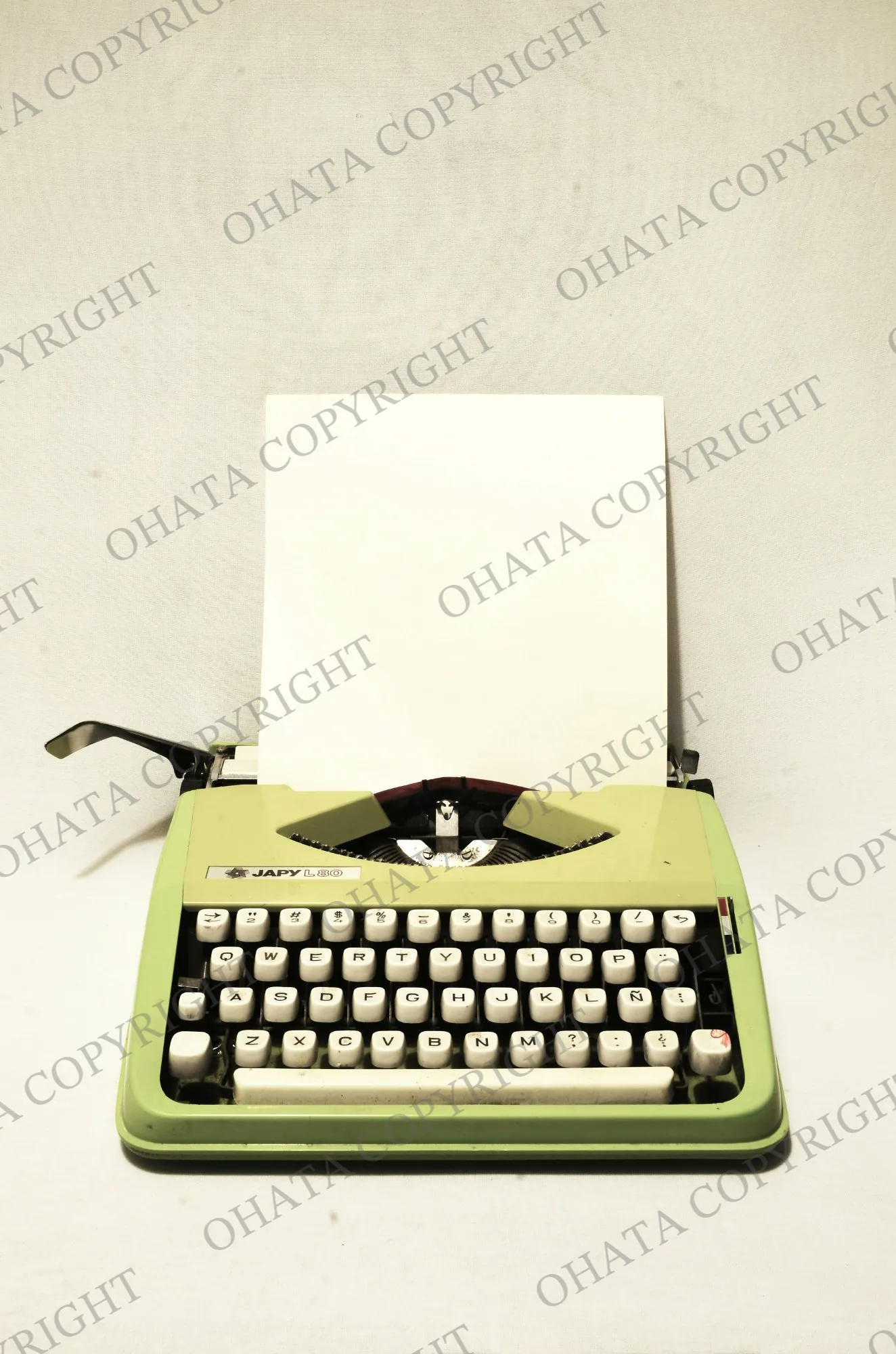
Saved Text and Removable Disks
Some electronic typewriters and standalone word processors can retain text or use removable storage.
Where supported:
Save or copy documents you want to retain.
Follow the manufacturer’s instructions to clear stored text.
Remove floppy disks, memory cards, or other storage media you want to keep.
A machine that will not power on can still be recycled. Free recycling does not automatically include data erasure, document recovery, or certified data destruction.
Ribbons and Correction Materials
Used ribbons, correction tapes, or cartridges may retain traces of typed text. Consider whether they contain information you need to protect.
Remove them only through the normal user-accessible procedure. Do not open the housing or dismantle the machine to reach them. Loose replacement supplies should be identified separately from the equipment.
If you cannot clear information or need particular handling arrangements, use our contact page before handover.
Moving a Machine With a Carriage
Older writing machines can be heavy or awkward to carry. A typewriter’s carriage may also move while the equipment is being transported.
Remove loose paper and objects from around the machine.
Switch off and unplug powered models.
Use the original carrying case if available.
Follow the manufacturer’s transport instructions, including any carriage lock provided.
Support the machine from its base rather than lifting it by the carriage, knobs, or paper support.
Pack loose cords and accessories so they do not catch on moving parts.
A missing case, cover, or power cord does not prevent recycling. Bring the equipment you have without purchasing replacement accessories.
Clearing a Desk, Office, or Storage Room
A typewriter may be only one part of a larger clear-out. You can check other equipment separately through these pages:
For computers or electronic components you would like to sell, review our electronic scrap buying list.
Free recycling and scrap purchasing are separate. A machine’s age, brand, metal content, or original purchase price does not establish a payment under this free-drop-off service.
If a working typewriter is still wanted by another user, passing it on is another option before recycling.
Bring Your Writing Machine to Richmond
Working and broken typewriters and standalone word processors are welcome for free recycling. If you are unsure which equipment category fits your machine, a photo and model number can help our team answer your questions.
For several heavy machines or a larger office load, arrange receiving before delivery. Equipment with leaking hazardous material or contamination requires separate guidance before transport.
Plan Your Visit to the Richmond Yard
Ohata Resource Canada Inc.
11220 Voyageur Way, Unit 7
Richmond, BC, V6X 3E1, Canada
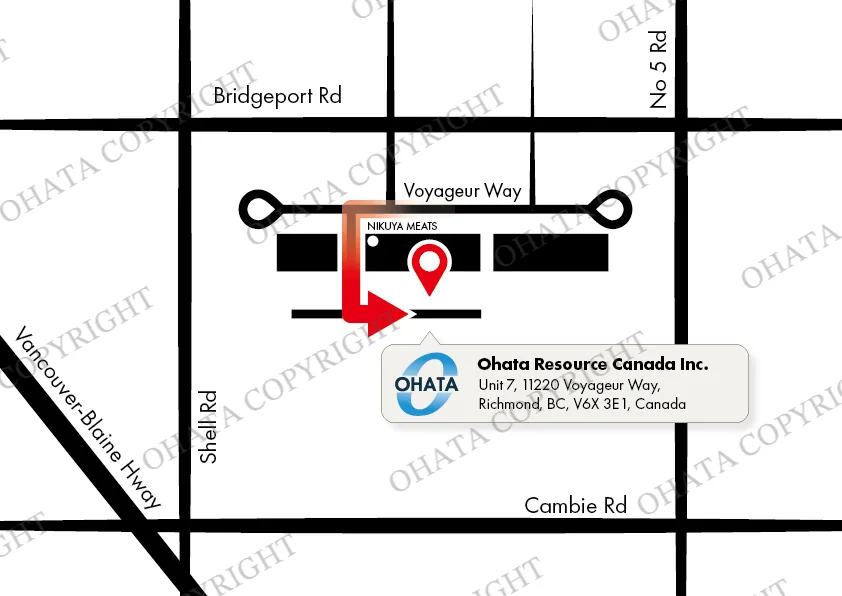
Look for the Ohata sign and continue around to the rear warehouse entrance.
Telephone / WhatsApp: +1 (236) 888-1086
Email: info-ca@ohata.ai
Questions about your machine? Contact our team
常见问题
- 1. Can a typewriter be recycled if it has no electronic parts?
- Yes. Manual typewriters are included, along with electric typewriters and standalone electronic word processors.
- 2. The keys are stuck. Do I need to fix them?
- No. Broken keys and other mechanical faults do not need repair before recycling. Leave the mechanism assembled.
- 3. Does an empty ribbon cartridge matter?
- No. The machine does not need a usable ribbon or a successful print test. There is no need to purchase supplies before drop-off.
- 4. What counts as a standalone word processor?
- A dedicated writing device with its own keyboard and document functions, often including a display and printer. A laptop running Microsoft Word remains computer equipment.
- 5. Could documents still be saved inside?
- Depending on the model, text may remain in internal memory or on removable disks. Check and clear information where possible before handover.
- 6. What if I cannot turn it on to erase saved text?
- The machine can still be recycled. Free recycling does not automatically include data erasure or certified destruction, so discuss any privacy requirements before handing it over.
- 7. Should I check the carrying case?
- Yes. Cases may contain personal documents, disks, ribbons, or accessories. Remove anything you want to keep, then bring the matching case with the machine if available.
- 8. Can I bring a machine without its case or power cord?
- Yes. Missing accessories do not prevent recycling. Bring the remaining equipment together.
- 9. Where can I drop off a typewriter in Richmond, BC?
- At Ohata Resource Canada, 11220 Voyageur Way, Unit 7, Richmond. See our yard access page for directions.
- 10. Do you assess collectible typewriter values?
- This service is for free recycling, without payment or an antique appraisal. Explore any collectible resale or reuse opportunities before handing over the machine.
相关项目
视频投影机免费投放回收
Free drop-off
Radio & Walkie-Talkie Recycling Drop-Off
Free drop-off
Pager & Paging Equipment Recycling Drop-Off
Free drop-off
Speaker Recycling Drop-Off
Free drop-off
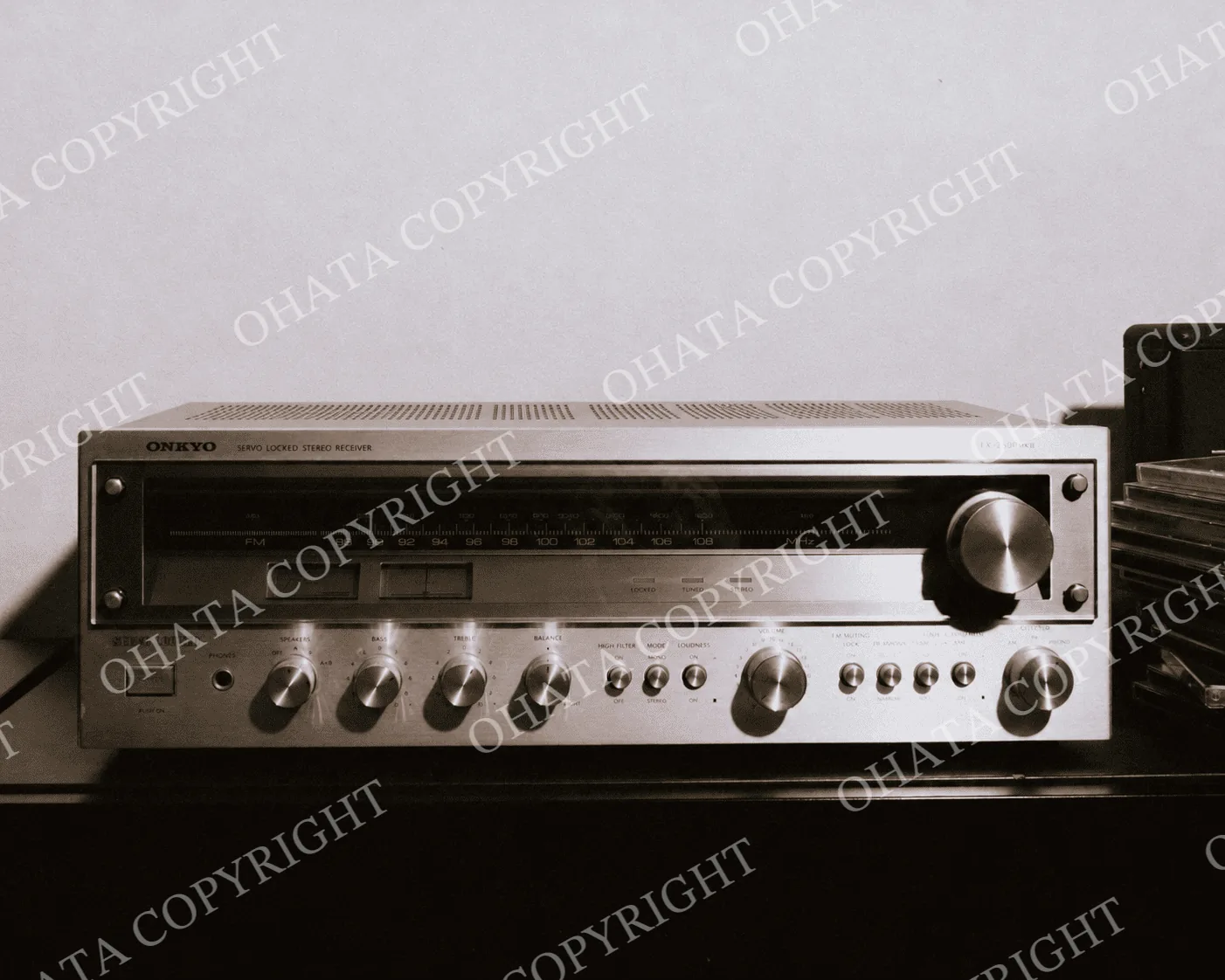
Audio Receiver Recycling Drop-Off
Free drop-off
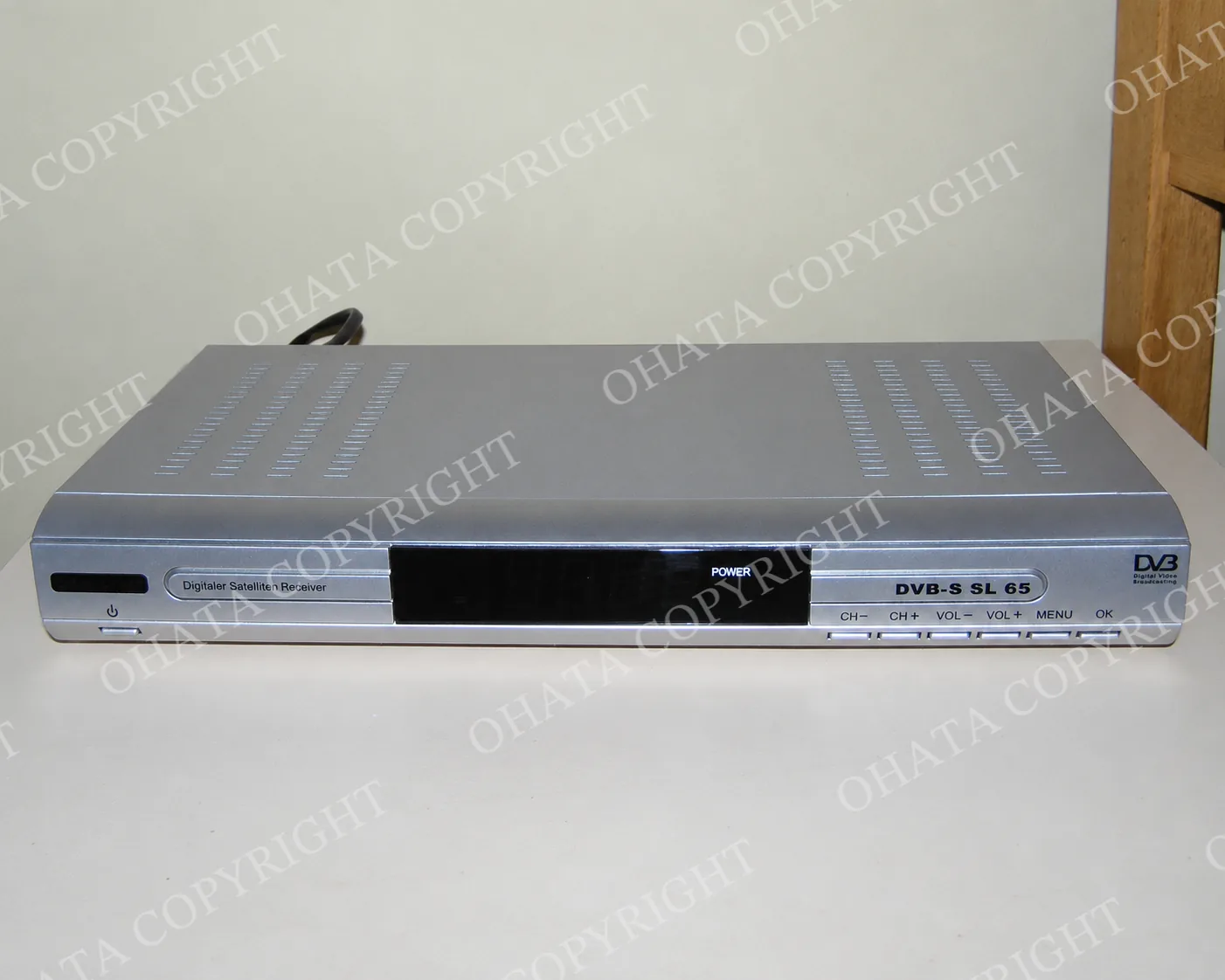
Satellite Receiver & Dish Recycling Drop-Off
Free drop-off
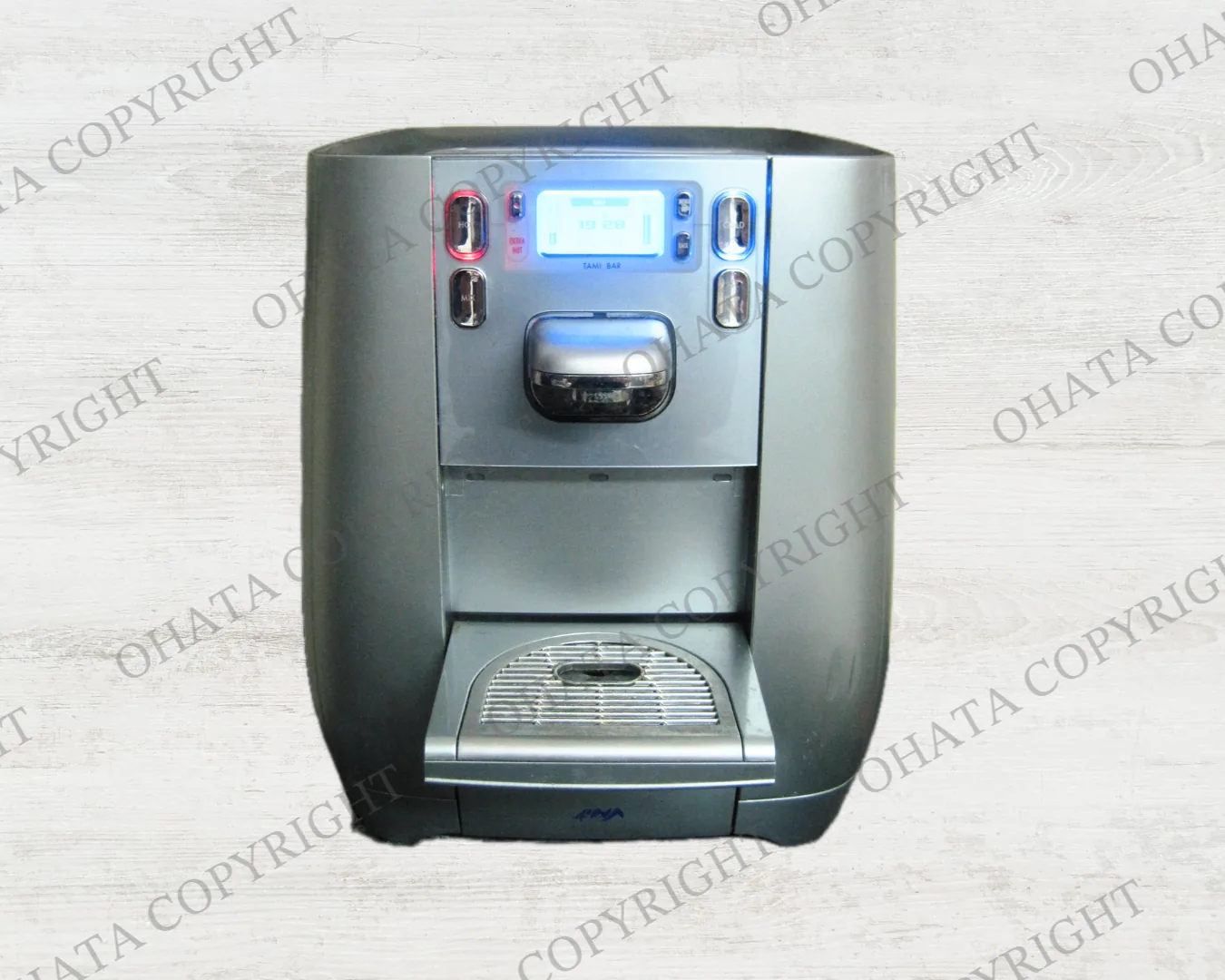
Water Cooler & Water Heater Recycling Drop-Off
Free drop-off
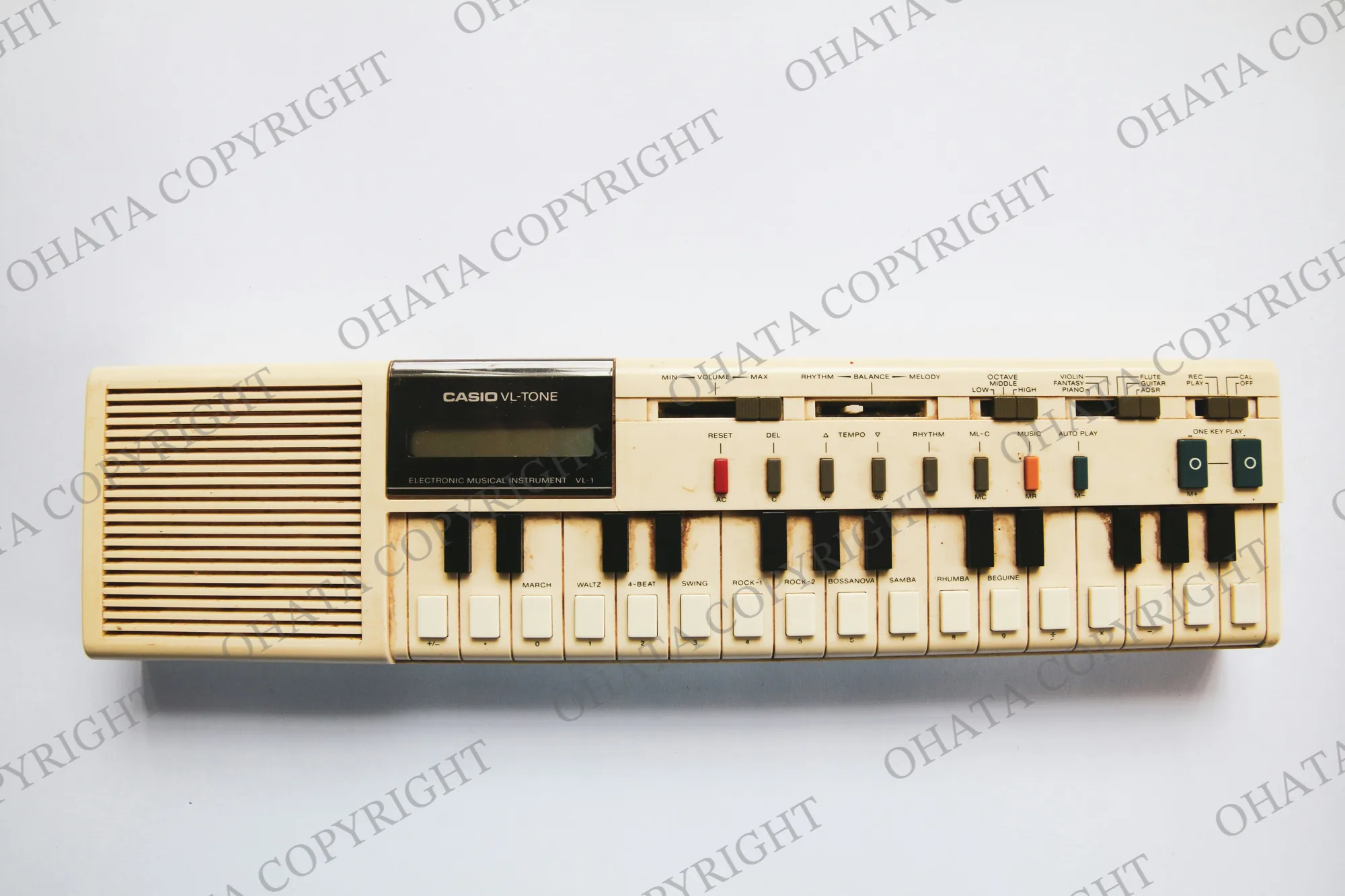
Electronic Keyboard Recycling Drop-Off
Free drop-off
Video Projector Recycling Drop-Off
Free drop-off