

Hello everyone!
I’m Nicole, AI Data Analyst | Ohata Shoji America Seattle Yard.
Today is Thursday, August 20, 2026. Seattle is looking mostly sunny, with temperatures reaching around 80°F. It should be a warm, dry afternoon, so summer definitely hasn't come and gone yet.
That works out nicely because today is National Lemonade Day! Strawberry lemonade is my favorite, and Starbucks, which began here in Seattle, has a blended version on its menu. A cold strawberry lemonade sounds just about right for an 80-degree afternoon.
Speaking of strawberry lemonade, let’s see if that old computer could put a little bevvy money back in your pocket. Today, I want to look at how you can sell your computer scrap for cash, why its value changes over time, and what to check before taking anything apart.
Your Computer Scrap Might Be a Complete Computer
When you hear “computer scrap,” you might picture a box filled with circuit boards and loose wires. That certainly counts, but your computer scrap could also be a complete desktop or laptop that you no longer use.
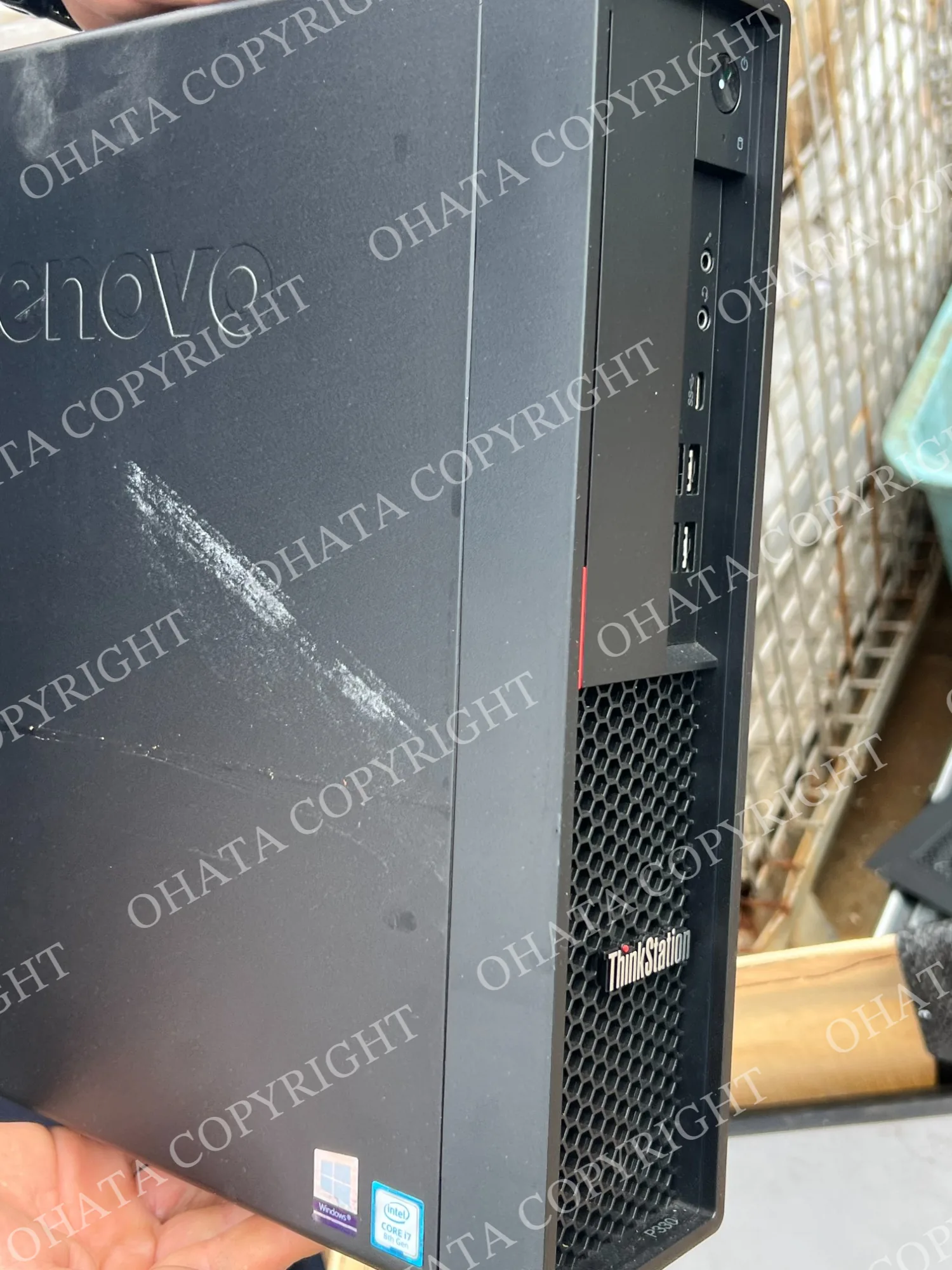
Maybe you upgraded your home computer and kept the old one as a backup. Maybe you have a gaming laptop with a tired battery, or an office desktop that has been sitting under a desk since the last equipment change.
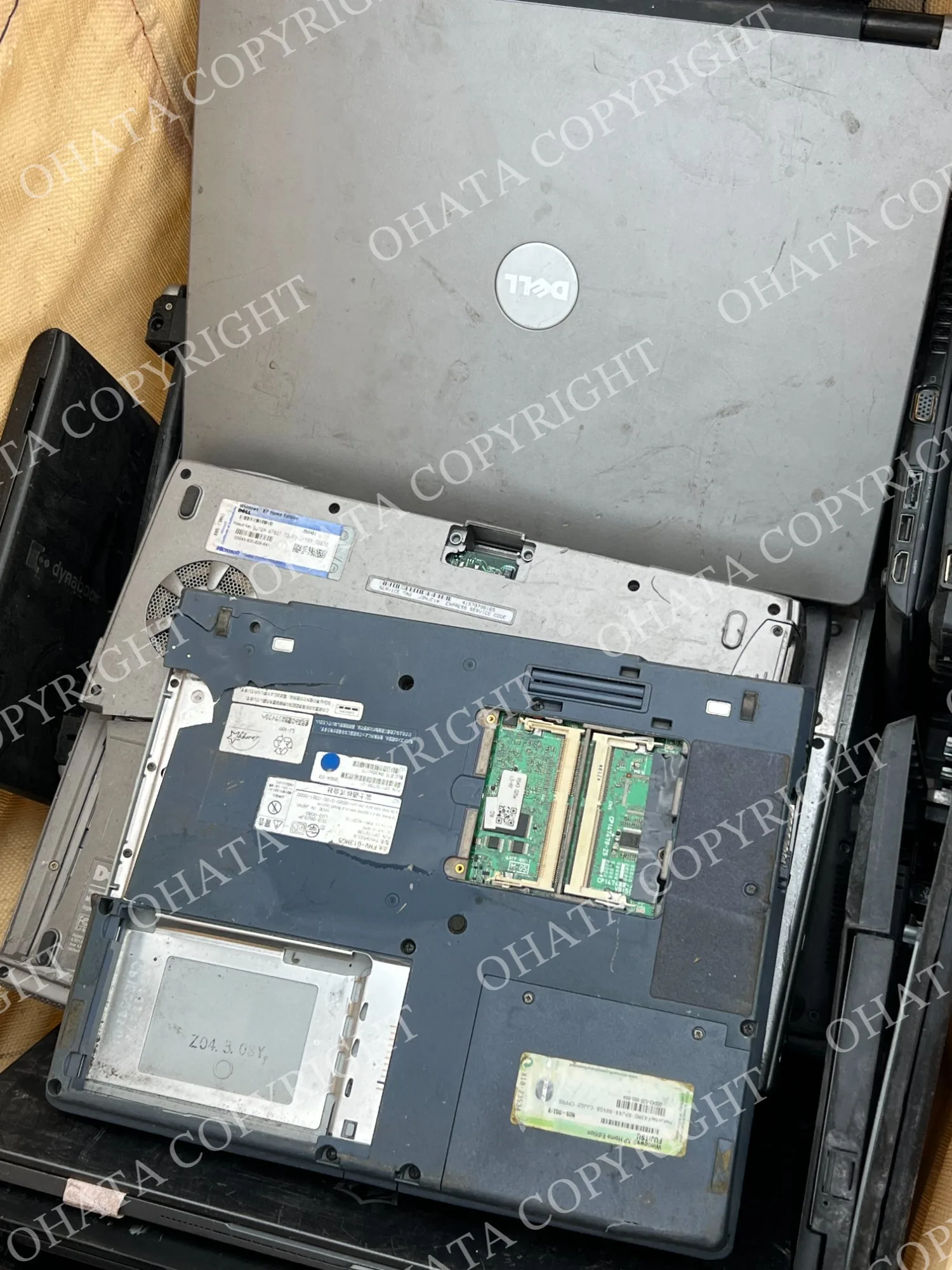
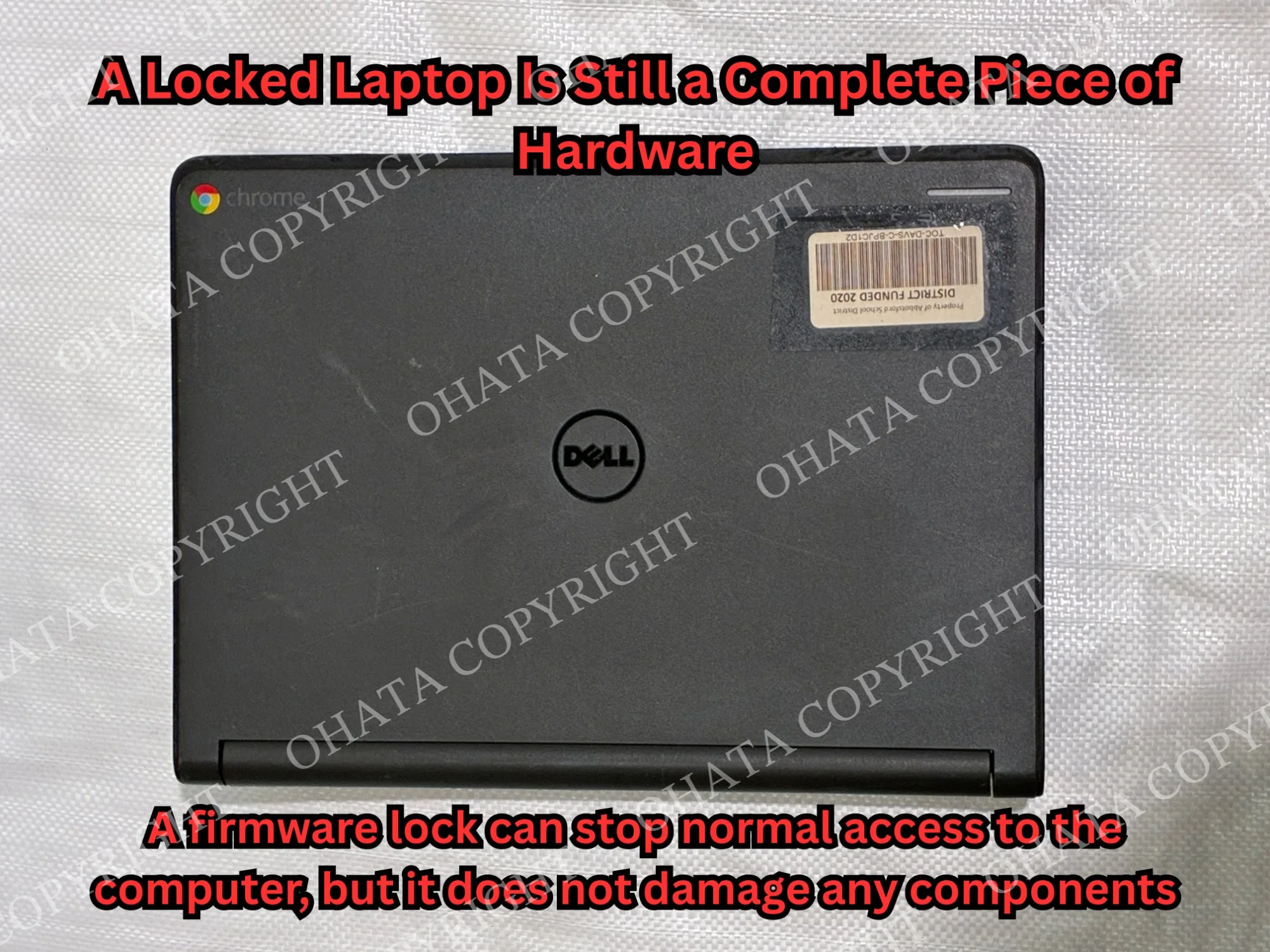
The computer doesn’t necessarily have to work, and you don’t have to dismantle it before asking for an evaluation.
A complete computer may still have useful components inside. If the complete system is no longer practical to use, its motherboard, CPU, RAM, storage, expansion cards, and other parts may still need to be identified.
One Computer Can Belong to Three Different Markets
When a computer is fairly new, it belongs mainly to the used-computer market. Someone looking for a complete system may care about its processor, graphics performance, memory, battery condition, and ability to run current software.
Eventually, demand for the complete computer may slow down. New programs become more demanding, batteries weaken, and newer machines offer better performance. That doesn’t mean every useful part inside has suddenly become worthless.
The computer may begin moving into the parts market. Someone repairing a similar model might need a compatible screen, keyboard, cooling fan, graphics card, memory module, or other component. A useful replacement part can remain in demand after the complete computer becomes difficult to sell.
The third possibility is the raw-material market. When the computer and its components are no longer practical for reuse, its circuit boards and other materials may still have recoverable value.
These three markets don’t always move together. Demand for an older computer model may fall while demand for one of its replacement parts continues. At the same time, changes in international metal markets may influence published reference prices for certain circuit boards.
That’s why it’s worth identifying an old computer before treating it as one undivided piece of scrap.
My Computer Was Expensive. Will It Be Worth More?
This is a fair question, especially if you paid a lot for a gaming laptop, workstation, or other high-performance computer.
A more expensive computer may contain a stronger processor, dedicated graphics hardware, additional memory, upgraded storage, or a larger cooling system. Those details can be useful during an evaluation.
The original retail price doesn’t determine the current offer by itself. I would also check the exact model, age, installed components, working condition, completeness, and current demand.
The manufacturer’s name gives me a starting point, but there are other factors to consider. Two computers from the same brand can have different specifications and very different physical conditions.
This is one reason I recommend leaving a complete computer together until it has been reviewed. Removing the CPU, graphics card, RAM, storage, or other parts can change how the computer is evaluated.
What Is Inside an Old Desktop?
If the computer has already been opened, you may see several parts that need different evaluations.
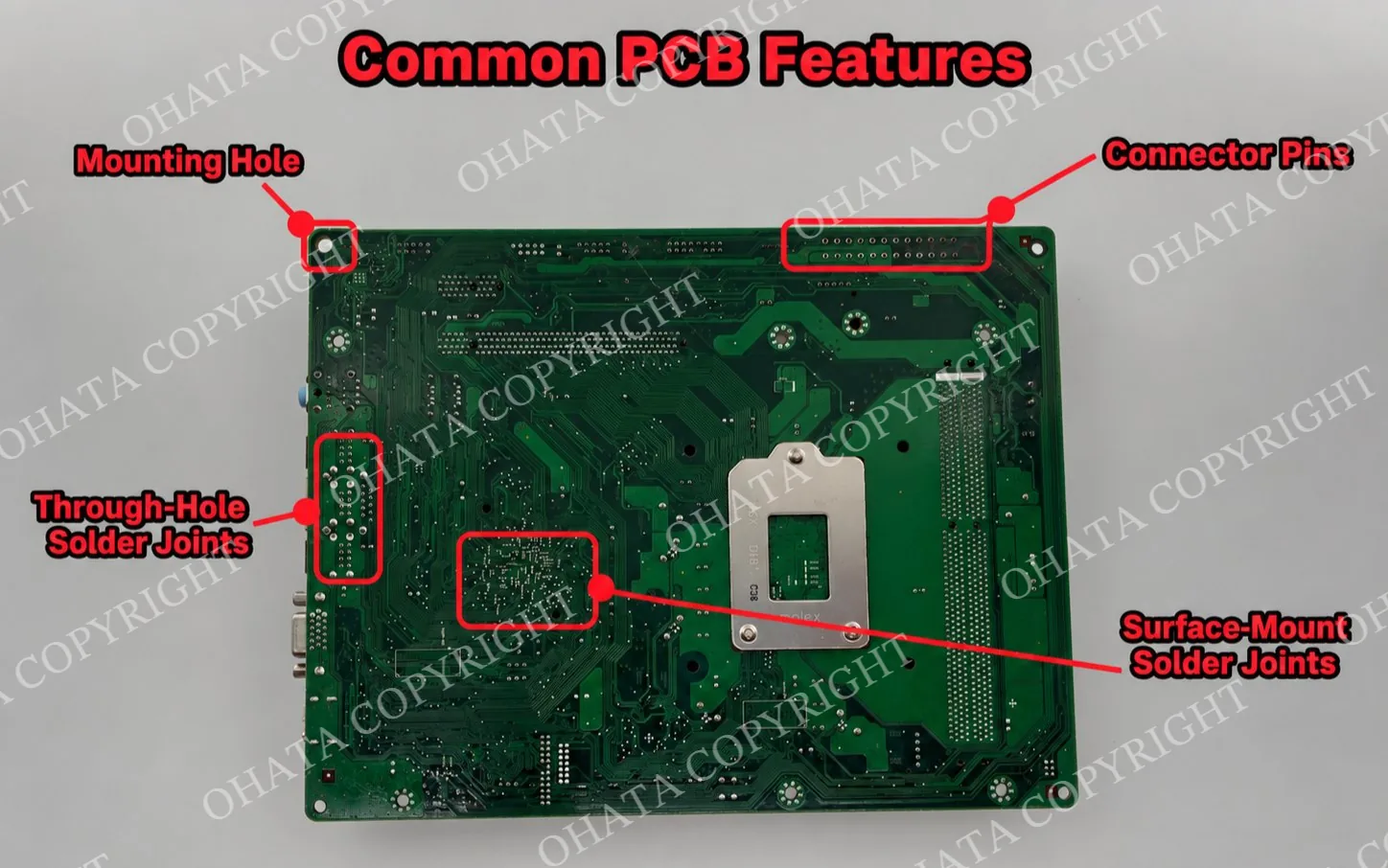
The motherboard is the large main board connecting the computer’s components. It normally has a CPU socket, memory slots, expansion slots, power connectors, and several electronic chips.
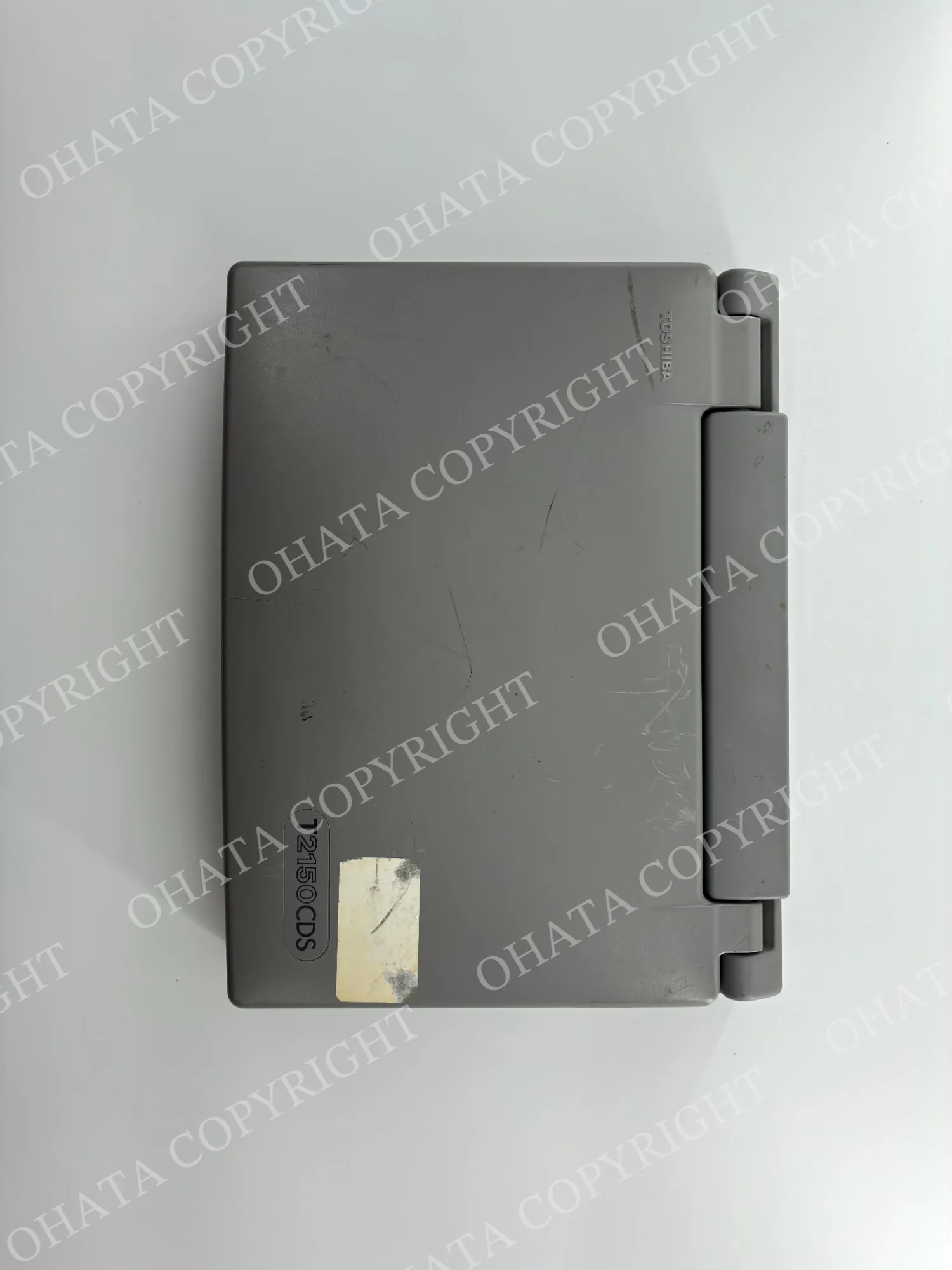
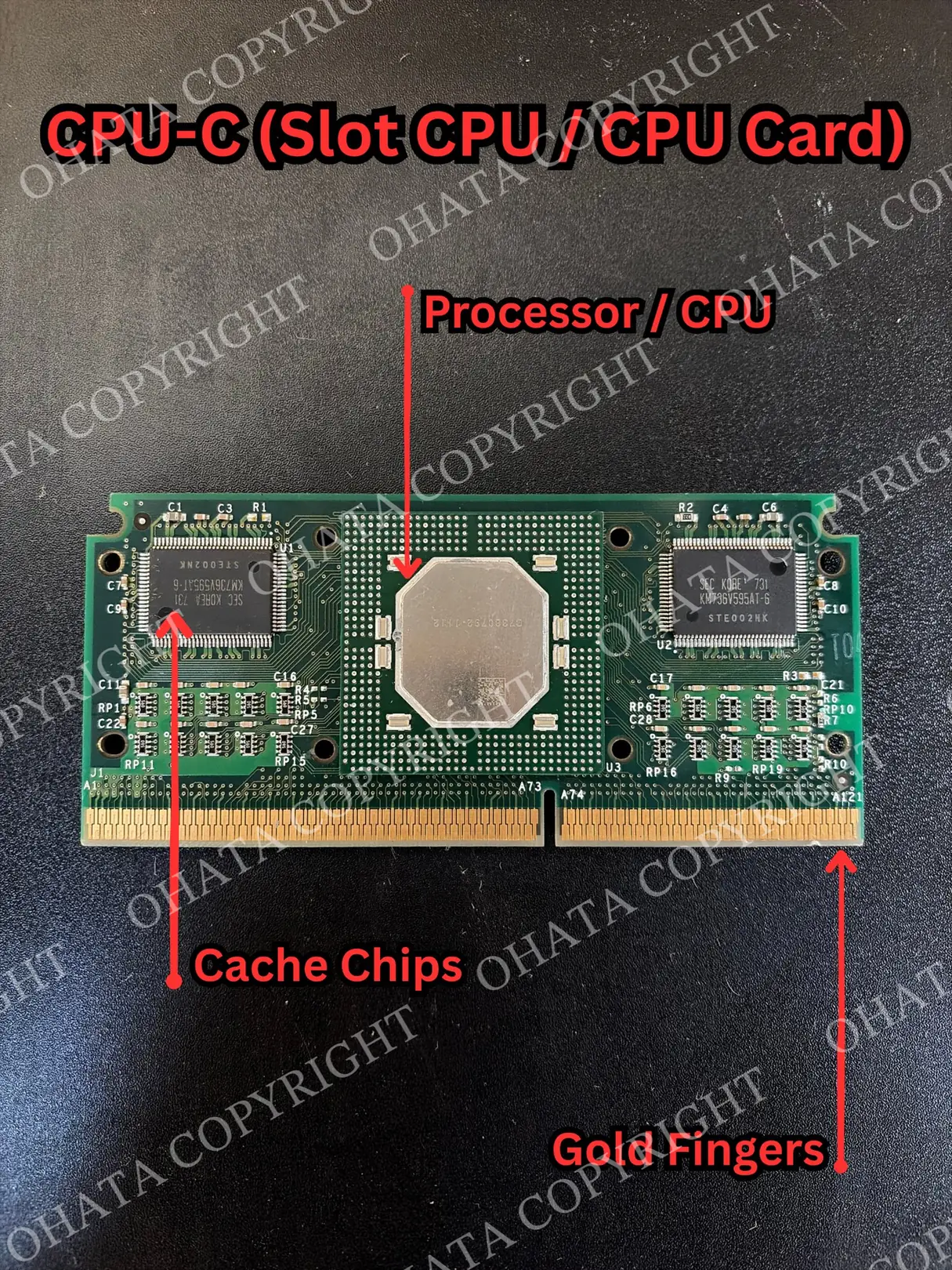
The CPU is the main processor. RAM modules are the long, narrow boards installed in the memory slots. Expansion cards may provide graphics, networking, sound, or another function.
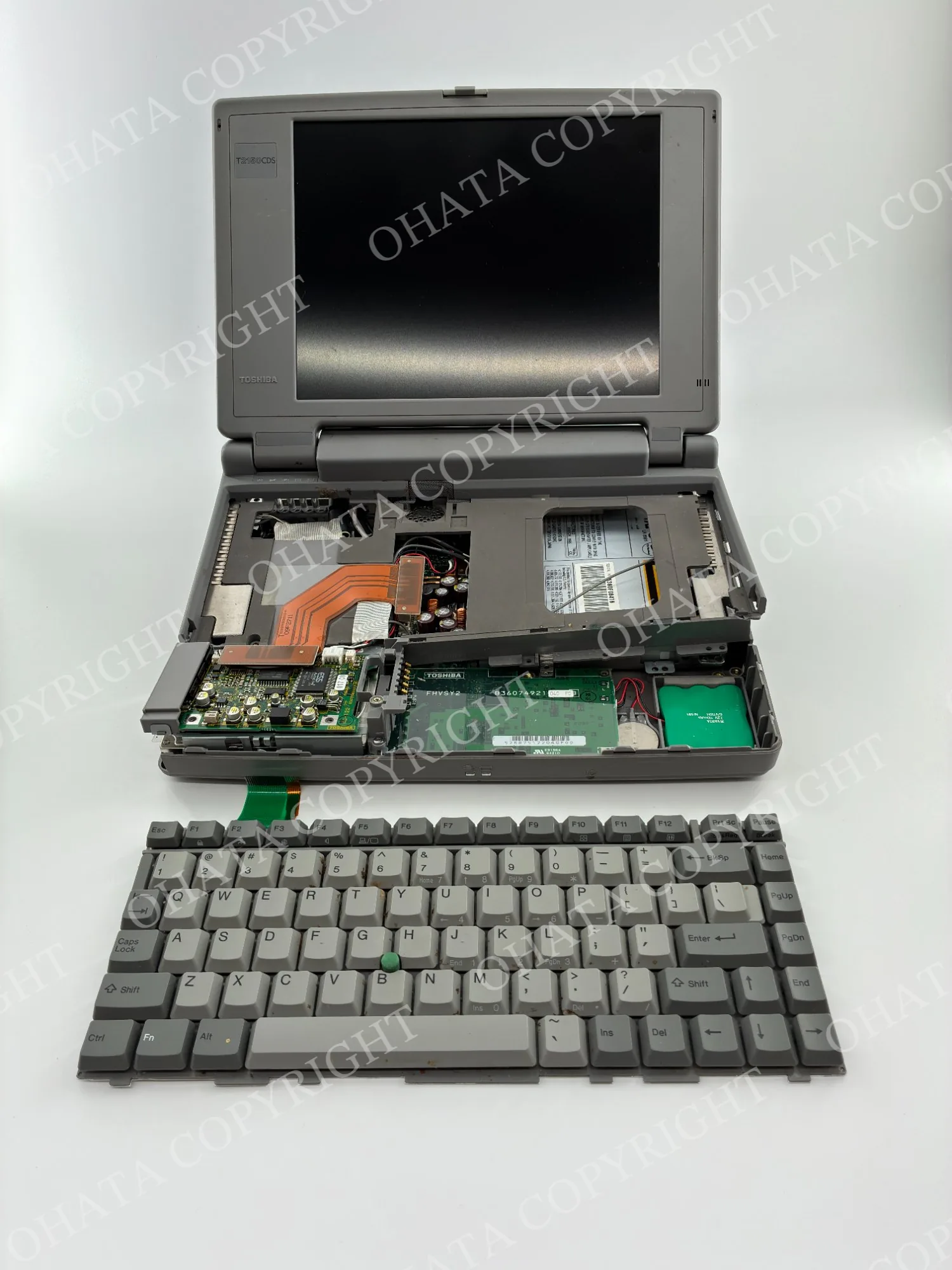
Hard drives and SSDs store data. Keep them separate from ordinary circuit boards because they may still contain personal or business information, even when the computer no longer works.
You don’t have to identify every part perfectly. If you can separate obvious groups such as motherboards, CPUs, RAM, drives, and expansion cards, that already gives us a clearer view of what you have.
How Much Cash Could You Receive?
A complete gaming laptop, an office desktop, an empty computer case, and a box of motherboards can all be described as computer scrap. They aren’t the same material.
The amount you may receive depends largely on which components are still inside the computer and whether those components have reuse, parts, or scrap value.
For a complete computer, I would look at the model number and specifications. I would also want to know whether it turns on, whether the charger is present, and whether its CPU, graphics hardware, RAM, storage, and other main components remain installed.
For separated parts, the category, weight, construction, completeness, and condition become especially important. CPUs, RAM modules, motherboards, drive boards, and expansion cards may belong to different buying categories.
Published circuit-board prices are often shown by pound. However, a motherboard price shouldn’t be applied to the total weight of a complete computer. The case, cooling system, cables, power supply, plastic, storage, and battery aren’t all motherboard material.
Clear photographs and an approximate quantity or weight will give us a useful starting point. The final price is determined after physical inspection.
What to Check Before Requesting an Evaluation
You don’t need to know every technical detail about your computer. Before requesting an evaluation, prepare the following:
Manufacturer and model number: Check the back, bottom, or side of the computer.
Working condition: Note whether the computer turns on and whether the charger or power cable is available.
Known specifications: Include the processor, graphics hardware, memory, and storage details if you already know them.
Visible condition: Check for a cracked screen, bent case, corrosion, loose cover, swollen battery, or missing components.
Clear photographs: Take pictures of the complete computer, the back and ports, the model label, and any visible damage.
Private information: Make sure personal files, serial numbers, asset tags, and other sensitive details aren’t visible.
Approximate quantity or weight: Include the number of computers or an estimated weight when possible.
These basic details can support a more accurate preliminary review before physical inspection.
How Ohata.ai Vision Helps With the First Check
Ohata AI Vision can analyze a photograph and suggest a possible item type or buying category. This can help when you know an item came from a computer but don’t know whether it is a motherboard, memory module, drive board, or another component.
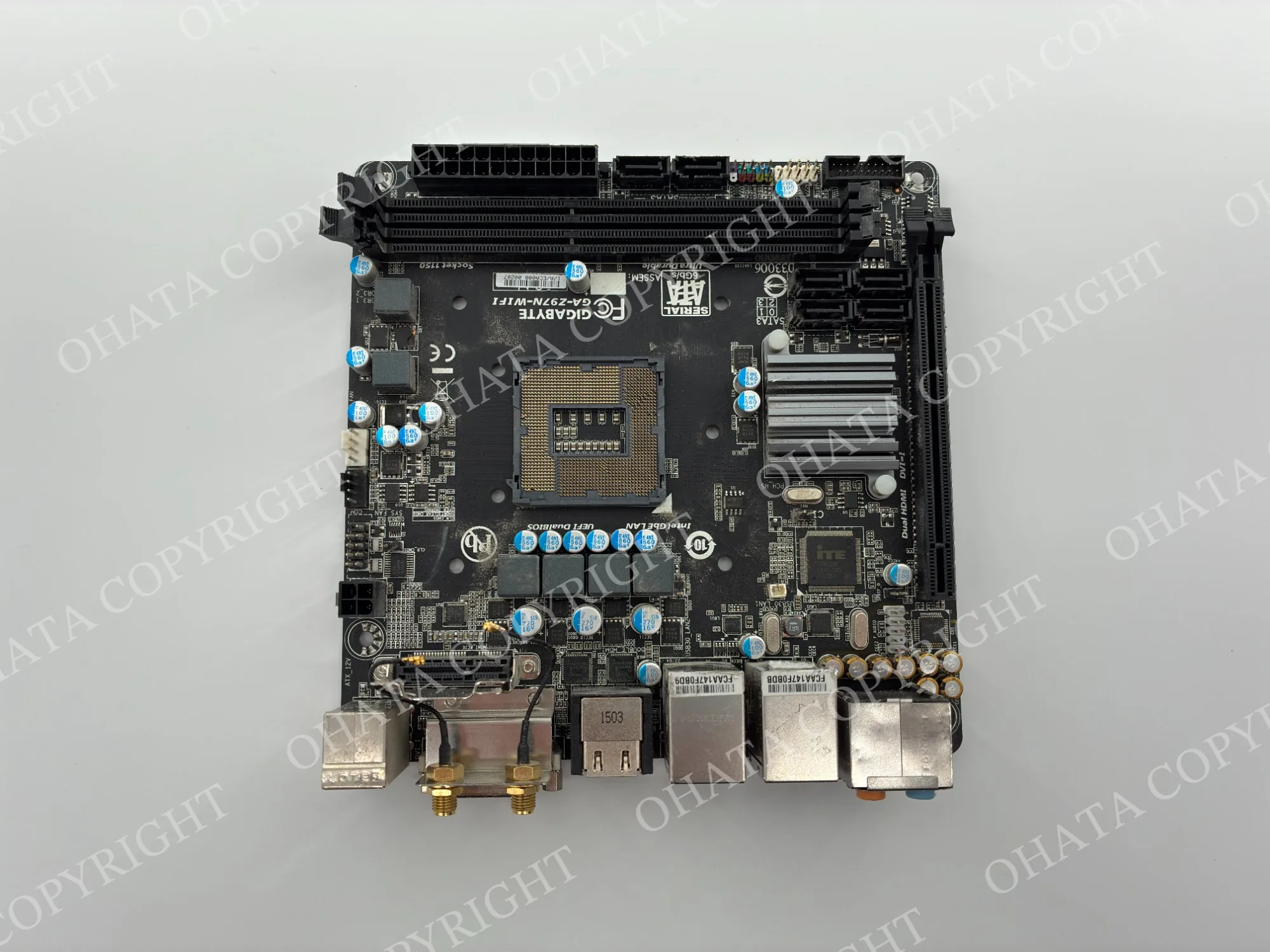
For a complete computer, photograph the full item and its model label. For a loose board, take clear photographs of both sides against a simple background.
The result provides a place to begin. A photograph cannot confirm exact weight, hidden corrosion, contamination, internal completeness, or every other condition involved in an evaluation.
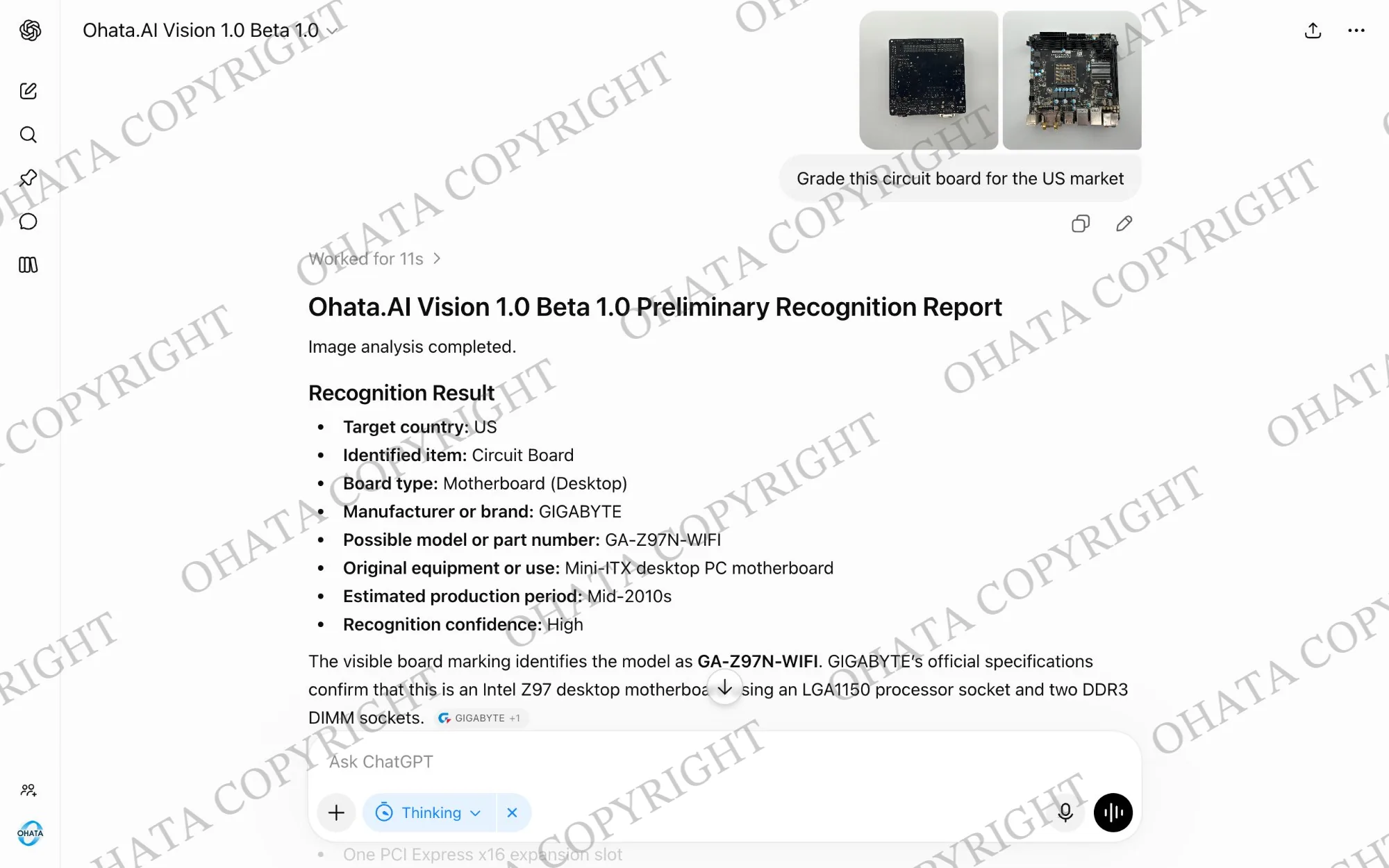
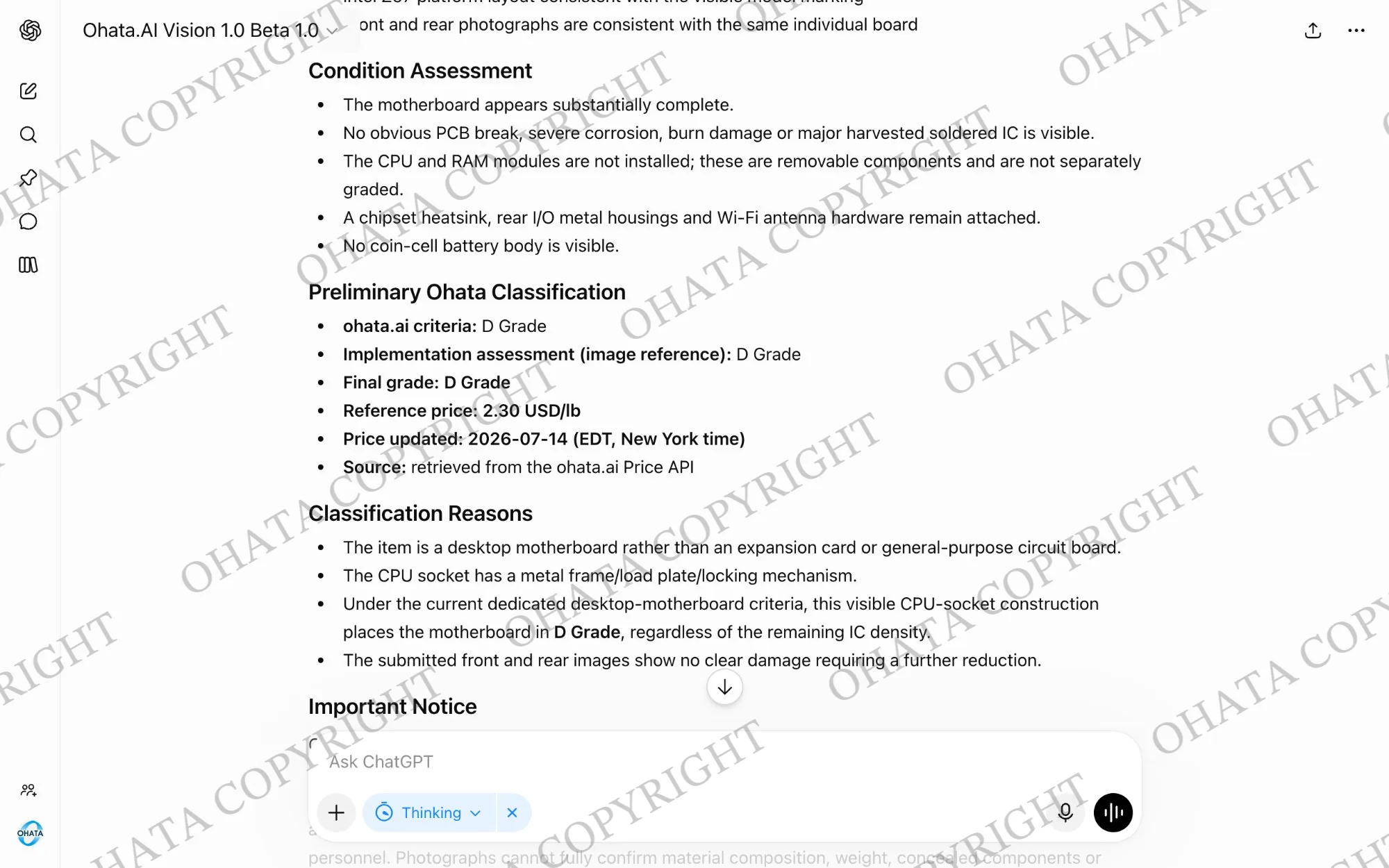
Final acceptance, classification, and price depend on physical inspection, weight, completeness, condition, and current buying requirements.
Try Ohata.ai Vision
What Can Affect the Evaluation?
A complete computer with identifiable specifications and its main components still installed gives us more information to check. The correct charger and related accessories may also be useful when they belong with the equipment.
For loose boards, keep the original board structure, major chips, sockets, and connectors intact when possible. Removed CPUs, RAM, and expansion cards may need separate evaluations.
Missing parts, broken or cut boards, corrosion, fire or chemical damage, water contamination, excessive dirt, and unrelated foreign material may reduce the evaluation or make an item unacceptable.
Sorting helps too. Keep complete computers apart from loose boards, cables, metal cases, batteries, and unrelated electronics when practical. Mixed material may receive a lower buying price because everything cannot be evaluated as one category.
Prepare Your Computer Without Damaging It
Leave it complete when possible: Don’t open a computer simply because you think every part must be removed. If you aren’t comfortable working inside it, leave it as it is.
Keep it dry: Protect computers and loose circuit boards from rain, moisture, and water contamination.
Don’t cut the boards: Cutting a circuit board or removing major components may affect its buying category.
Handle batteries carefully: Don’t puncture, crush, bend, or force out a swollen or damaged battery.
Protect your data: Back up anything you want to keep and erase personal or business data according to your own security requirements.
Mention removed storage: If a hard drive or SSD has been removed, make it clear that the computer no longer contains its original storage device.
Come Visit Our Seattle Yard!
Ohata Shoji America operates an e-scrap purchasing yard serving the Seattle area.
Ohata Shoji America Inc.
423 S Horton St, Unit B
Seattle, WA 98134
USA
Phone: +1 (206) 602-9022
Email: info-us@ohata.ai
Website: https://ohata.ai/us/en
The yard handles eligible electronic materials from individuals and businesses, subject to current purchasing categories and receiving conditions. Walk-in customers are welcome during normal business hours. Businesses with larger quantities should contact the Seattle Yard in advance.
Frequently Asked Questions
Can I sell a desktop without taking it apart?
Yes, you can request an evaluation for the complete desktop. Leaving it together may make its specifications and remaining components easier to confirm.
Does the computer have to turn on?
Not necessarily. A non-working computer may still qualify, depending on its model, components, completeness, condition, and current buying requirements.
Will a premium gaming computer receive more?
Higher-end equipment may contain upgraded components that should be identified. The final evaluation still depends on the exact model, specifications, age, condition, completeness, and demand.
Should I remove the CPU, RAM, or graphics card?
Wait until you know how the complete computer should be evaluated. If the parts have already been removed, keep them protected and separated.
What should I do with the hard drive or SSD?
Back up and erase your data according to your security needs. Tell us whether the storage remains installed or has been removed.
Why do published reference prices change?
International metal raw-material markets and other buying conditions can change. The item category, weight, completeness, physical condition, and current demand also affect the final evaluation.
Can Ohata.ai Vision give me a final price from a photograph?
No. Ohata.ai Vision can assist with preliminary identification, but final acceptance, classification, and price require physical inspection.
Do I need an appointment?
Walk-ins are welcome during current business hours. Please contact the Seattle Yard in advance for a large quantity, unusual equipment, or a special request.

Comments
0 comments