

Good morning, I’m Jun, and today is August 3, 2026. In this Seattle retired computer equipment purchase story, I’ll show you how a local business sorted its old computers, servers, drives, and networking equipment before bringing them to our Seattle yard.
Seattle is starting the day with clear summer weather. The National Weather Service forecasts sunshine, a morning low of approximately 53°F and an afternoon high near 76°F. It should be comfortable outside, although a light jacket may still be useful early in the morning.
There are also plenty of simple ways to enjoy the city this week. Seattle Parks and Recreation begins its late-summer schedule at Meadowbrook Pool today, including lap swimming, recreation swimming, lessons, and water fitness programs. It is a good reminder that August in Seattle can be active without requiring a long trip outside the city.
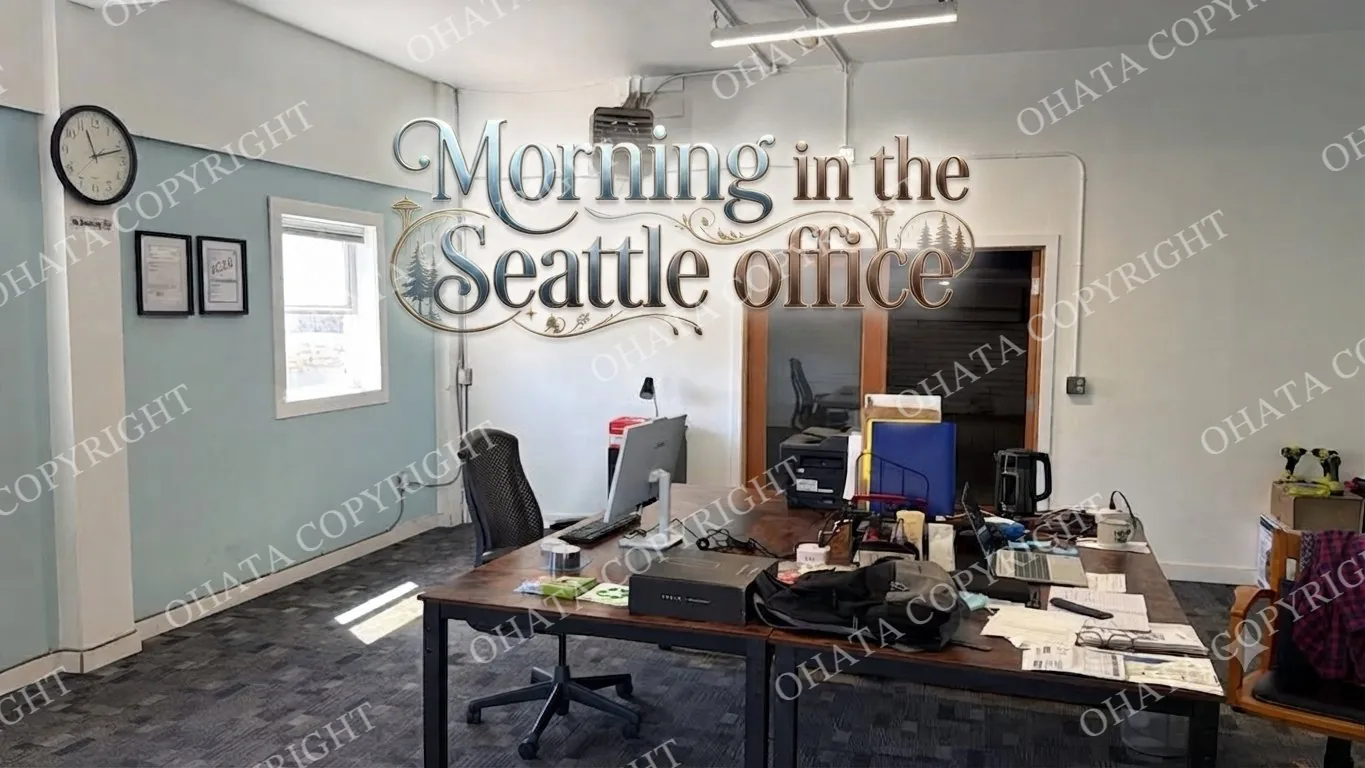
This morning, I would like to share a Seattle retired computer equipment purchase story involving a local business that had accumulated older computers, servers, storage devices, and networking hardware after several technology upgrades.
Purchase at a Glance
Purchase month: August 2026
Seller: Seattle-area local business, name withheld for privacy
Equipment: 18 desktops, 3 servers, 27 drives and mixed networking equipment
Main challenge: Separating storage devices and identifying incomplete systems
Result: Reusable equipment and recoverable components were separated from lower-value material
Protecting customer privacy is important, especially when retired computers may contain company records, employee information, financial documents, passwords, or customer data.
The seller had upgraded part of its office technology over several years. Instead of removing every old machine immediately, staff members placed retired equipment in a storage area.
At first, the collection was manageable. Over time, however, the room filled with desktop computers, monitors, cables, hard drives, networking devices, and several older servers.
This is a common situation for Seattle businesses. Technology is often replaced gradually, but the retired equipment does not always leave the building at the same speed.
Eventually, the company needed the storage space for daily operations. Its staff also wanted a clearer understanding of which items had reuse value, which contained recyclable components, and which required more careful data handling.
What Was Included in the Retired Equipment
The equipment was not one uniform category. It included several types of business electronics with different conditions and possible recovery paths.
The main groups included:
Business desktop computers
Older office workstations
Rack-mounted and tower servers
RAM memory modules
Hard disk drives
Network switches and routers
Power supplies
Expansion cards
Mixed cables and accessories
Some systems remained complete. Others had already been opened by the company’s IT staff so that storage drives could be removed.
A few machines were recent enough to be considered for testing or parts reuse. Older and incomplete units were more suitable for component recovery and electronic-scrap processing.
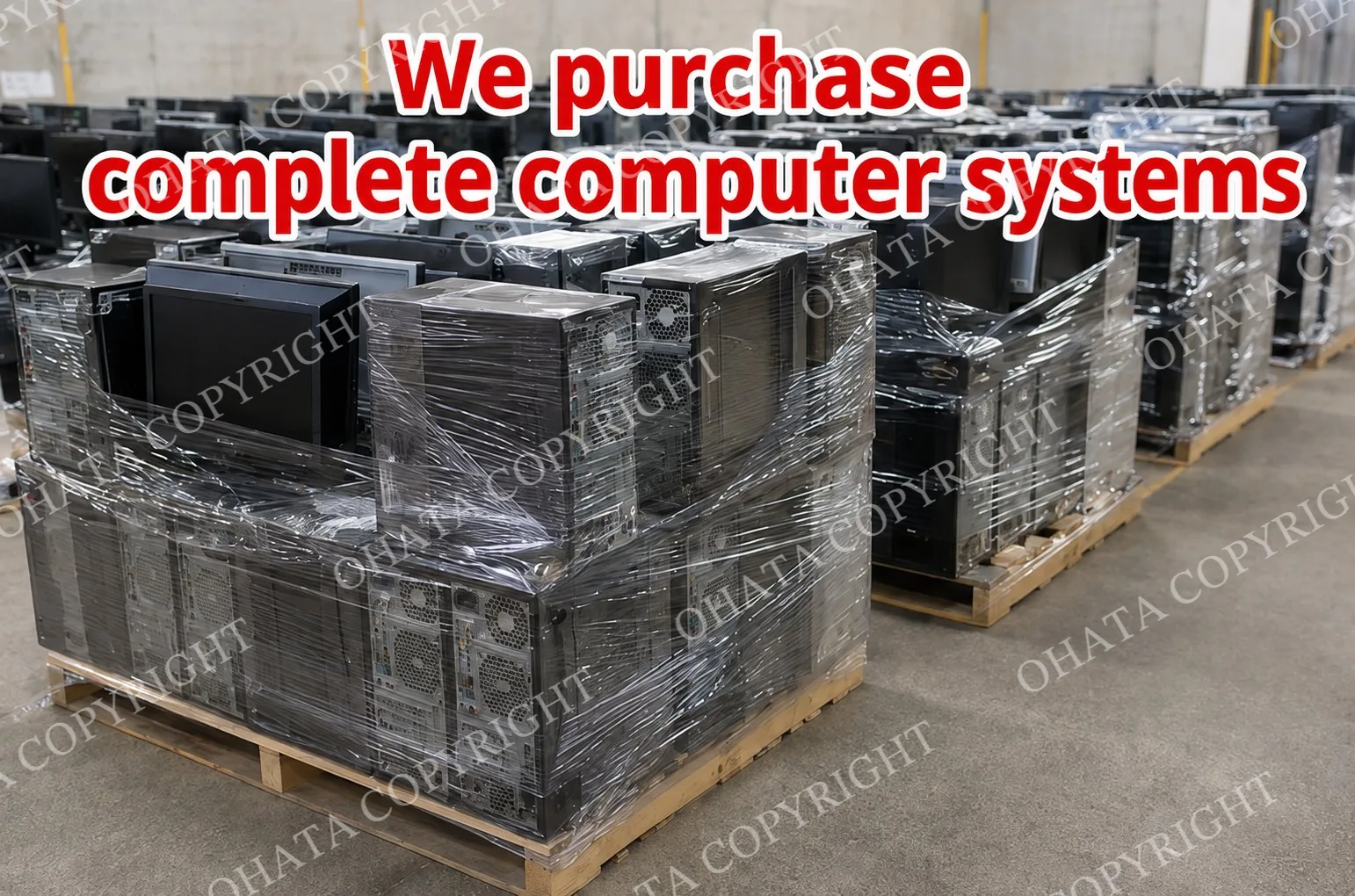
This distinction matters because retired equipment should not automatically be treated as one mixed pile. A complete computer, a bare motherboard, a server processor, and an empty steel case do not have the same classification or value.
What Made Some Items More Valuable
The more valuable materials were generally identifiable, complete, dry, and separated from unrelated waste.
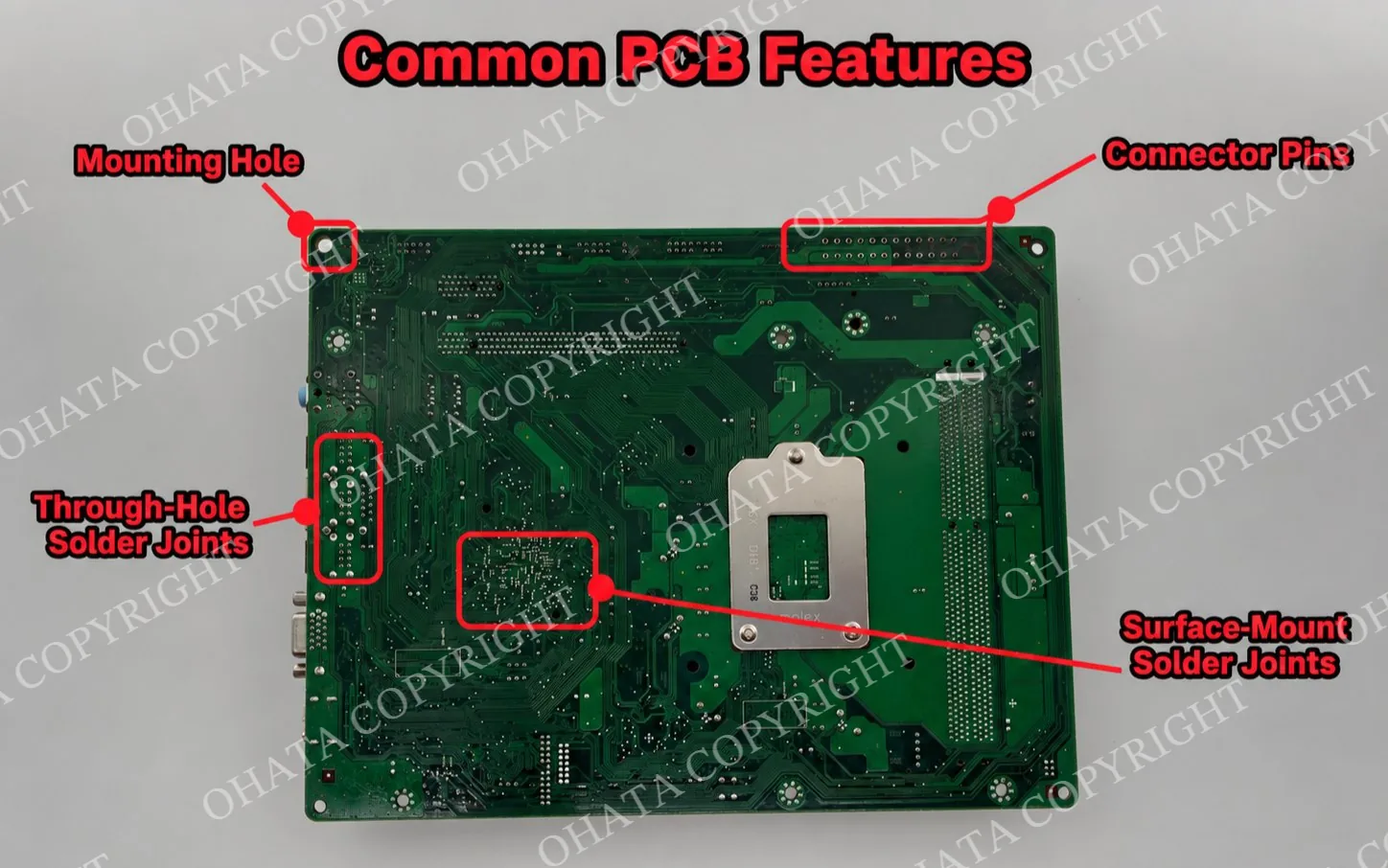
Complete motherboards still contained their original chipsets, connectors, memory slots, processor sockets, and other soldered components. The RAM modules were stored separately instead of being left loose inside mixed computer cases.
Several servers also contained processors, memory, storage controllers, and populated internal boards. These components could be evaluated individually rather than being treated as an unidentified server shell.
Networking equipment required another level of inspection. Some devices contained dense, component-rich communication boards, while simpler consumer-grade units had lower-density boards.
Age alone did not determine value. Equipment type, model, completeness, condition, component density, recoverable materials, and current demand all played a role.
Conditions That Can Lower the Purchase Value
Retired computer equipment can lose value when useful parts have been removed or damaged.
For example, a motherboard may be downgraded if the processor, chipset, memory sockets, expansion slots, connectors, or important integrated circuits have been removed. Broken boards and boards cut into smaller pieces can also be more difficult to classify and process.
Heavy corrosion, water damage, burned areas, oil contamination, and severe dirt may further reduce value or make an item unacceptable.
Mixed loads are another common issue. High-grade boards mixed with low-grade electronics, cables, metal housings, batteries, plastic, and general waste require additional sorting.
For better results, keep the following groups separate whenever practical:
Complete computers
Servers and enterprise equipment
Loose motherboards
CPUs and processors
Hard drives and solid-state drives
Network and telecom boards
Power supplies
Cables and accessories
The purpose is not to make the seller perform professional grading. The goal is simply to preserve identifiable categories and prevent unnecessary damage.
Data Security Was Part of the Preparation
Data security was one of the seller’s main concerns.
Hard drives, solid-state drives, and some enterprise storage systems can hold sensitive business information even when the original computers no longer work. Deleting files or formatting a drive may not always remove recoverable data.
Before releasing retired equipment, businesses should establish a documented data-handling procedure. Depending on the equipment and the organization’s requirements, that process may include verified data erasure, cryptographic erasure, secure destruction, or removal of storage media.
The National Institute of Standards and Technology publishes guidance on media sanitization methods. Businesses with regulated, confidential, or personally identifiable information should follow an appropriate internal policy and retain records when required.
In this case, separating devices with storage media from systems without drives made the receiving process more organized. It also reduced uncertainty about which machines still required data-related attention.
What the Seller Learned
The business originally viewed the stored equipment as one large disposal problem. After organizing it, the staff could see several distinct material streams.
Some complete systems could be examined for possible reuse or parts recovery. Servers contained processors, memory, and specialized boards. Loose circuit boards could be evaluated according to their construction and condition.
Hard drives required separate data-security decisions. Steel cases, cables, power supplies, and peripherals also needed their own handling categories.
The most important improvement was not complicated technology. It was better organization.
By separating the equipment and keeping identifiable components intact, the seller reduced inspection time and made the condition of the material easier to understand.
Visiting the Ohata Shoji America Seattle Yard
Ohata Shoji America Inc. operates a Seattle facility that supports receiving, inspection, sorting, storage, refurbishment preparation, and material processing for eligible computer equipment and electronic scrap.
Seattle Yard Address:
Ohata Shoji America Inc.
423 S Horton St, Unit B
Seattle, WA 98134
United States
The facility serves individuals, local businesses, repair shops, IT service providers, recyclers, and commercial suppliers in Seattle and surrounding Puget Sound communities.
Final acceptance and value depend on physical inspection, confirmed category, condition, completeness, sorting quality, weight, recoverable-material content, and current market conditions. Online descriptions and AI results should therefore be treated as preparation tools rather than guaranteed final offers.
Businesses with larger commercial loads should contact the yard before visiting. Advance information can help the receiving team prepare for unloading, inspection, weighing, and material separation.
Frequently Asked Questions
1. Can a Seattle business sell complete retired computers?
Eligible complete desktop computers, workstations, servers, and related equipment may be evaluated. Acceptance depends on the equipment type, condition, completeness, and current purchasing categories.
2. Should we remove every component before bringing in old computers?
Usually, no. Unnecessary dismantling can damage components and make equipment harder to identify. Keep original boards and soldered components intact unless there is a specific reason to remove them.
3. Should hard drives be separated from the computers?
Separating hard drives can make data-security control and equipment inspection easier. Label systems clearly so it is known which computers still contain storage devices.
4. Does removing the CPU affect motherboard value?
It can. A motherboard with its original CPU may have a different value from the same board without one. Other missing chips, connectors, memory sockets, or expansion slots can also affect classification.
5. Can different motherboard grades be mixed together?
They can be delivered together, but separating clearly different board categories is recommended. Mixed grades require additional sorting and may affect the final evaluation.
6. Are burned or water-damaged computers accepted?
Severe burning, carbonization, corrosion, water damage, chemical contamination, or structural damage may cause an item to be downgraded or rejected. Photograph questionable material before arranging a larger delivery.
7. Can Ohata.ai Vision provide a guaranteed price from a photograph?
No. It can help with preliminary identification and reference information, but final category, weight, condition, acceptance, and purchase value require physical confirmation.
8. Do you accept equipment from small offices?
The Seattle yard serves both individuals and businesses. A small office does not need to wait until it has a warehouse-sized quantity before organizing its retired equipment.
9. What should a company do with sensitive data?
Create a documented data-sanitization process before releasing storage devices. Use an appropriate erasure or destruction method based on the sensitivity of the information and the organization’s legal or contractual obligations.
10. Is an appointment required for a commercial load?
Walk-in service may be available during regular business hours, but businesses with larger quantities should contact the facility in advance so unloading and inspection can be arranged efficiently.
Related Links
Circuit Board Scrap Classification Guide

Comments
0 comments