

Hello everyone!
I’m Nicole, AI Data Analyst | Ohata Shoji America Seattle Yard.
Today is Wednesday, September 16, 2026. Seattle is expecting plenty of sunshine with a high around 74°F.
Seattle Parks is showing The Hunger Games: Catching Fire tonight at Lincoln Park as part of its September outdoor movie series. The screening starts at 6:30 p.m., and the city is rotating the series through different parks each Wednesday this month.
September is an interesting season because it feels like a kind of limbo between summer past and autumn future. It is starting to feel like fall, but we are still juicing the last bits of summer while we can!
Anyway, today I’m looking at old modems, routers, and modem-router gateways, how to tell them apart, what is inside them, and what matters when networking equipment is evaluated as e-scrap.
Qualifying consumer and small-business equipment may fall under the current modem and router buying category.
Types of Modems, Routers, and Gateways
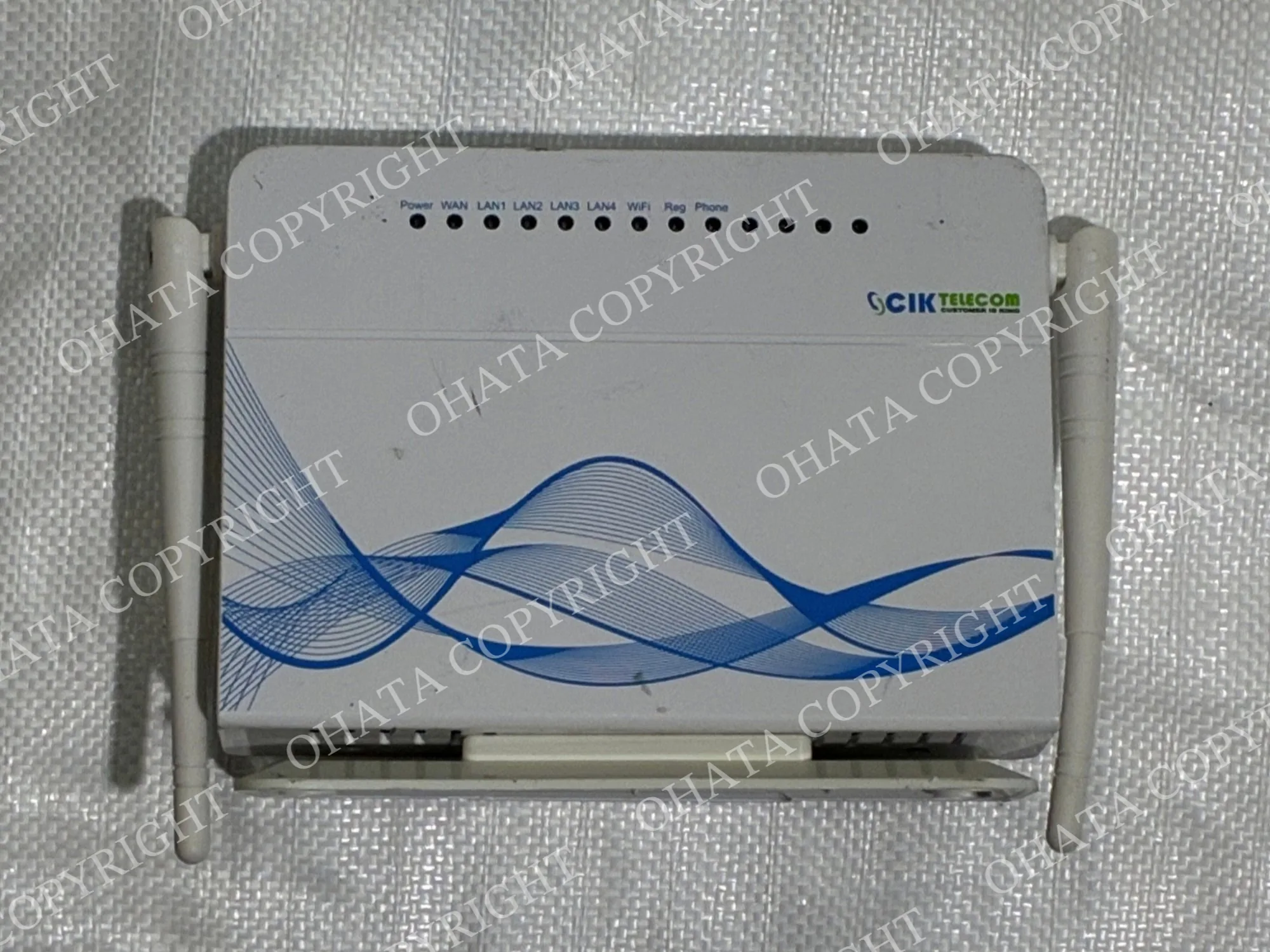
“Wi-Fi box” is a useful everyday description, but the device may actually be a modem, router, modem-router gateway, or another type of networking equipment.
Equipment
Main Function
Common Features
Modem
Connects a home or business to an internet service provider.
May have a coaxial, DSL, or other service connection and one or more Ethernet ports.
Router
Distributes an internet connection to computers, phones, televisions, and other devices.
Usually has a WAN or Internet port, several LAN Ethernet ports, and Wi-Fi hardware. Antennas may be internal or external.
Modem-Router Gateway
Combines modem and router functions in one unit.
Usually has an internet-service connection, several Ethernet ports, and built-in Wi-Fi.
Other Networking Equipment
Performs additional network functions.
May include wireless access points, mesh Wi-Fi nodes, VoIP gateways, and other small network devices.
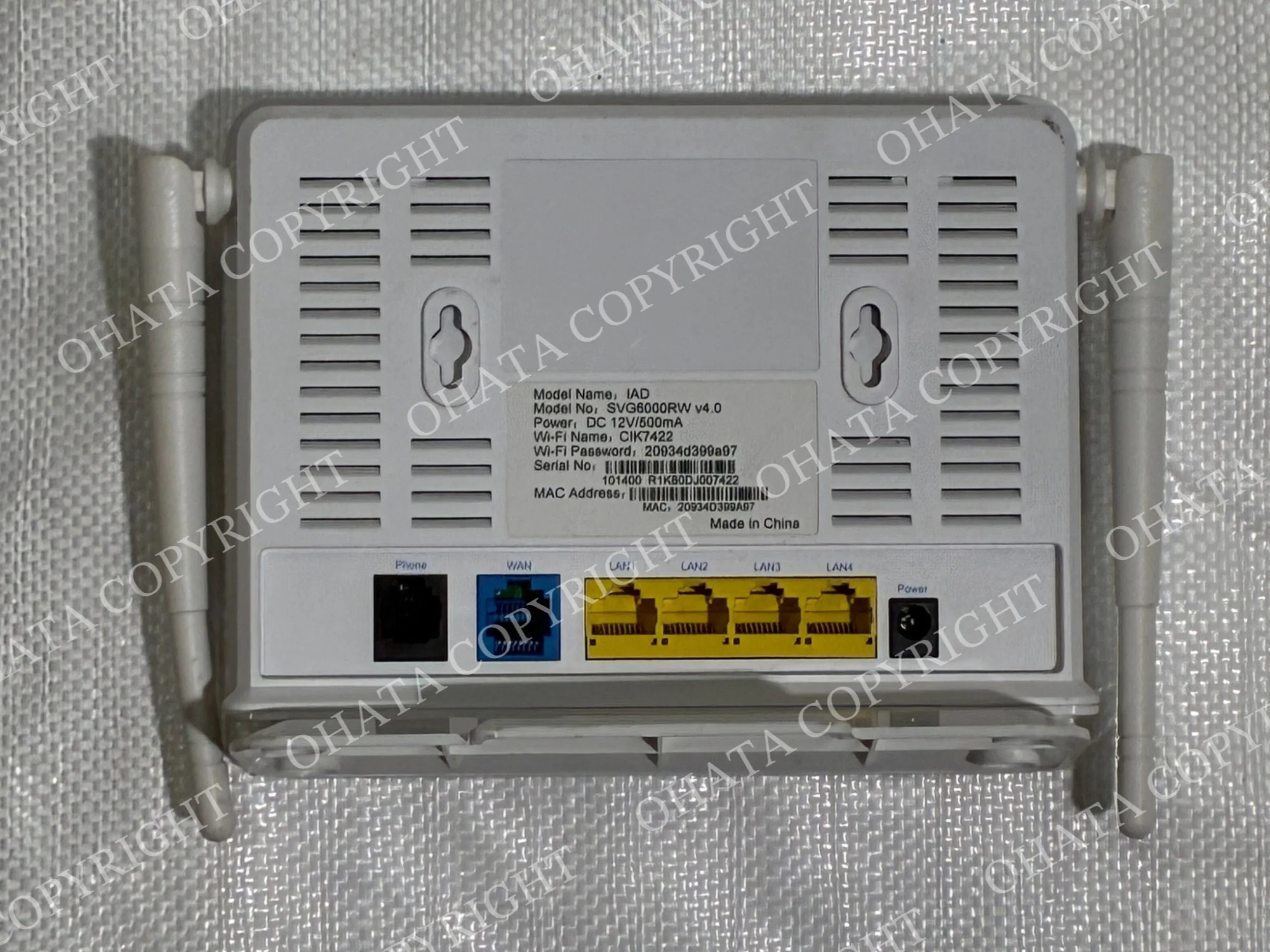
You do not need to determine the exact type before bringing it in. The ports, labels, housing, and internal construction can all help identify the equipment.
Learn more on Youtube: How to Tell a Modem, Router, and Gateway Apart
External Identification Features
The back of the equipment is often the most useful place to start.
Ethernet ports are rectangular network connections commonly used for computers, televisions, switches, game consoles, and other wired devices. A router may have one port marked WAN or Internet and several LAN ports for local connections.
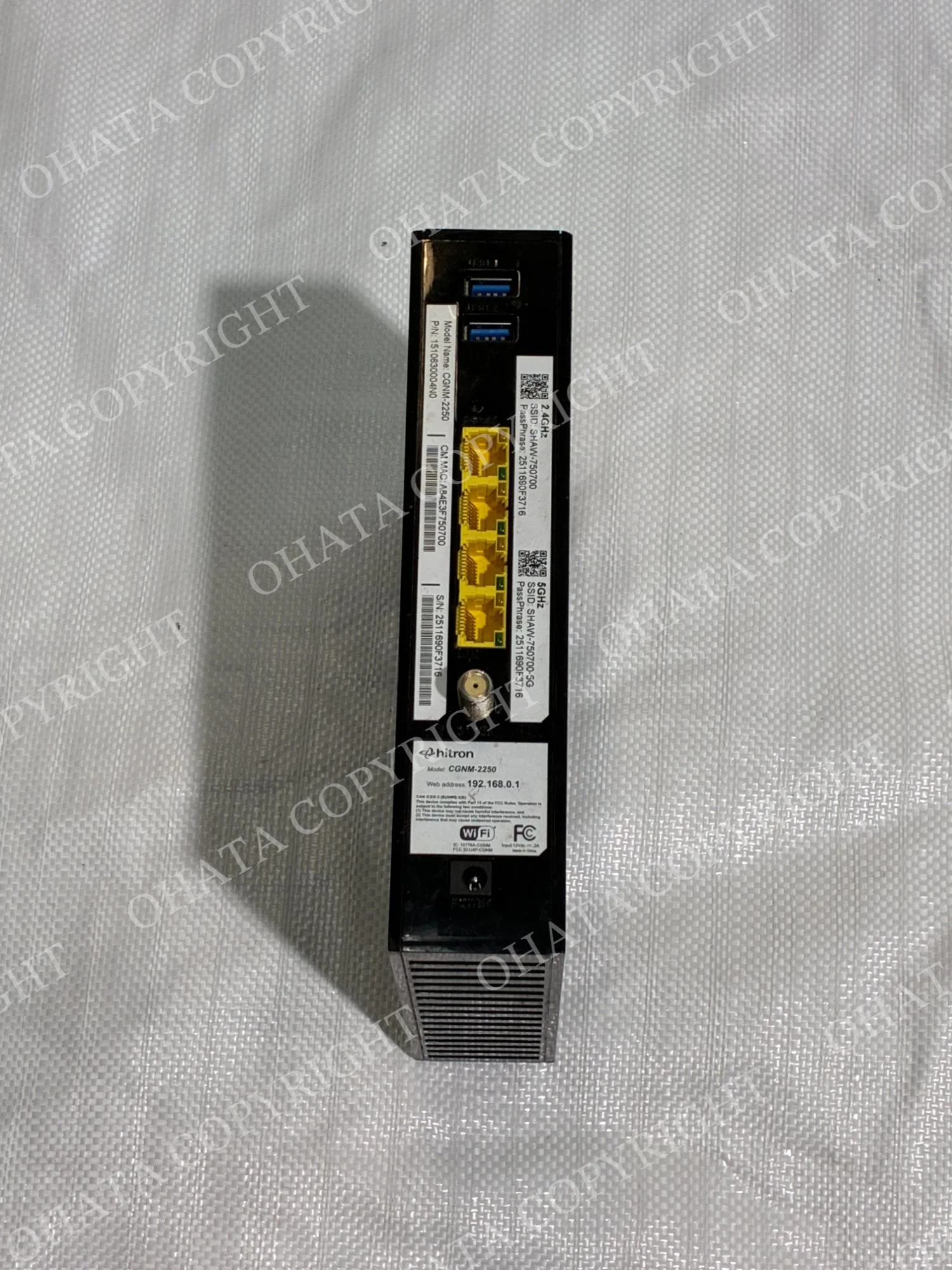
A cable modem commonly has a round threaded coaxial connection. Some DSL equipment uses a smaller telephone-style connector. A modem-router gateway may combine the service input, Ethernet ports, and Wi-Fi hardware in one enclosure.
Labels may also include terms such as:
WAN
LAN
Ethernet
Cable
DSL
Gateway
Broadband
Wi-Fi
Internet
The manufacturer and model number can help identify the equipment, but a model name alone does not determine the buying category. The physical equipment still needs to be checked.
Components Inside a Modem or Router
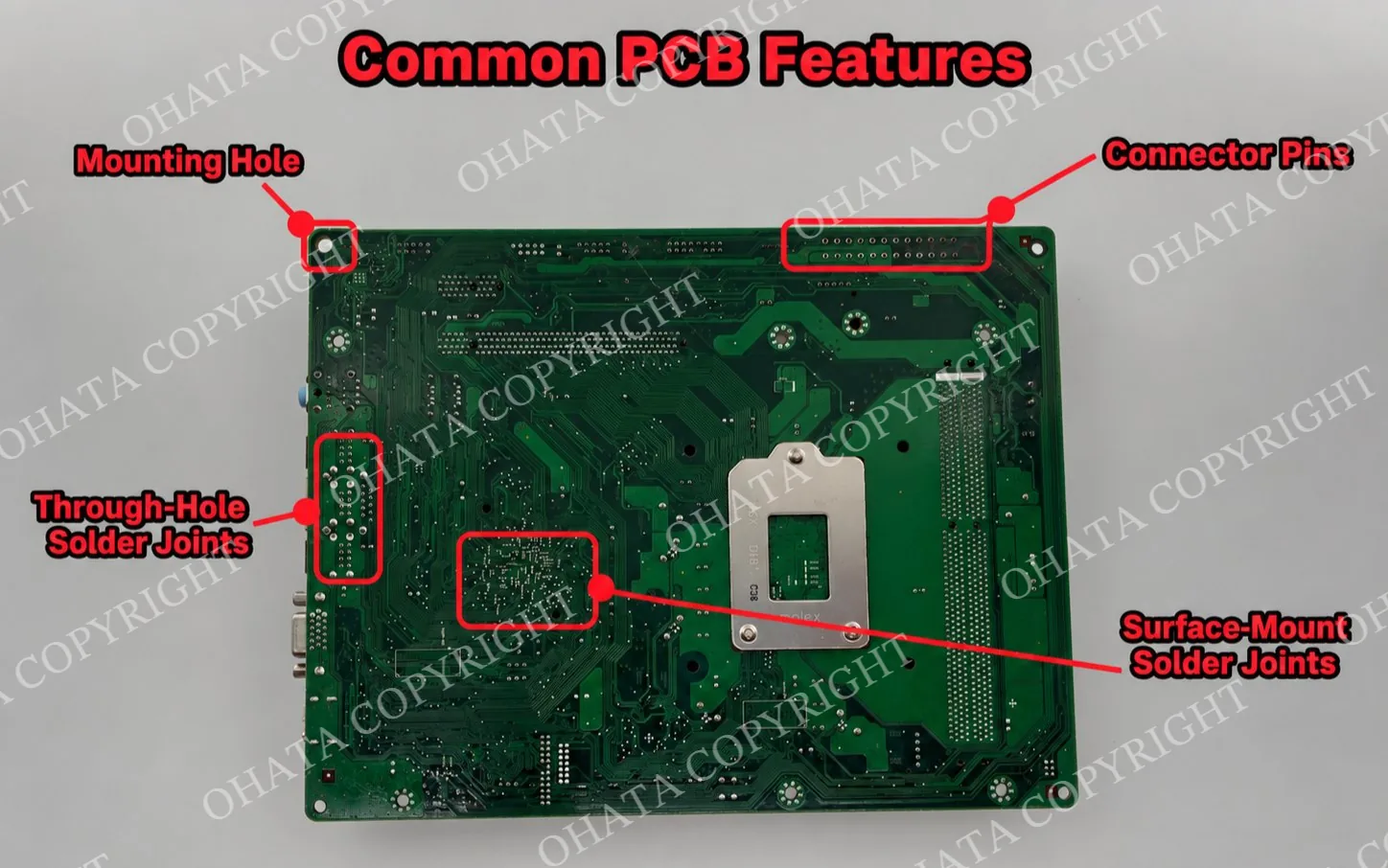
Most consumer modems and routers contain one main printed circuit board.
The PCB supports and electrically connects the components that operate the device. In a typical modem or router, the board may contain a processor, memory, networking circuitry, power-management components, Ethernet interfaces, and wireless communication hardware.
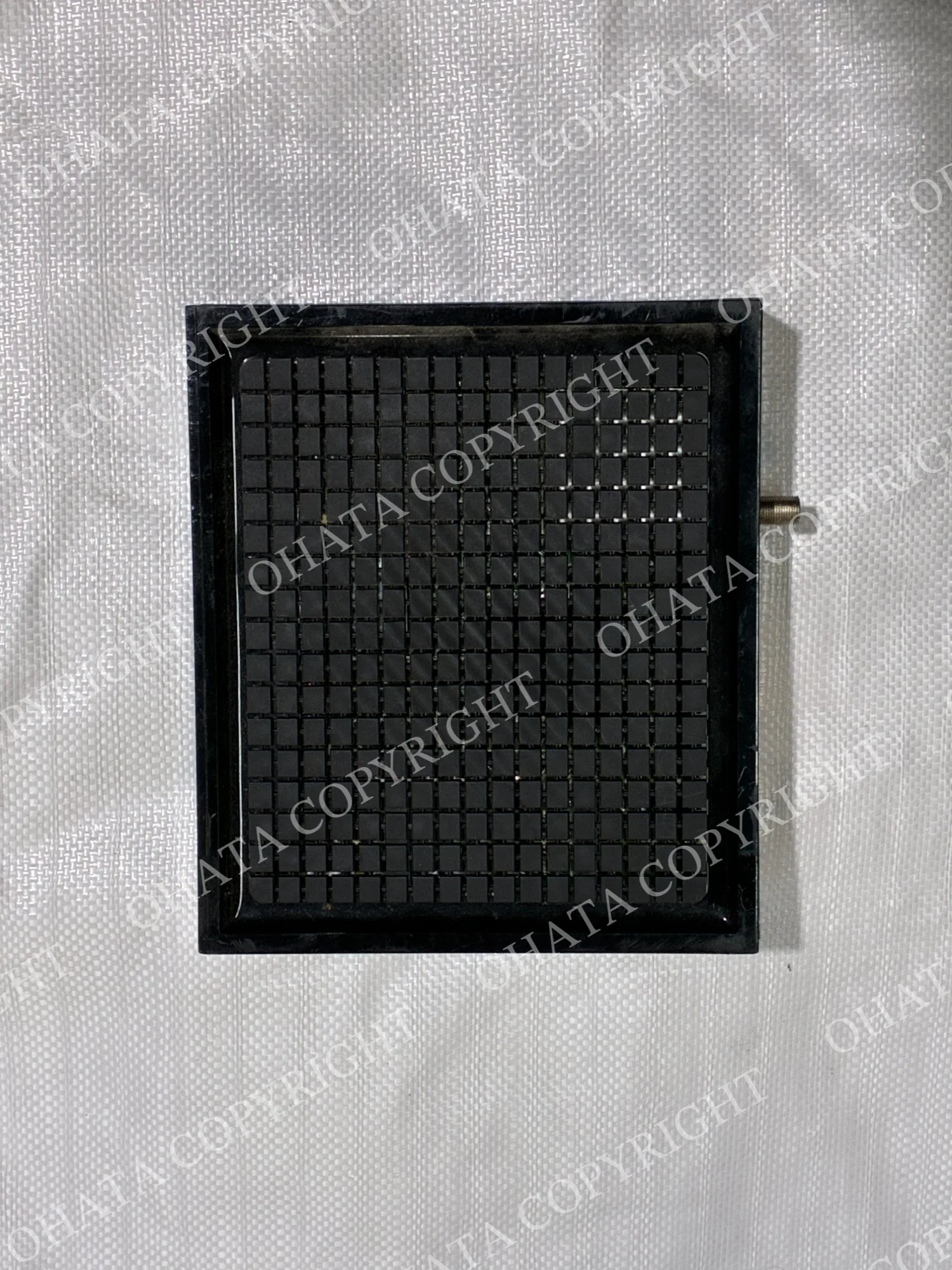
One of the larger integrated circuits may be a network processor or system-on-chip. This component handles many of the calculations needed to move data through the device and manage its networking functions.
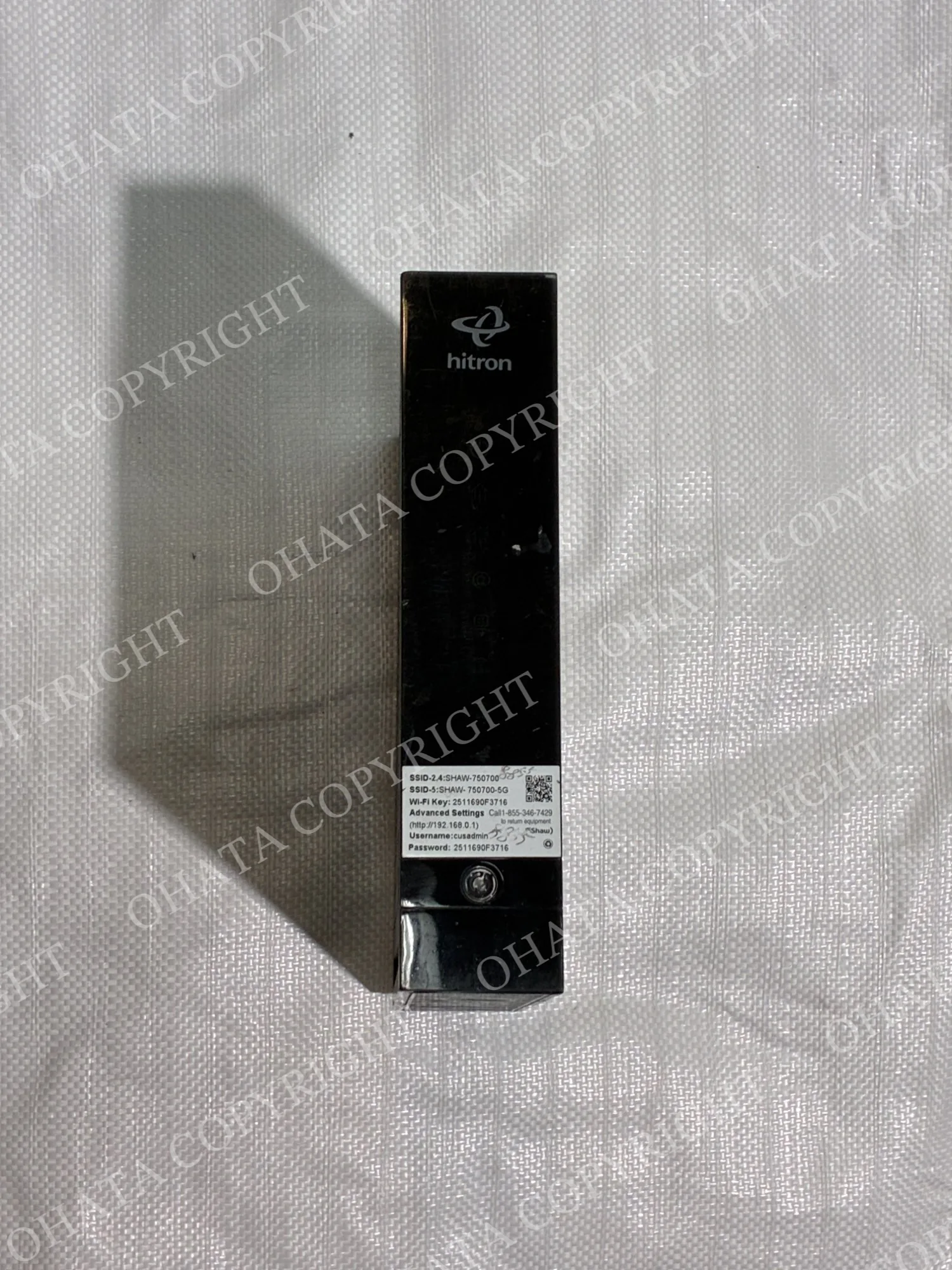
RAM provides temporary working memory while the equipment is operating. Flash memory commonly stores firmware, which is the built-in software used by the device.
Near the Ethernet ports, you may see additional components used for signal transmission and electrical isolation. Wireless routers can also contain radio-frequency circuitry, antenna connections, and metal shielding over sensitive sections of the board.
Other materials commonly found inside include:
Copper traces within the circuit board
Integrated circuits
Ethernet connectors
Power-management components
Solder
Metal shielding
Antenna hardware
Steel fasteners or internal brackets
Plastic housing material
The internal board and the components remaining on it are more important for e-scrap evaluation than whether the router still provides a usable internet connection.
Consumer and Enterprise Networking Equipment
Not all networking equipment should be treated as the same type of scrap.
A household router or modem often contains one relatively compact main board. Enterprise, industrial, optical, and carrier-grade networking equipment can have substantially different construction.
Larger networking units may contain multiple boards, more processors, optical interfaces, higher component density, removable modules, or specialized communication hardware.
For this reason, keep enterprise or industrial networking equipment separate from ordinary household modems and routers when practical.
A device being called a router does not automatically place it in the same category as a small home Wi-Fi router. The physical construction still needs to be inspected.
Condition and Completeness
A modem or router does not necessarily have to work to remain useful as e-scrap.
A non-working unit can still contain its original circuit board, processor, memory, ports, shielding, and other electronic components. From a recycling standpoint, those physical components are what need to be evaluated.
Conditions that can affect classification or value include:
Missing main circuit board
Removed integrated circuits
Missing connectors or ports
Cut or broken PCB sections
Significant corrosion
Fire damage
Chemical contamination
Water contamination
Heavy dirt or foreign material
Missing internal components
Exterior wear should be considered separately from internal completeness.
A scratched housing, faded label, or broken plastic clip does not necessarily mean the electronics inside are incomplete. A unit with major circuit-board components removed is a different situation.
Keeping the original equipment complete generally makes identification and evaluation more straightforward.
What Affects Modem and Router E-Scrap Value
The number of antennas, brand, original purchase price, or Wi-Fi generation does not by itself determine the final e-scrap category.
A router with six antennas is not automatically more valuable as scrap than one with two antennas. Likewise, a newer Wi-Fi standard does not automatically mean that the internal board belongs in a higher buying category.
Evaluation focuses on the material actually present.
Important factors can include:
Correct item category
Measured weight
Internal circuit board
Major electronic components
Overall completeness
Removed parts
Corrosion
Fire or chemical damage
Water contamination
Foreign material
Sorting condition
Current buying categories and reference information may reflect international raw-material markets and pricing algorithms. The final buying price is determined after the material is physically inspected and weighed under current buying requirements.
How to Prepare Old Modems and Routers
There is usually no need to dismantle networking equipment before bringing it in.
Keep the housing and internal parts together. Removing chips, Ethernet ports, metal shielding, connectors, or sections of the circuit board can change the material being evaluated. If you have several units, separate similar household modems and routers from clearly different enterprise or industrial networking equipment when practical.
Keep the equipment dry during storage and transportation. Water exposure can lead to corrosion even after the outside of the unit appears dry.
Loose power adapters and unrelated cables should be kept separate rather than mixed into the modem and router category. If a networking device contains a battery, do not puncture, crush, or deliberately damage it. It is also useful to take clear photographs of the front and back of the equipment and prepare an approximate total weight before visiting.
For networking equipment that may contain saved account or configuration information, reset or erase your personal information when practical before disposal.
Come Visit Our Seattle Yard!
Ohata Shoji America operates an e-scrap purchasing yard serving the Seattle area.
Ohata Shoji America Inc.
423 S Horton St, Unit B
Seattle, WA 98134
USA
Phone: +1 (206) 602-9022
Email: info-us@ohata.ai
Website: https://ohata.ai/us/en
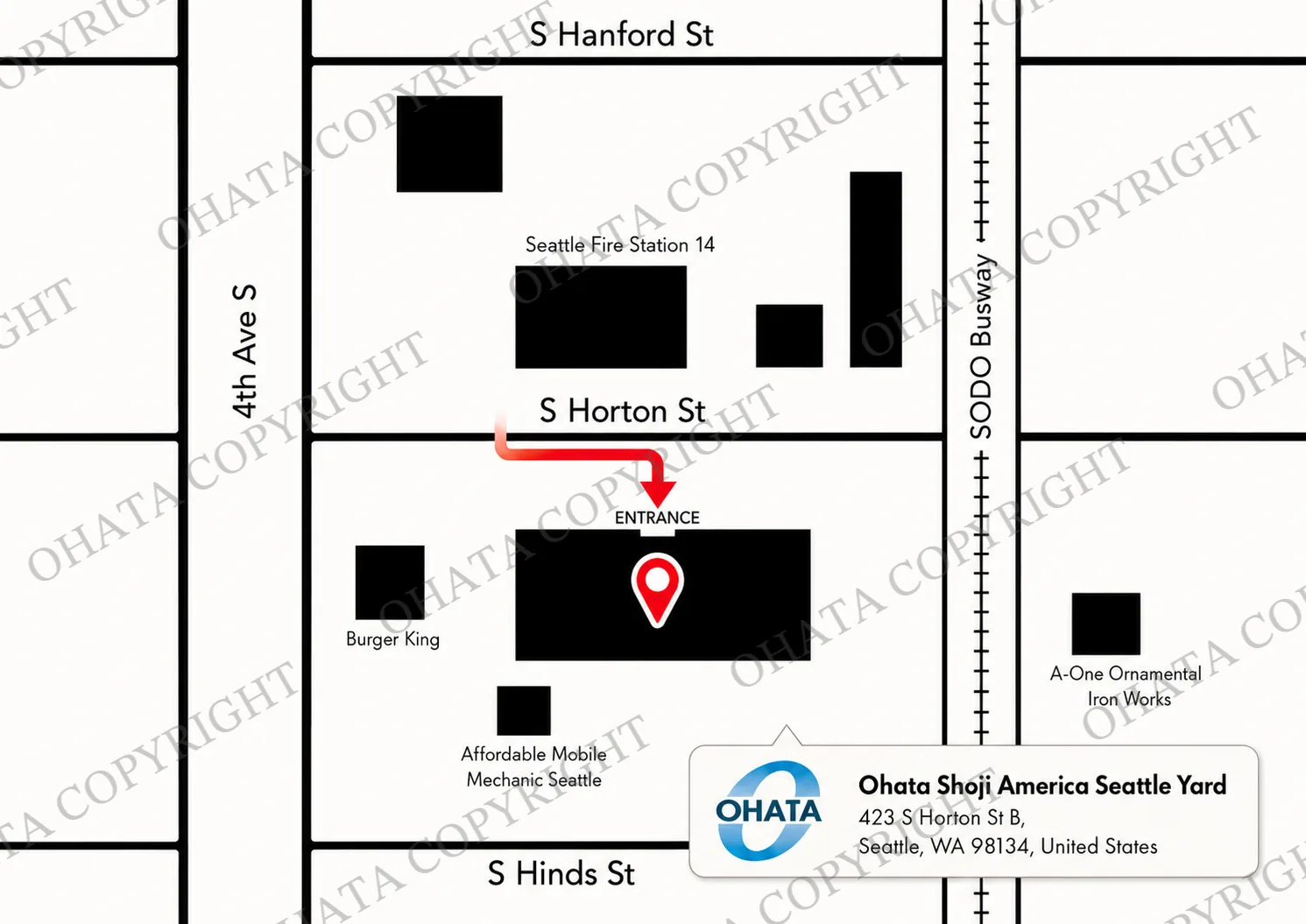
The yard handles eligible electronic materials from individuals and businesses, subject to current purchasing categories and receiving conditions. Walk-in customers are welcome during normal business hours. Businesses with larger quantities should contact the Seattle Yard in advance.
Frequently Asked Questions
Does an old modem or router have to work?
No. Non-working equipment may still qualify. The physical construction, completeness, internal components, condition, and current buying requirements are more important for e-scrap evaluation.
Should I remove the circuit board before bringing in a router?
Usually not. Keeping the unit complete makes identification easier and reduces the chance of damaging or removing components that may matter during evaluation.
What is the main electronic component inside a modem or router?
Most contain a main circuit board with a processor, memory, networking components, power-management circuitry, ports, and other electronic parts.
Can different router brands be kept together?
Different consumer brands can usually remain together when they appear to be the same general type of equipment. Enterprise, industrial, optical, or carrier-grade networking equipment should be separated when practical.
Does having more antennas increase the scrap value?
Not necessarily. Antenna count reflects the original wireless design but does not determine the final e-scrap category. Internal construction and completeness matter more.
Can a router with a damaged plastic case still be evaluated?
Yes, depending on the overall condition. Damage to the outer housing is different from missing circuit boards or major electronic components.
Should Ethernet ports or metal shielding be removed?
No. There is generally no need to remove those parts before evaluation. Keeping the original board structure intact makes the equipment easier to identify.
Can modems and routers be mixed with enterprise networking equipment?
It is better to separate clearly different equipment when practical. Enterprise and industrial networking hardware can have substantially different internal construction from consumer modems and routers.
How is the final buying price determined?
The item category, measured weight, internal construction, completeness, condition, contamination, attachments, sorting condition, and current buying requirements are considered. Published reference prices may also reflect changes in international raw-material markets.

Comments
0 comments