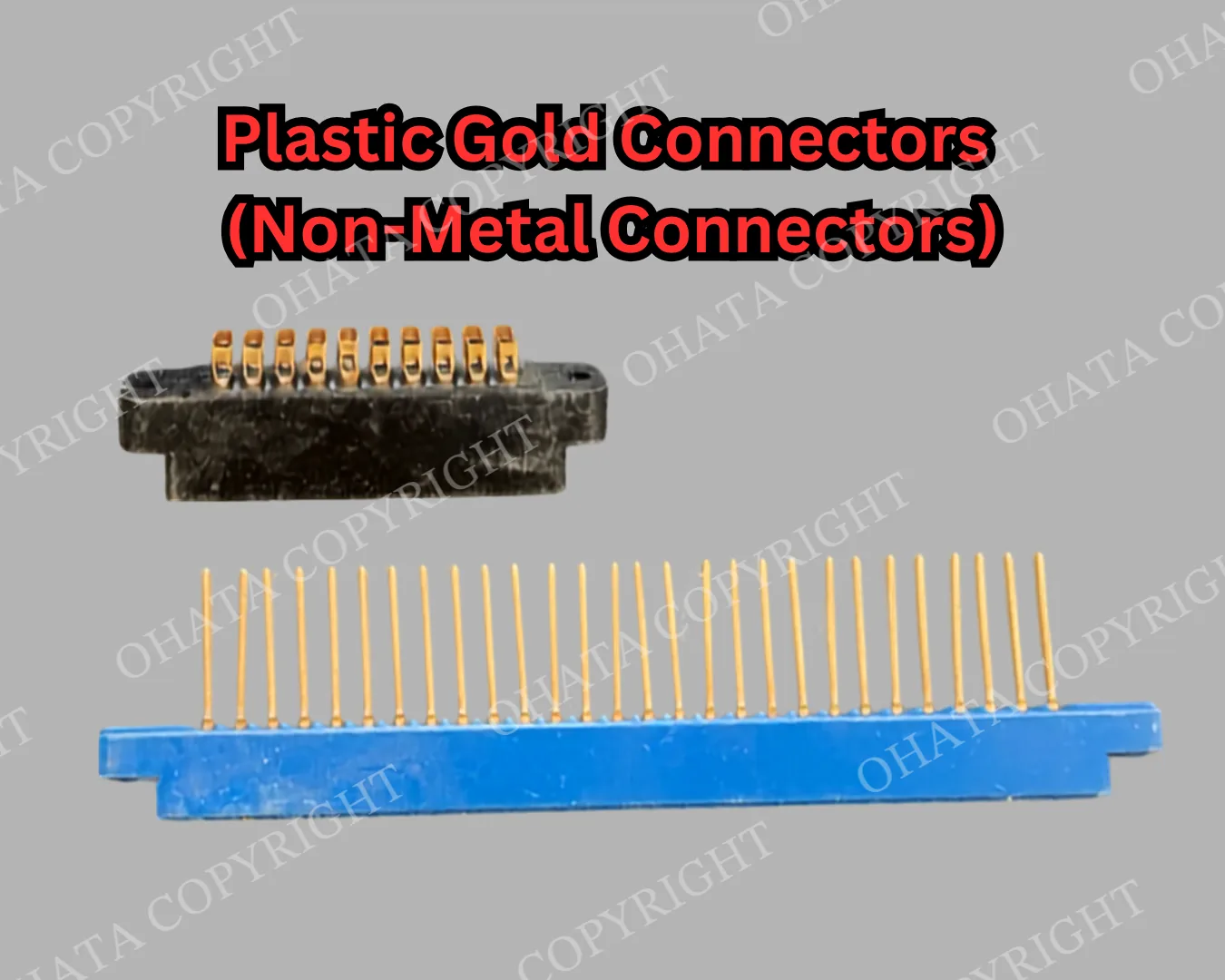
-
We buy All-in-One Systems With Motherboard from a minimum of 1 lb.
-
This category covers complete or substantially complete all-in-one computers with their original motherboards installed inside the display housing. All systems meeting the Ohata All-in-One Systems With Motherboard standard are purchased at the same category price.
-
Qualifying systems should retain their display housing, motherboard, processor, cooling assembly, main internal wiring, and structural frame. The computer and display do not need to function.
-
Buying value is based on motherboard presence, construction, installed components, completeness, condition, contamination, attachments, and processing requirements, not brand, model, screen size, processor generation, operational status, resale popularity, or original selling price.
-
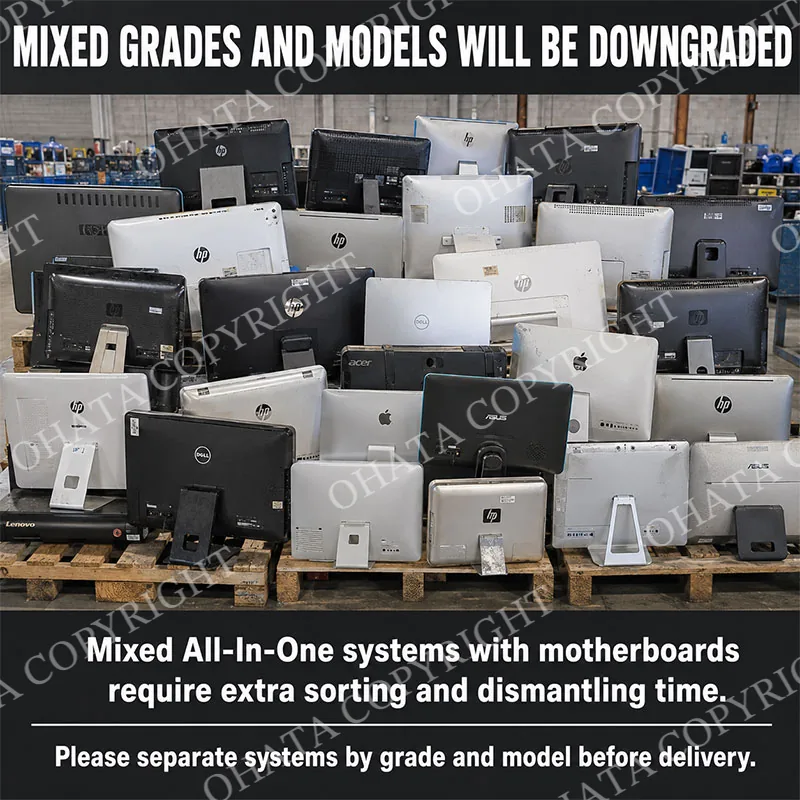
Keep all-in-one computers separate from ordinary monitors, televisions, laptops, desktop towers, loose screens, printers, empty housings, and loose motherboards. Mixed categories are accepted but may require separate inspection, sorting, weighing, and pricing.
All-In-One Systems with Motherboard Buying scrap price
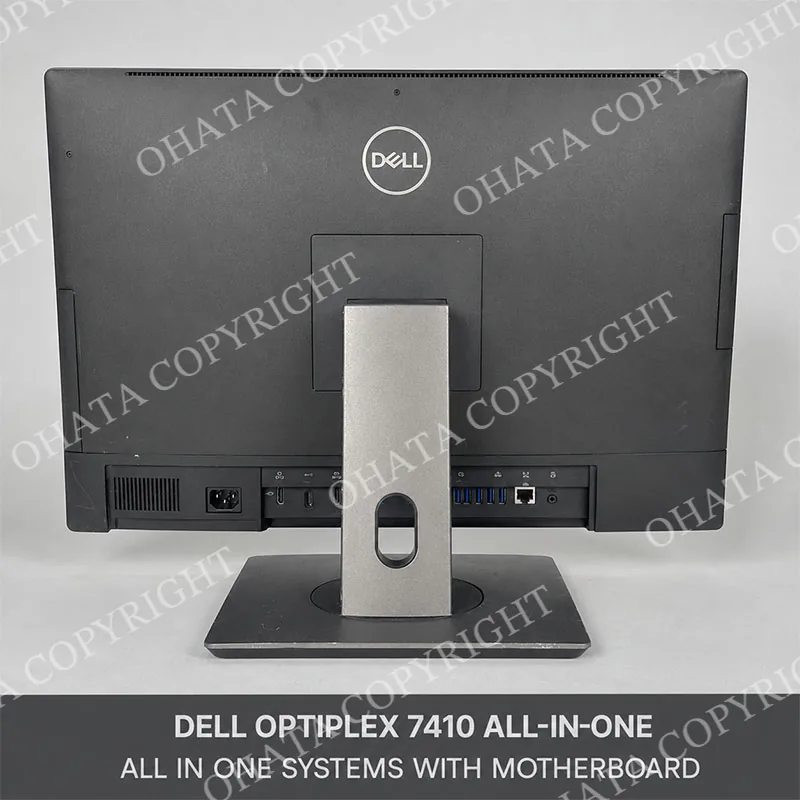
-
We buy All-in-One Systems With Motherboard from a minimum of 1 lb.
-
This category covers complete or substantially complete all-in-one computers with their original motherboards installed inside the display housing. All systems meeting the Ohata All-in-One Systems With Motherboard standard are purchased at the same category price.
-
Qualifying systems should retain their display housing, motherboard, processor, cooling assembly, main internal wiring, and structural frame. The computer and display do not need to function.
-
Buying value is based on motherboard presence, construction, installed components, completeness, condition, contamination, attachments, and processing requirements, not brand, model, screen size, processor generation, operational status, resale popularity, or original selling price.
-
Keep all-in-one computers separate from ordinary monitors, televisions, laptops, desktop towers, loose screens, printers, empty housings, and loose motherboards. Mixed categories are accepted but may require separate inspection, sorting, weighing, and pricing.
Buying Details of Conditions
Introduction, Construction, Components, and Recycling Value
Dell OptiPlex All-in-One, HP ProOne and EliteOne, Lenovo ThinkCentre All-in-One, Apple iMac, Acer Veriton, ASUS ExpertCenter, MSI Modern, and comparable systems may all qualify. If a unit satisfies the applicable Ohata acceptance standard, it is purchased at the current All In One Systems with motherboard grade price, regardless of its individual model.
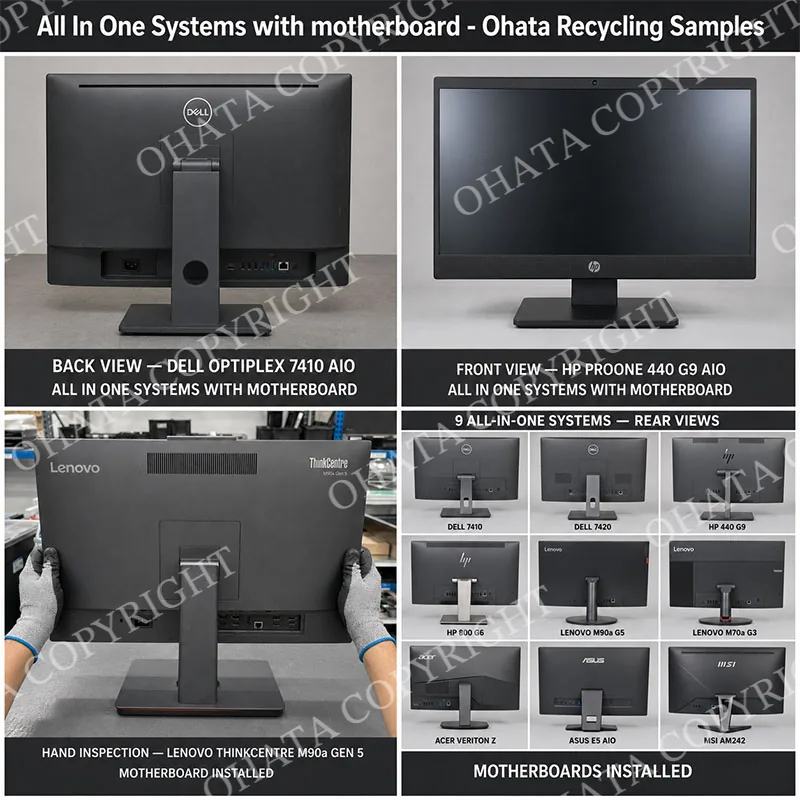
An all-in-one computer combines the display, motherboard, processor, memory, storage devices, cooling system, speakers, power circuitry, and external connections in one main enclosure. Unlike an ordinary monitor, it can function as a computer without a separate desktop tower.
Typical construction includes:
LCD or LED display panel and backlight assembly
Main computer motherboard
CPU and, in some models, a separate or soldered GPU
RAM modules or onboard memory
Hard drive, solid-state drive, or other storage device
Copper heat pipes, heatsinks, and cooling fans
Power supply or external power-input circuitry
Wi-Fi and Bluetooth modules
Speakers, webcam, microphone, and control boards
USB, Ethernet, HDMI, DisplayPort, audio, and power connectors
Steel, aluminum, or plastic rear housing and support stand
The recycling value primarily comes from the installed motherboard and its electronic components. Motherboards contain copper traces, integrated circuits, connectors, solder, and small quantities of precious-metal-bearing materials. Additional value may come from RAM, storage devices, wireless cards, aluminum heatsinks, copper cooling components, wiring, and steel or aluminum structures.
However, an all-in-one system also contains substantial low-value weight, including the display panel, glass, plastic housing, steel frame, and stand. Therefore, it must not be valued in the same way as a separated high-grade motherboard. The Ohata category price accounts for the complete mixture of valuable electronics and lower-value structural materials.
Customers looking to recycle Whole Laptops (Non Working, Good Screen) can also browse our related buying categories.
All In One Systems with Motherboard Identification Guide
This category covers recognizable all-in-one computers with their original motherboards installed inside the display housing. Unlike an ordinary monitor, an all-in-one system contains the primary components needed to operate as a computer, including a motherboard, processor, memory, cooling components, and computer input and output connections.
The motherboard must remain installed. An exterior housing may appear complete even when major internal components have been removed, so final classification may require inspection of the rear ports, service panels, internal wiring, cooling assembly, and motherboard mounting area. Empty housings and units without motherboards require another classification.
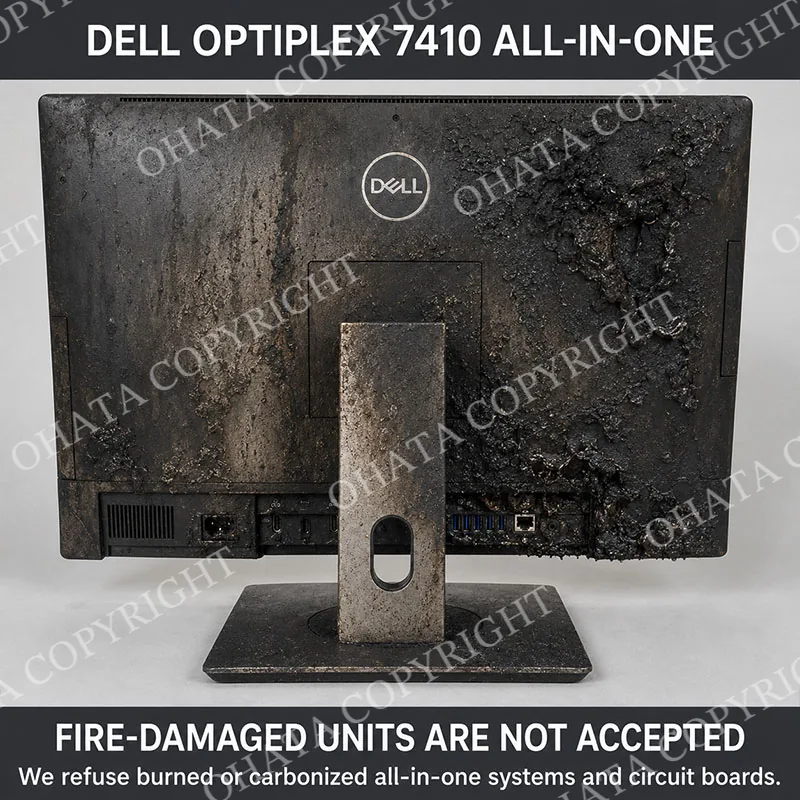
The system does not need to function, and ordinary scratches, light dust, obsolete hardware, missing software, or an unknown operating condition may be acceptable. Severe breakage, fire damage, extensive internal stripping, heavy contamination, hazardous material, or substantial unrelated attachments may affect classification or acceptance.
Brand, model, screen size, processor generation, age, and resale popularity do not independently determine the category. Different systems receive the same category price when they meet the Ohata All-in-One Systems With Motherboard standard.
Recoverable Materials, Buying Standards, and Handling
All-in-one computers may contain several recoverable materials:
Copper: Found in motherboard traces, cables, coils, motors, power circuitry, heat pipes, and internal wiring.
Gold-bearing material: Present in small quantities on connector contacts, RAM contacts, processor interfaces, expansion connections, and some integrated circuits.
Silver: May occur in solder, switches, conductive pastes, contacts, and electronic components.
Palladium: May be present in small quantities in multilayer ceramic capacitors and certain electronic components.
Aluminum: Commonly found in heatsinks, structural frames, rear housings, and stands.
Steel: Used in internal support frames, mounting plates, screws, shielding, and bases.
Plastics and glass: Represent a significant part of the total weight but normally provide less recycling value than the installed electronics.
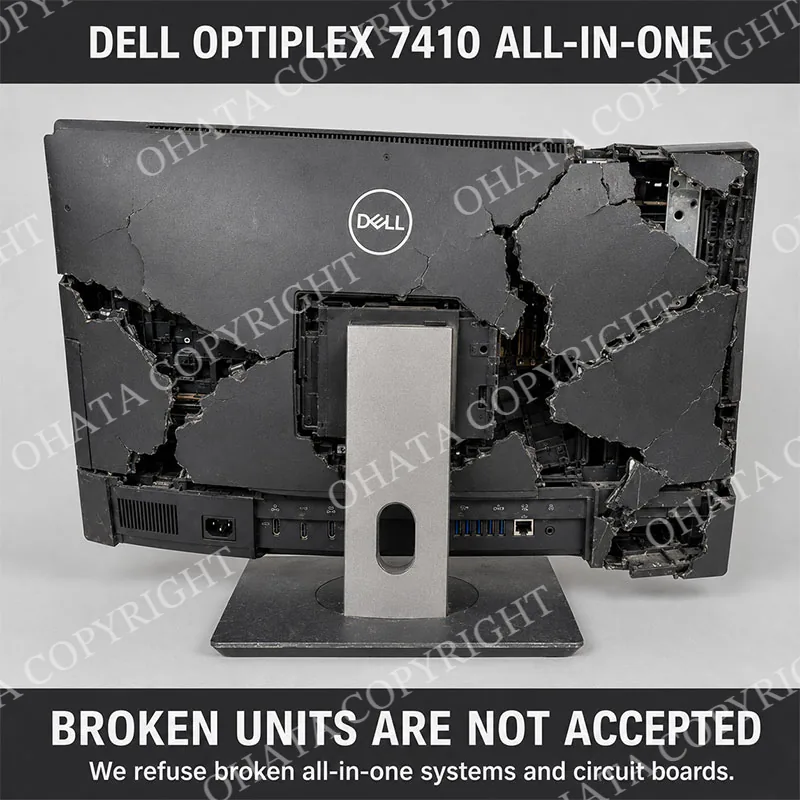
For standard purchasing, the system should be delivered with its motherboard installed and without deliberately added weight. Units should not contain rocks, water, unrelated metal, rubbish, or other foreign material.
Before delivery:
Separate all-in-one computers from ordinary monitors.
Keep motherboard-installed units separate from empty housings.
Separate heavily damaged or contaminated material.
Do not mix laptops, desktop towers, televisions, loose screens, or printers.
Stack units securely on pallets to prevent breakage.
Protect screens and unstable stands during transportation.
Do not throw units loosely into containers.
Customers are responsible for removing their personal information. Once we purchase or receive a data-bearing device, it undergoes certified software data destruction or complete physical shredding. Because of this process, we cannot recover files or other data.
Storage devices may be removed before delivery when required, provided the motherboard and other qualifying components are not damaged or removed in the process.
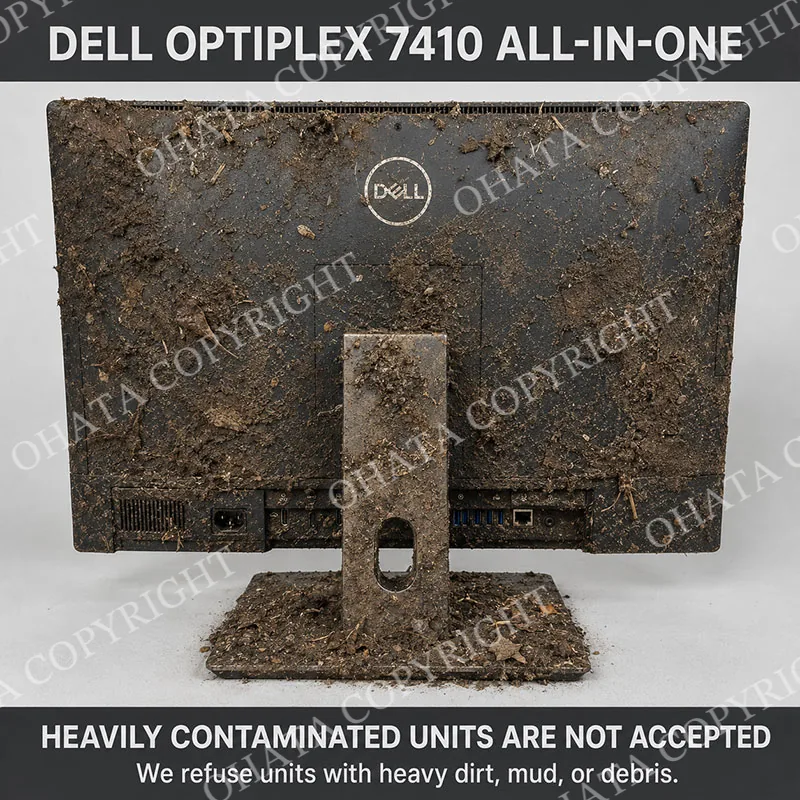
Workers should use gloves and safe lifting procedures because all-in-one systems may be heavy, awkward, or glass-fronted. Broken screens and damaged housings may create sharp edges. Burned or chemically contaminated units should be isolated and reported before handling.
Comparison and Classification
Correct separation from similar categories is essential.
Material received
Classification guidance
All-in-one computer with its motherboard installed
All-in-One Systems With Motherboard
Ordinary LCD or LED monitor
Requires the applicable monitor or display category
All-in-one housing with its motherboard removed
Incomplete equipment requiring separate classification
Loose motherboard removed from an all-in-one computer
Evaluate under the applicable loose-board standard
Laptop with screen and keyboard
Requires the applicable laptop category
Desktop tower with a separate monitor
Evaluate as separate desktop-computer and monitor categories
Television or digital-signage display
Requires the applicable television or display category
Severely broken, burned, or contaminated all-in-one system
Separate condition inspection required; hazardous units may be rejected
Mixed all-in-one systems, monitors, televisions, and other equipment
Separate inspection, sorting, weighing, and pricing required
The defining difference is the combination of a display-based all-in-one enclosure and an installed computer motherboard. A monitor may have a small display-control board, but that does not make it an all-in-one computer motherboard. Conversely, a removed all-in-one motherboard should no longer be weighed and purchased as a complete all-in-one system.
Official Ohata Classification
Under the Official Ohata Classification, this category covers complete or substantially complete all-in-one computers with their original motherboards installed inside the display housing.
A qualifying system will generally have:
Recognizable all-in-one construction: A display-based enclosure containing the main computer components without requiring a separate desktop tower
Motherboard installed: The original main motherboard, processor area, internal connections, and associated cooling components remain inside the housing
Substantially complete structure: The display housing, internal frame, rear housing, and major computer assemblies remain recognizable
Acceptable condition: The unit is dry, identifiable, safe to handle, and free from hazardous contamination
The computer and display do not need to function. Ordinary cosmetic wear, obsolete hardware, missing operating software, and unknown operational condition do not independently prevent qualification. Keep loose metal, water, packaging, accessories, waste, and other unrelated material separate so the system can be inspected and weighed accurately.
An ordinary monitor does not qualify because its display-control board is not a computer motherboard. Units with their motherboards removed, empty housings, loose motherboards, televisions, laptops, and separate desktop systems require other applicable classifications.
Different manufacturers, models, screen sizes, and processor generations may receive the same category price when they meet the Ohata All-in-One Systems With Motherboard standard. Final classification, measured weight, and buying value are confirmed after physical inspection.
- 1. What is today’s price for All-In-One Systems with Motherboard Buying?
- As of Oct 06,2026, Ohata Shoji America Inc., (Seattle, WA, United States) is purchasing All-In-One Systems with Motherboard Buying at 0.04 (USD/lb). We provide competitive scrap prices in Seattle, Bellevue, Renton, Tukwila, Kent, SeaTac, Tacoma, Everett, and surrounding communities.
- 2. What qualifies as “All In One Systems with motherboard”?
- It includes complete or substantially complete all-in-one computers with their original main motherboards still installed inside the display housing.
- 3. Does the computer need to be working?
- No. Working condition is generally not required. Non-working or untested systems may qualify if the motherboard and essential computer components remain installed.
- 4. Does an ordinary computer monitor qualify?
- No. A standard monitor only contains display-control and power boards. It does not contain the complete computer motherboard required for this category.
- 5. Are broken or burned all-in-one computers accepted?
- Severely broken, burned, melted, or carbonized units may be downgraded or rejected. Minor cosmetic scratches and ordinary second-hand wear are normally acceptable.
- 6. Are dirty or contaminated systems accepted?
- Light dust is generally acceptable. Systems containing heavy mud, oil, rubbish, hazardous substances, or excessive debris may be downgraded or refused.
- 7. Why should different equipment categories be separated?
- All-in-one computers, monitors, televisions, laptops, desktop towers, and empty housings belong in different purchasing categories. Mixed shipments are accepted but may require separate inspection, sorting, weighing, and pricing.
- 8. How should all-in-one systems be prepared for delivery?
- Keep motherboard-installed units separate from monitors and empty housings. Stack them securely on pallets, protect glass screens, remove unrelated material, and separate damaged or contaminated equipment before delivery.
- 9. Who can use the Ohata.ai online platform?
- Our digital ecosystem serves both individual consumers recycling small tech loads and large corporate enterprises liquidating mass data centre infrastructure.
- 10. How do you handle non-functional or broken hardware?
- Items that cannot be refurbished are routed to our automated material lines for high-yield precious metal resource recovery.
- 11. Is there a processing fee for using digital payment options?
- No, Ohata.ai does not charge any transaction fees for sending your payouts via direct deposit or digital wallets.
Related Items
Modern Smart Phone with Battery and Cover Buying
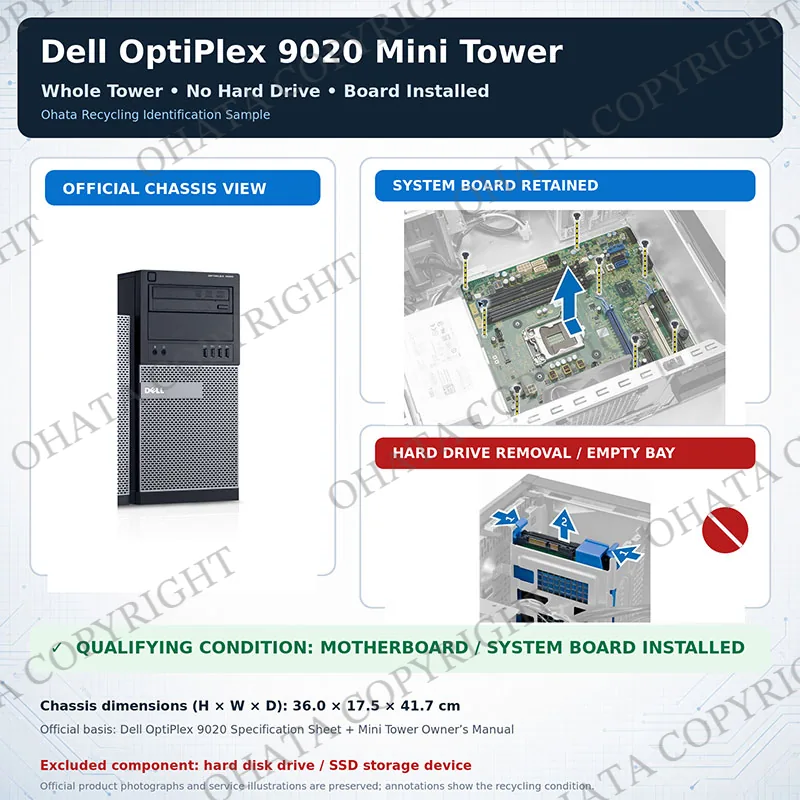
Whole Tower (Desktop Computer) No Hard Drive with board
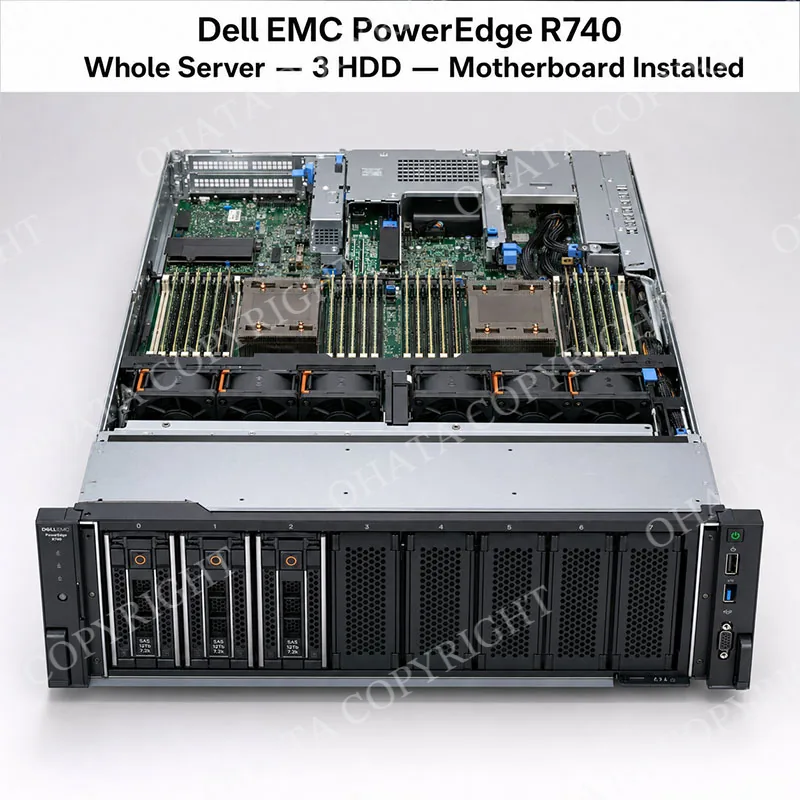
Whole Server With 3 Hard Drive with board buying
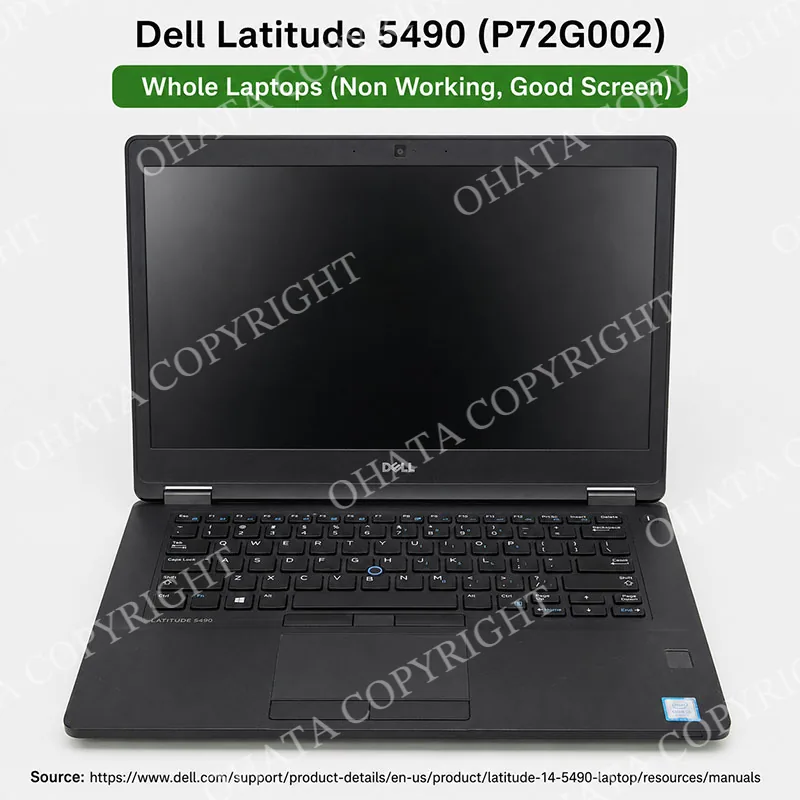
Whole Laptops (Non Working, Good Screen) buying
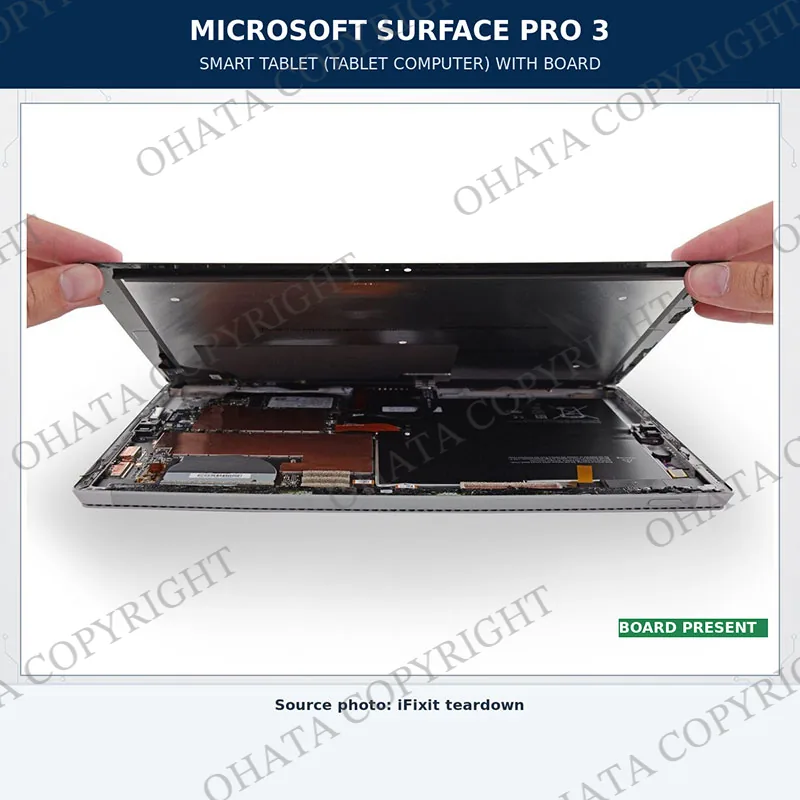
Smart Tablet ( Tablet Computer) with board buying

Smart phone (Non-cell phone) No Battery with board buying
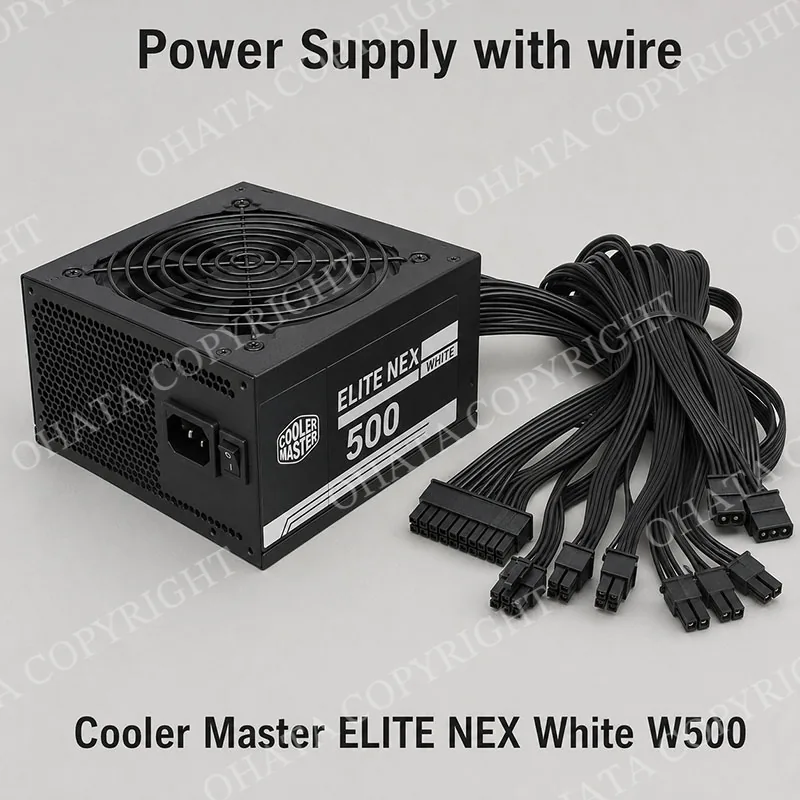
Power Supply with Wire Buying
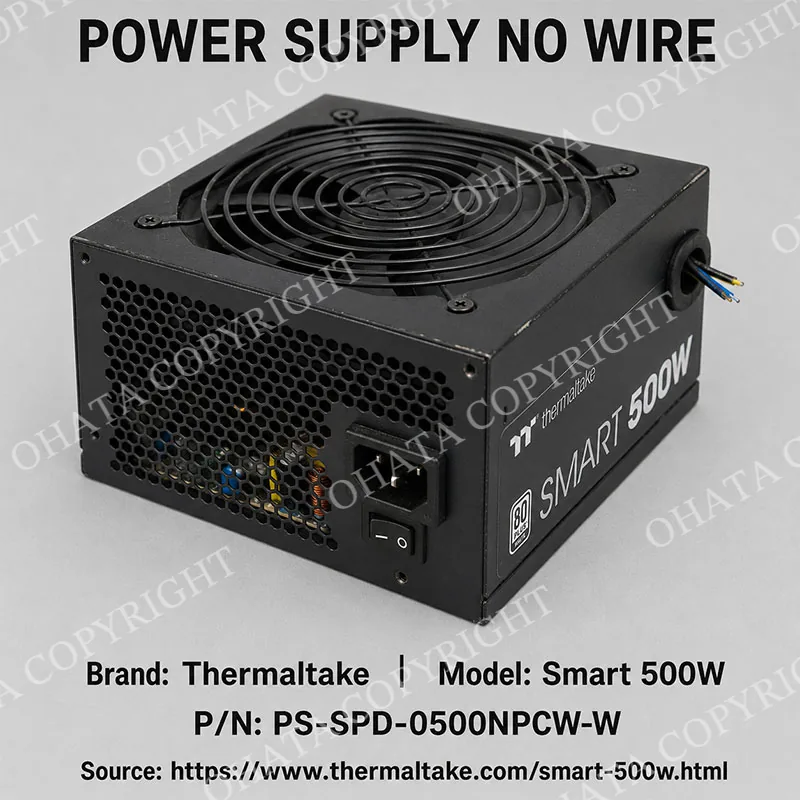
Power Supply No Wire Buying